$
Kobo$Arc$User$Guide$88$
$
3. Tap$the$Status$Details$section$at$the$top$of$the$list$that$appears.$
4. Tap$Wi<Fi.$
5. Tap$the$word$Off$beside$Wi_Fi.$
The$word$On$and$a$list$of$available$wireless$networks$will$
appear.$$
6. Tap$the$name$of$the$network$you$want$to$join.$$
7. If$required,$enter$the$network$p assw ord. $
8. Tap$Connect.$$
If$your$Kobo$Arc$connec ts$prop erly,$you ’ll$see$"Conn ecte d"$
beneath$the$network$name.$$
Make%sure%that%there%are%available%wireless%networks%in%your%area%
You$may$be$in$an$area$that$does$not$have$any$wireless$networks,$or$
where$the$networks$are$not$available$for$you$to$use.$To$check$for$
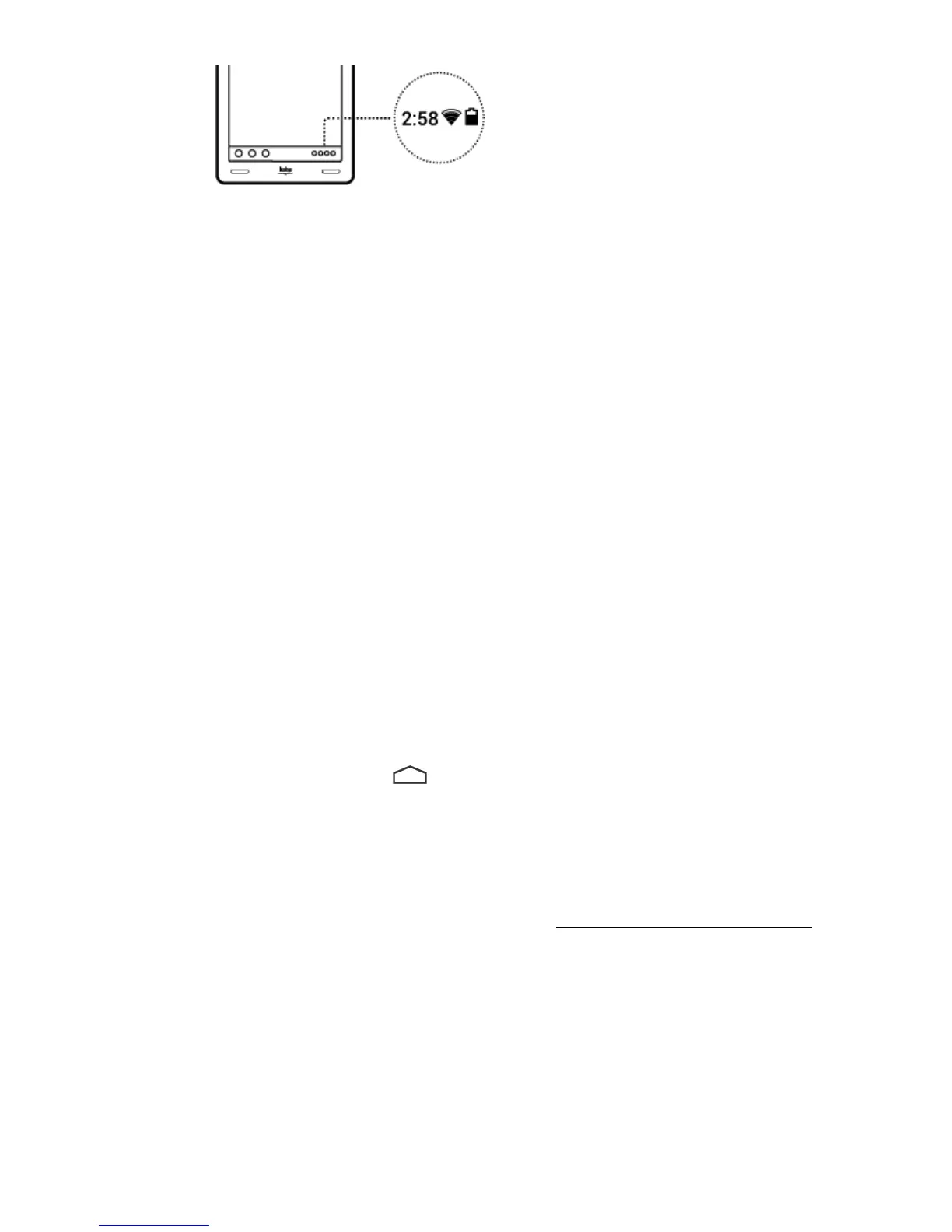
available$networks,$tap$the$ $Home$icon$on$your$Kobo$Arc.$If$there$is$
no$Wi$Fi$icon$at$the$bottom$right$of$the$screen,$your$Kobo$Arc$is$not$
connected$to$a$wireless$network.$
Note:$Follow$the$ste p s$in $th e $se c tio n $above,$Make$sure$that$Wi$Fi$is$on,$
to$connect$to$a$network.$$



 To Next Page