Operational Descriptions
■ Functional Descriptions
▷
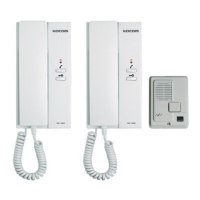
This product supports the following functions including call to and communication with house.
a. Call to and communication with house and guard b. Common gate open
c. Image transmission to house d. Lobby phone ID setting
e. RF card registration and deletion (option) f. Password registration per house
g. Lobby phone version check
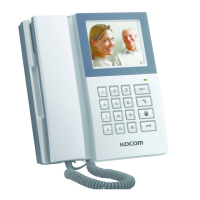
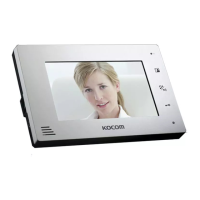
These products are only compatible with KIV-102, D102, KIV-212, D212, KCV-802R, D802R, KVM-520/D520 monitor, KIP-603, KDP-603
doorphone or KIP-120 guard master. If it is used with other product(other company), it might be mal-functioned.
▷
Call to house
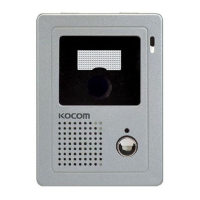
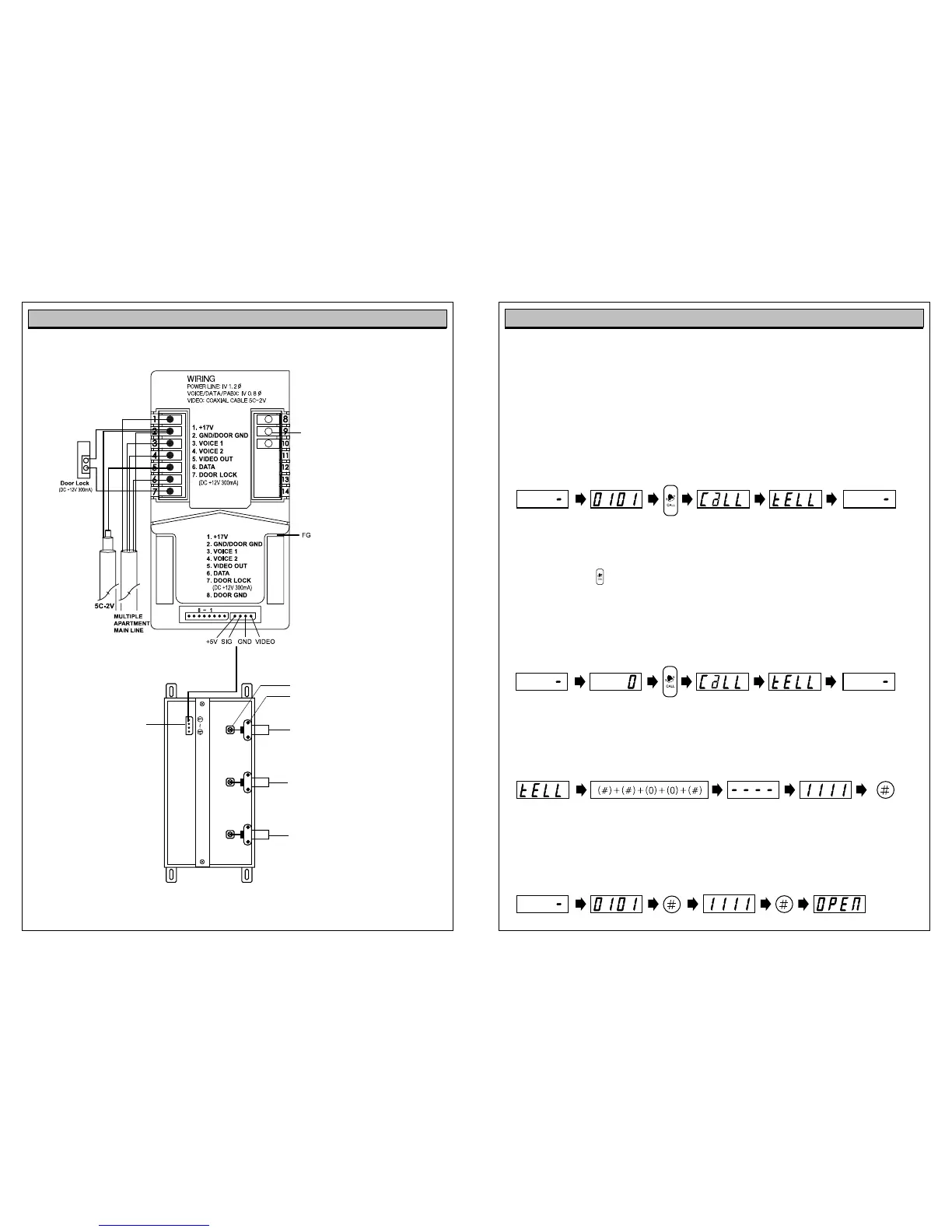
In order to call from lobby to household, input house no. and press “call”button in order.
Pressing call button, call sound rings and house is called.
If the house responds to the call, communication is available for 3 minutes.
(Pressing door open button during the communication, opener installed common front door is opened.)
When communication is ended, device returns to standby mode.
※Pressing call button only on the lobby phone, the monitor, set as ID NO.1, is called automatically.
In case the house being called is on the line with extended lobby phone or guard, busy sounds(T,T,T,T) comes.
And it returns to stand by mode.
▷
Call from lobby phone to guardroom
Pressing “0”and call button on the lobby phone, guardroom is called, ID of Lobby emerges on the guard master.
Communication with guardroom is available for 3 minutes. When communication is ended, device returns to
standby mode.
▷
Private Password Setting
(Password change function is only available during the call with house.)
Pressing “# # 0 0 #” during communication with house, “_______” is displayed.
Input new password and press “#” button.
ex) In case registering ‘1111’ as password.
- Only up to four ciphers are available for password.
▷
Door open using private password
In order to open the door by password from lobby, press ‘house number + # + password + #’, then the door is
automatically released.
ex ) In case opening common gate by password registered as ‘1111’.
External Wiring Diagram
Lobby phone can be extended up to 3 units.
House Video Output-A
Video output port (A) to house, adopts
coaxial cable wiring. [coaxial cable-5C 2V]
Video
GND
House Video Output-B
Video output port (B) to house, adopts
coaxial cable wiring.
[coaxial cable-5C 2V]
Extension Lobby phone Video Input
Video Input port from extended
Lobby phone. Coaxial cable wiring.
[coaxial cable-5C 2V]
Video Amplifier
Connection
Composes of connector for
easier connection to Lobby
phone. (1: 5V, 2: Signal,
3: GND, 4: Video)
※ After cutting “4 Pin” connector,
long distance (upto 20m) connection
between Lobby phone and KHU-102P
can be made, using TIV 0.8mm cable.
■KHU-102P
Lobby Video Amplifier
Door lock dry contact type
1. If the door opener is the type of ON dry
contact, please connect it to the Terminal
No.8 (N.O.) & 9 (COM.).
2. If the door opener is the type of OFF dry
contact, please connect it to the Terminal
No.9 (COM.) & 10 (N.C.)
3. Additional power supply is necessary in
this connection.
KDP-100 wiring
No.5 (Video Out) terminal is not used.
Stand by House Number Call state Communication state Stand by
Stand by Guard master Number Call state Communication state Stand by
Communication state Password input mode Hold New password # Button
Stand by House Number # Button password # Button Releasing common gate
7
8


 To Next Page
 Loading...