Speaker
Handset
Paging
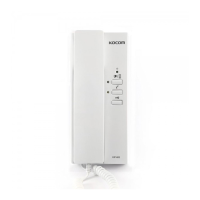
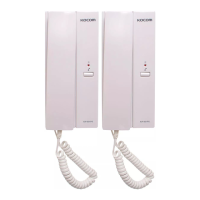
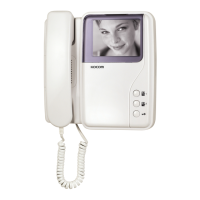
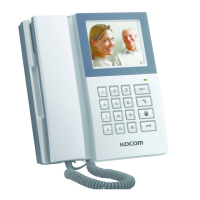
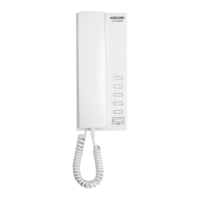
KIP-611PG KIP-605PG
Call Button
Call Button
C-Mic
POWER : DC 24V(1.2A)
CONSUMPTION : UN LOAD ; 0.85W IN LOAD ; 1.7W
NO.OF WIRES : 4WIRED PARALLEL
(VOICE,CALLING, POWER, GND)
RANGE: TIV 0.6 (1Km)
SIGNAL SOUND : TONEING SOUND
PAGING FUNCTION(RANGE: 0.40Km(Normal)
※ 1Km(When additional DC 24V adaptor is installed)
��
COMPOSITION :
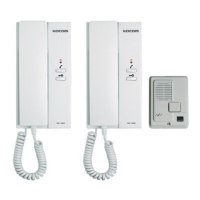
- MULTIPLE INTERPHONE (KIP-611PG/605PG)
- ADAPTOR (PS-M1 ※Option)
-
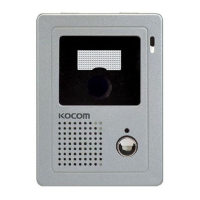
(DS-4M ※Option)
SPECIFICATION & FEATURES
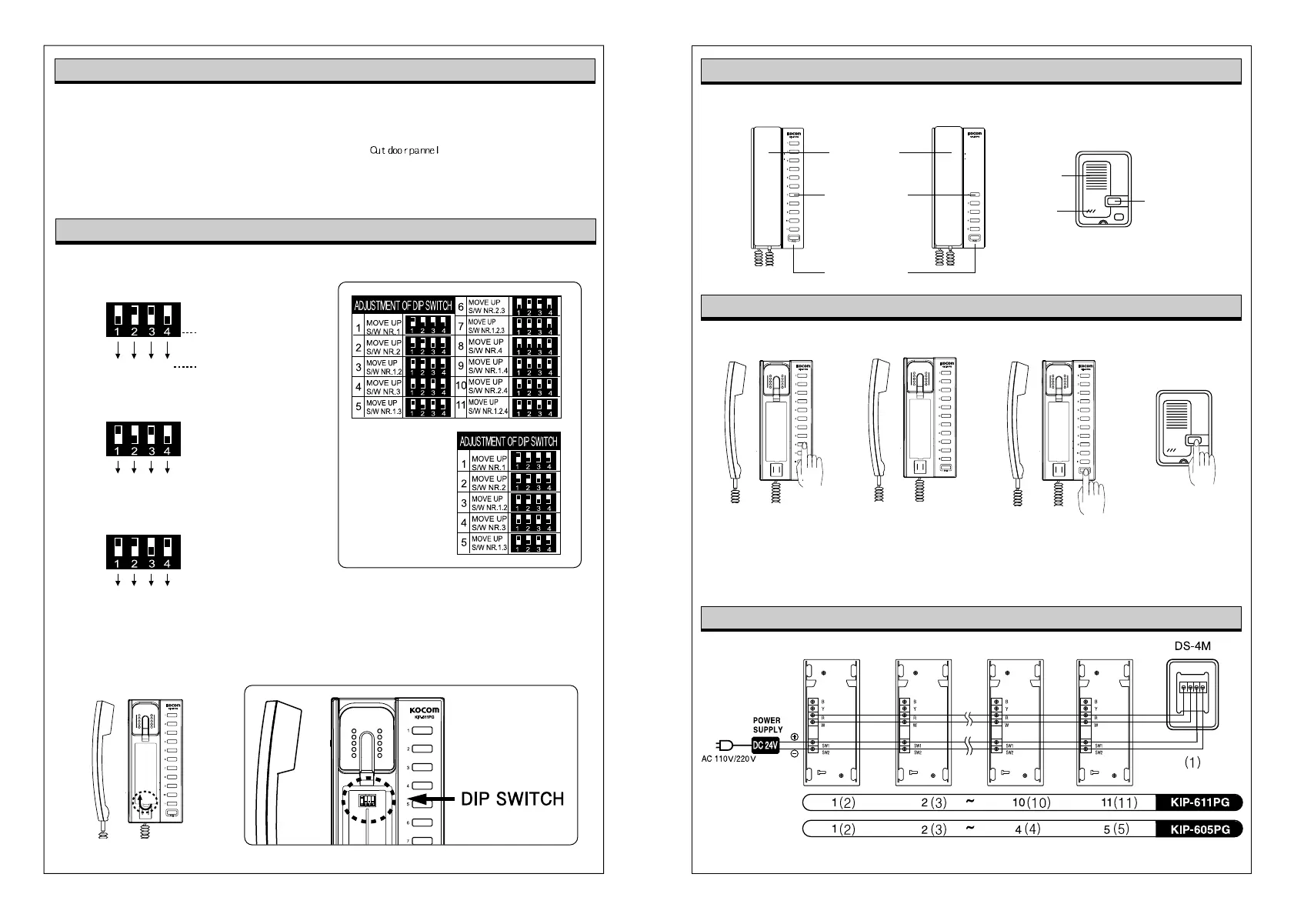
AD JUSTMENT OF DIP SWITCH
How to operate (Instruction for operating)
Wiring Diagram
Name of Each Part
KIP-611PG
Open the cover,
and you can adjust
using dip switch.
KIP-605PG
After picking up the phone
and pressing the P/G button,
you can make the
announcement through
handset.
You can make
a call pressing
call button.
When the phone is
ringing, if you pick up
the phone, you can start
the conversation.
Select & Press unit
number, and you can
make the call.
Making Call Receiving Call Paging
※ When using DS-4M(OPTION) with KIP-611PG or KIP-605PG it should be No.1 in DIP switch.
So KIP-611PG or KIP-605PG can not be set as No.1 in dip switch.
※ When using DS-4M(OPTION) with KIP-611PG or KIP-605PG, please set the numbers in the ( )
DS-4M
(※OPTION)
1 2 4 8
ON
OFF
ON
OFF
Installation No. on manual.
DIP switch instructions:
Residence No.
ex) No. 5 Residence (1+4=5 on Residence No.)
1 2 4 8
ON
OFF
ex) No. 11 Residence (1+2+8=11 on Residence No.)
1 2 4 8


 To Previous Page