42
Chapter 7
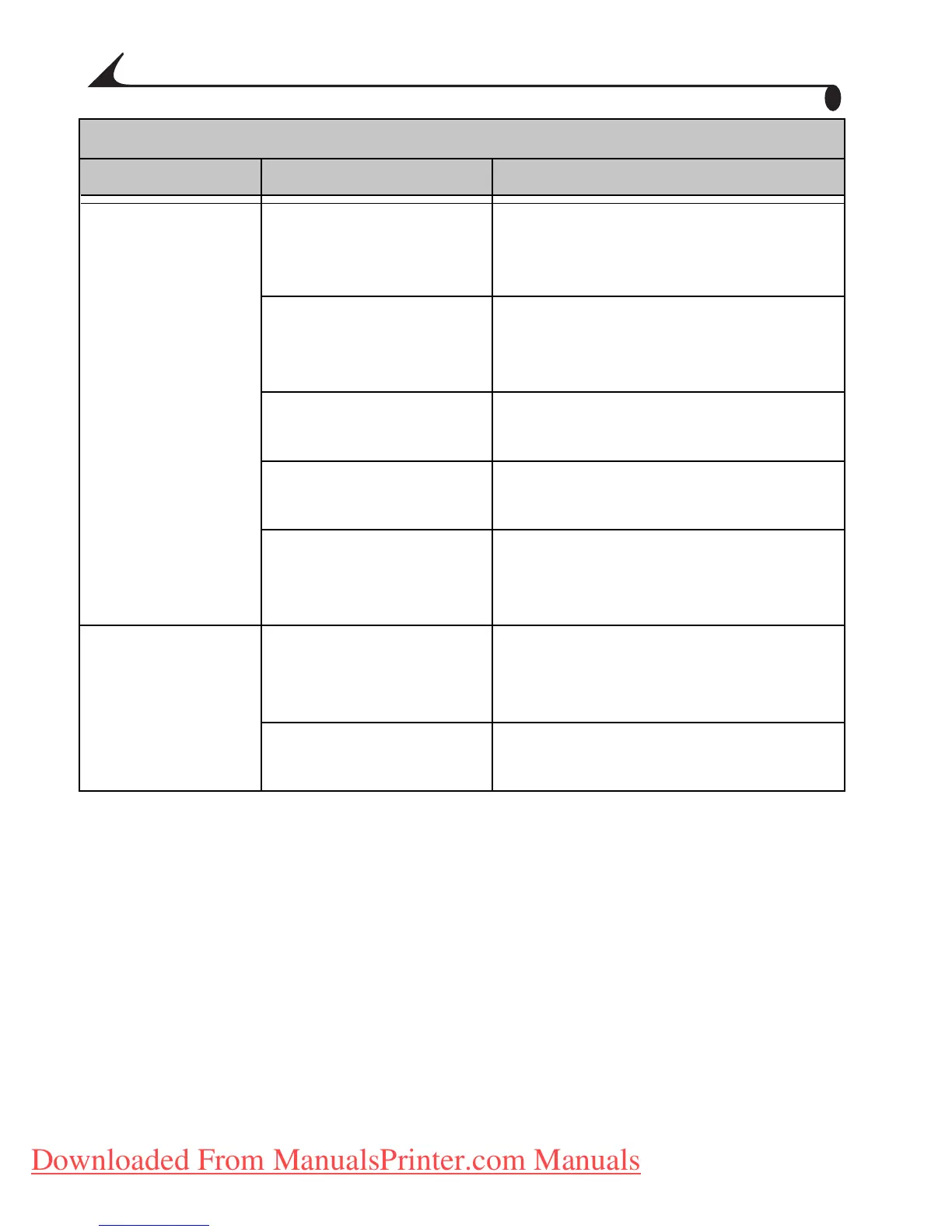
Nothing happens
when you try to
print.
The AC power cord is
not securely
connected.
Check the connections (page 5)
and try again.
The paper tray is
improperly installed.
Remove the paper tray, check that
paper is properly loaded, and re-
install (page 7).
The paper tray is
empty.
Check that the paper light appears,
then load paper (page 7).
The color cartridge is
improperly installed.
Re-install the color cartridge
(page 6).
The color cartridge is
depleted.
Check that the color cartridge light
appears, then install a new color
cartridge (page 6).
...from the
camera.
The camera is not in
the printer dock or is
improperly seated.
Replace the camera on the printer
dock (page 13) and try again.
There are no pictures
in the camera.
Check the camera’s internal
memory and memory card.
Printing
Problem Cause Action/Solution
urg_00041.book Page 42 Friday, January 3, 2003 10:37 AM
Downloaded From ManualsPrinter.com Manuals



 To Next Page