5-10 KODAK DIGITAL SCIENCE DC210 Plus Zoom Camera User’s Guide
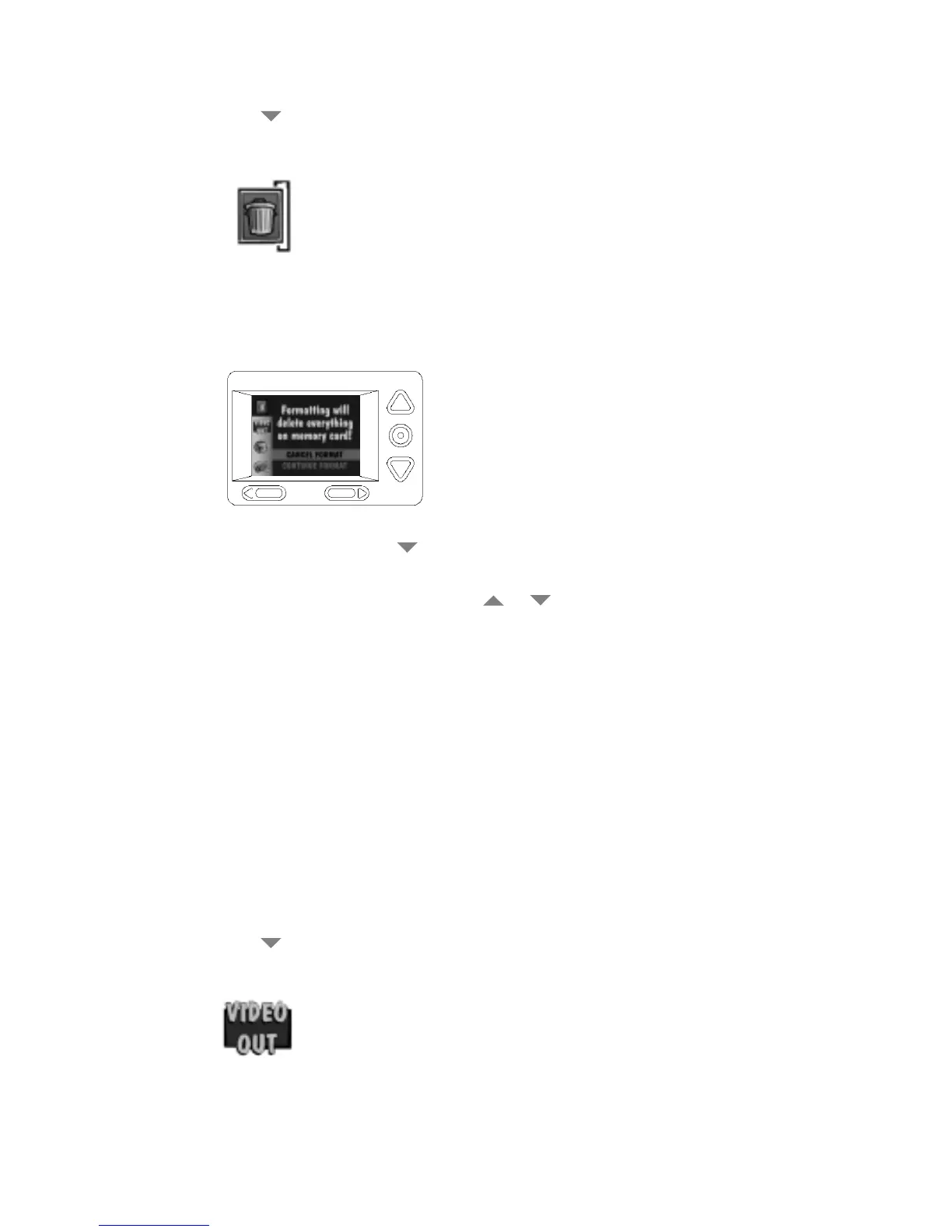
3. Press the button until the Format Memory Card icon (shown below) is highlighted
on the Preferences screen.
4. Press the Do-It button.
The LCD displays the main Format Memory Card screen.
5. To format the card, press the
button until CONTINUE FORMAT is highlighted.
Then press the Do-It button.
To stop the formatting operation, press a or
button until CANCEL FORMAT is
highlighted, and then press the Do-It button.
9LGHR2XW
The Video Out screen sets the camera’s video output to National Television Standards
Committee (NTSC) or Phase Alternating Line (PAL) format. The video-out format selected
depends on your TV or video monitor. In most cases European countries use a PAL format,
and other countries use an NTSC format.
To set the video-out format, perform the following steps:
1. Set the mode dial to Preferences.
2. Turn on the camera.
The LCD displays the Preferences screen.
3. Press the
button until the Video Out icon (shown below) is highlighted on the Pref-
erences screen.


 To Next Page