Doing more
12 www.kodak.com/go/easysharecenter
Playing music
Play your MP3 files (from any connected device or source) to accompany your pictures,
videos, and slide shows.
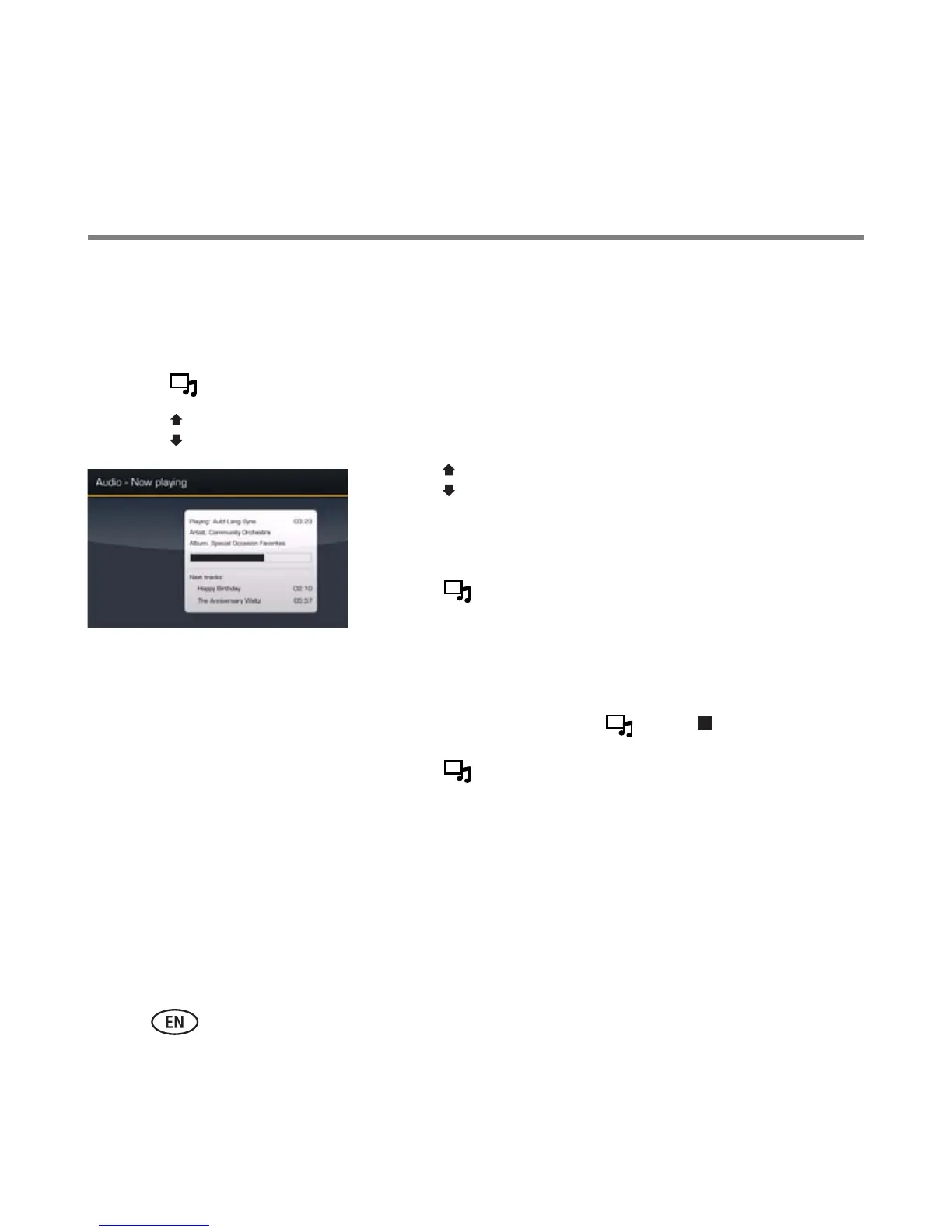
1 Press to interrupt your picture or slide show and display the Audio screen.
2 Press to locate your music files. Then press OK.
3 Press to select Play All Songs or to go to the next
or previous song. Then press OK.
Your music starts playing.
4 Press to return to your picture or slide show.
Your selected music continues to play as the slide show
resumes. Videos play without their related audio (default
setting).
5 To turn off music, press , then .
6 Press again to return to your pictures.
NOTE: To copy audio files to internal memory, drag and drop them from your computer via the included USB
cable. See your extended user’s guide.











 To Next Page