Doing more
www.kodak.com/go/digitalframesupport 13
Deleting pictures
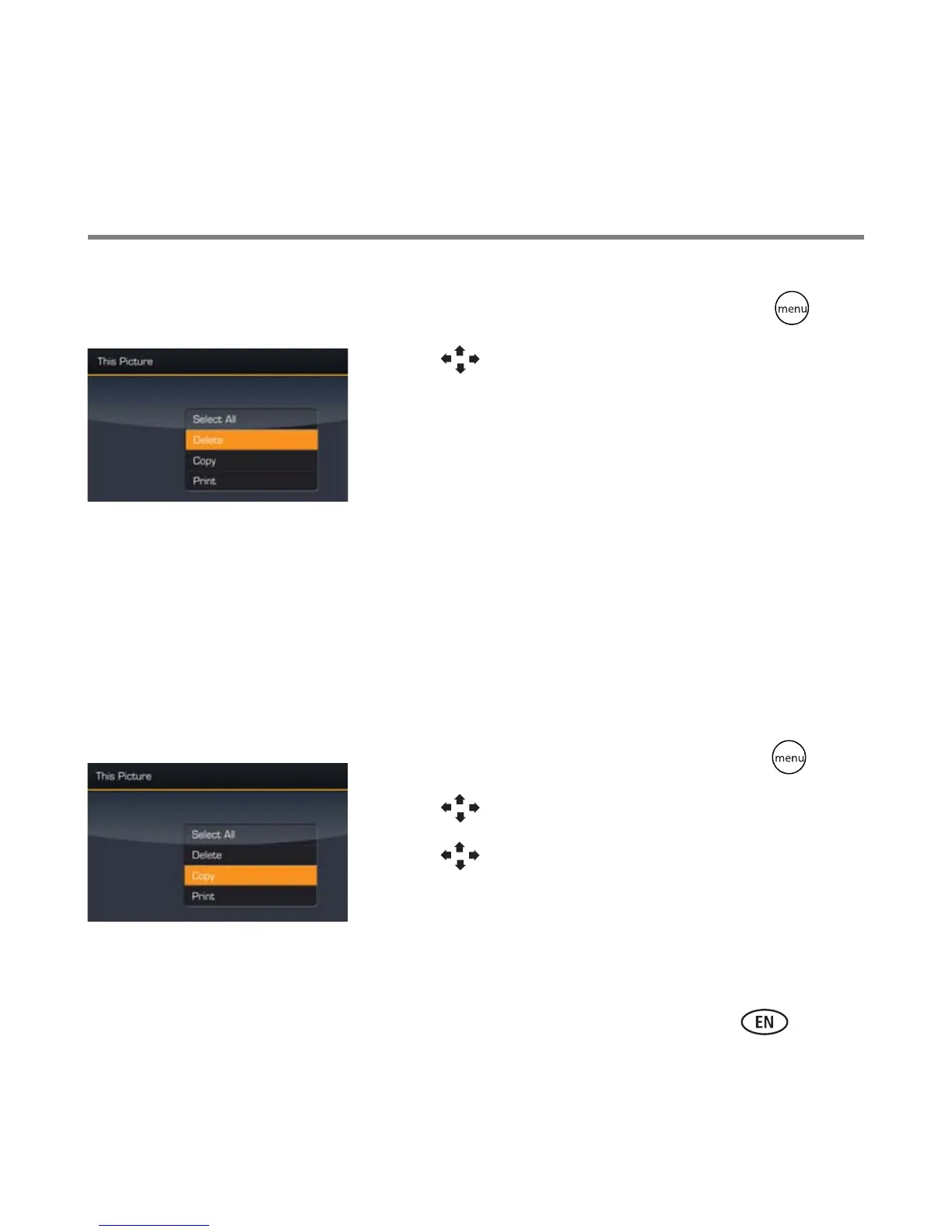
1 Display a picture in single view, then press .
2 Press to highlight Delete, then press OK.
3 Highlight Delete and press OK again to confirm.
(To cancel the deletion, highlight Exit, then press OK.)
The picture/video is deleted.
To delete multiple pictures/videos, see page 14.
NOTE: You can delete pictures/videos from a card, internal memory, or some connected USB devices.
You cannot delete from remote locations over the wireless network.
Copying pictures
Copy pictures/videos from your current viewing location to internal memory or other
connected devices. To copy pictures/videos to your computer in connected or wireless
mode, see your extended user’s guide.
1 Display a picture in single view, then press .
2 Press to highlight Copy, then press OK.
3 Press to highlight the location you want to copy
to, then press OK.
To copy multiple pictures/videos, see page 14.






 To Next Page