EasyManua.ls Logo

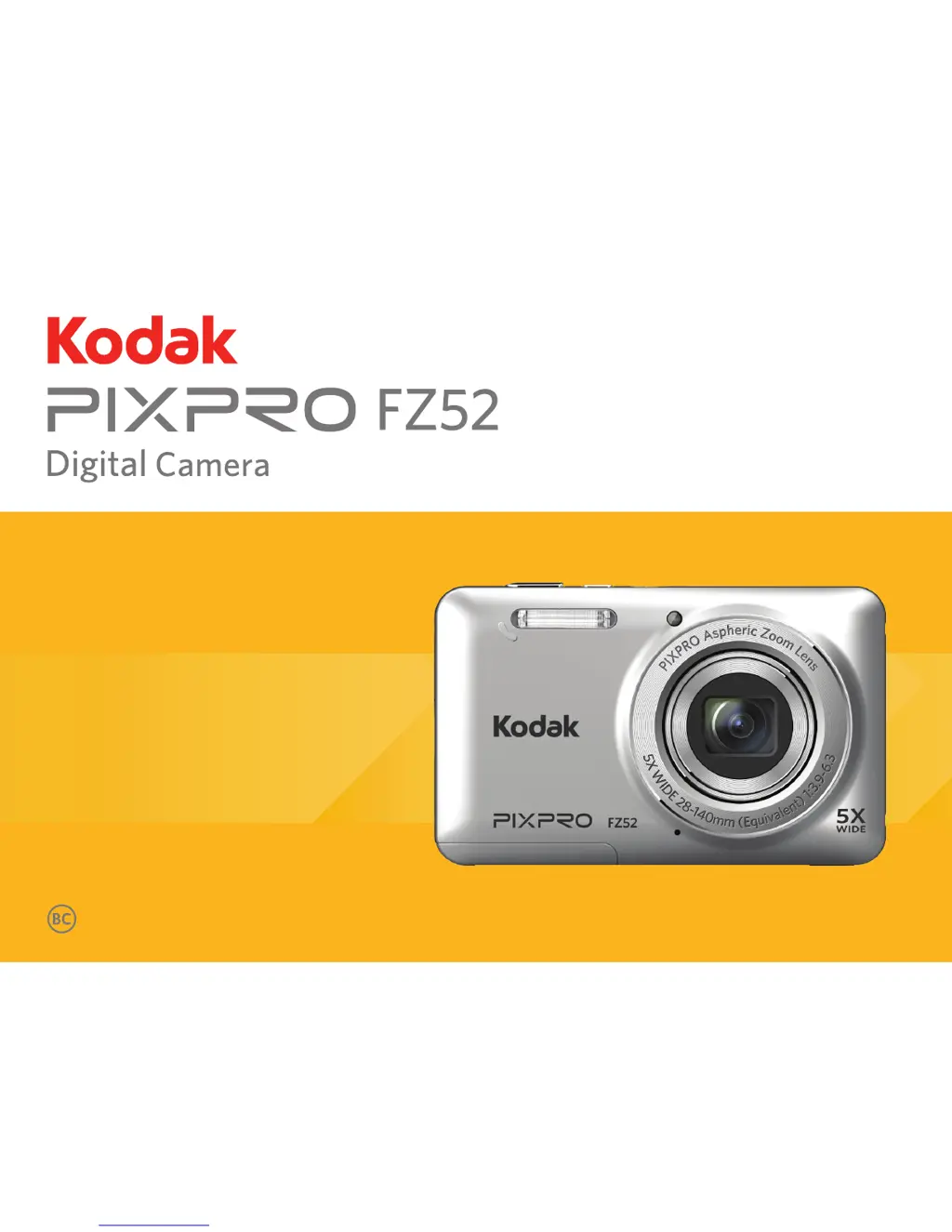
Kodak PIXPRO FZ52 - User Manual

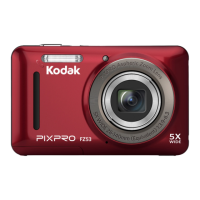
Kodak PIXPRO FZ52
89 pages
Print Icon
To Next Page IconTo Next Page
Loading...
User Manual

Table of Contents

Questions and Answers

  • R
    Rebecca CookeJul 30, 2025
    Why won't my Kodak PIXPRO FZ52 Digital Camera turn on?
    • S
      Stephen LynnJul 30, 2025
      If your Kodak Digital Camera isn't turning on, it could be due to a depleted battery. Try recharging the battery. Also, ensure the battery is correctly installed; if not, reinstall it correctly.
  • Q
    qrobinsonAug 3, 2025
    What to do if Kodak PIXPRO FZ52 cannot write to the memory card?
    • C
      Charles PalmerAug 3, 2025
      If your Kodak Digital Camera cannot write to the memory card, the SD memory card may be locked. Release the write lock or replace it with another card. Also, using an SD card with a rating lower than Class 4 may cause issues when recording HD movies. Use an SD card with write Class higher than 4 to improve performance.
  • M
    mcclainkristinAug 7, 2025
    How to fix blurred pictures on Kodak Digital Camera?
    • F
      friceAug 8, 2025
      If your picture is blurred when using the Kodak Digital Camera, it might be due to camera shake. Try turning on the OIS (Optical Image Stabilization) feature.
  • C
    Clayton TorresAug 12, 2025
    What to do if my Kodak PIXPRO FZ52 Digital Camera images and videos won't save?
    • D
      Daniel CastanedaAug 12, 2025
      If your Kodak Digital Camera isn't saving images and videos, the SD memory card might be full. Try using another memory card or deleting unnecessary files. Alternatively, the memory card could be locked, so try unlocking it.
  • B
    Brenda DrakeAug 16, 2025
    Why won't my Kodak PIXPRO FZ52 images print?
    • D
      Danielle SerranoAug 16, 2025
      If images from your Kodak Digital Camera won't print, first check the connection between the camera and the printer. Ensure you're using a PictBridge compatible printer. Also, make sure the printer has paper and ink, and that there's no paper jammed in the printer. If there is paper jammed, remove the jammed paper.
  • J
    John MartinezAug 20, 2025
    Why is my Kodak Digital Camera slow to save to memory card?
    • E
      erin89Aug 20, 2025
      If saving data to the memory card on your Kodak Digital Camera is slow, it may be because you are using a memory card below Class 4. Using an SD card with write Class higher than 4 to improve performance.
  • R
    Ronald BellAug 26, 2025
    What to do if Kodak PIXPRO FZ52 has too many movies to process?
    • R
      Riley JenkinsAug 26, 2025
      If your Kodak Digital Camera has too many movies to process, it's because the number of pictures or folders in the SD memory card exceed the specifications, so the playback can not be displayed. Delete unwanted files.

Summary

Before You Start

Declaration of Conformity

Legal and regulatory compliance statements for the device.

About this Manual

Introduction to the manual's content and usage guidelines.

Safety Notes

Safety Notes for This Camera

Important precautions for safe operation and handling of the camera.

Getting Ready

Accessories Included

Lists and describes the items included in the camera package.

Part Names

Charging Battery

Installing Battery and Memory Card

Turning Camera On and Off

Symbol Description

Set Your Language, Date;Time

Set Your Language, Date;Time After the First Power-On

Initial setup steps for language and date/time configuration.

Resetting Your Language

Procedure to change or reset the camera's language setting.

Resetting Date;Time

Mode Overview

Display Setting

Options to customize the camera's LCD screen display.

LCD Screen Display

Overview of the Screen Icons in Photo Shooting Mode

Explains the meaning of icons shown during photo capture.

Overview of the Screen Icons in Movie Mode

Overview of the Screen Icons in Playback Mode

Using the Mode Button

Manual Mode M

Auto Mode

Anti-shake

Portrait

Panorama Mode

Scene Mode (SCN)

Auto Scene Mode (ASCN)

Basic Operation

Using the Zoom Function

Instructions on how to operate the camera's zoom feature.

Macro Mode

Self-timer Setting

Flash Mode

EV Setting

Exposure Compensation

ISO

Shutter Adjustment

Using Quick Recording

Playback

Viewing Photos and Videos

How to access and view captured photos and video clips.

Thumbnail View

Using Zoom Playback (for Still Pictures Only)

Slideshow

Photos and Video Deletion

Using the Menus

Photo Setup Menu

Accessing and configuring various photo shooting settings.

Continuous Shot

Focus Setting

White Balance Setting

Color Effect

Photo Shooting Setting Menu

Quality

Adjusting the image compression ratio for photos.

AF-Assist Beam

Digital Zoom

Date Imprint

Quick Review

Movie Menu

Video Quality

Movie Setting Menu

Playback Menu

HDR

Correcting overexposed pictures using the High Dynamic Range function.

Red-Eye Reduction

Rotate

Resize

Playback Setting Menu

Protect

Locking photos and videos to prevent accidental deletion.

Delete

DPOF (Digital Print Order Format)

Trim

Setup Menu

Sound Settings

Power Saver

Zone

Format

Deleting all data from memory cards and internal memory.

Copy to Card

File Numbering

Reset

FW Version

Connections

Connecting to a Computer

Steps to connect the camera to a computer for file transfer.

Setting the USB Mode

Configuring the camera's USB port for PC or printer connection.

Transferring Files to Your Computer

Process for copying photos and videos from the camera to a PC.

Video System

Set Eye-Fi SD Card Connection Mode

Connecting to a PictBridge Compatible Printer

Using the PictBridge Menu

Print (with Date)

Print (without Date)

Print Index

Print DPOF Images

Exit

Appendices

Specifications

Detailed technical specifications of the camera.

Prompts and Warning Messages

Troubleshooting

Kodak PIXPRO FZ52 Specifications

General IconGeneral
Image Sensor1/2.3-inch CCD
Effective Pixels16.15MP
Optical Zoom5x
Digital Zoom4x
Battery LifeApprox. 200 shots
LCD Screen Size2.7-inch
LCD Pixels230, 000 dots
ISO Sensitivity80-1600
Movie Recording720p at 30 fps
StorageSD/SDHC/SDXC
Shutter Speed1/2000
Battery TypeLithium-ion rechargeable
Weight160 g

Related product manuals