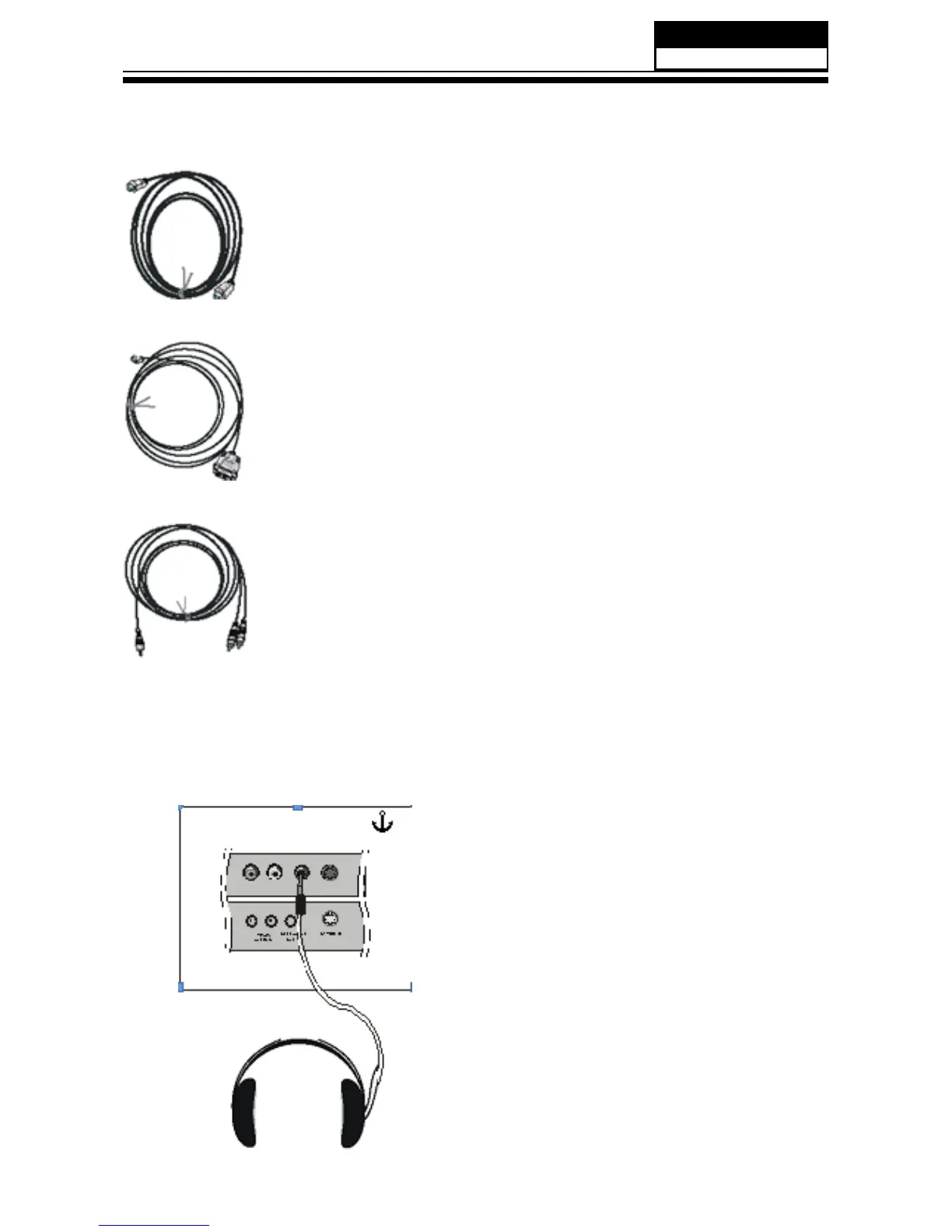
Cable sample
HDMI Cable
(not supplied with the product)
HDMI to DVI Cable
( not supplied with the product)
Analog Audio Cable
(Stereo to RCA type)
(not supplied with the product)
Connecting Headphones
You can connect a set of headphones to your set if you wish to watch a TV program without
disturbing the other people in the room.
Plug a set of headphones into the 3.5mm
mini-jack socket on the rear panel of the set.
Note
■ Prolonged use of headphones at a high volume
may damage your hearing.
■ You will not receive sound from the speakers
when you connect headphones to the system.


 To Next Page