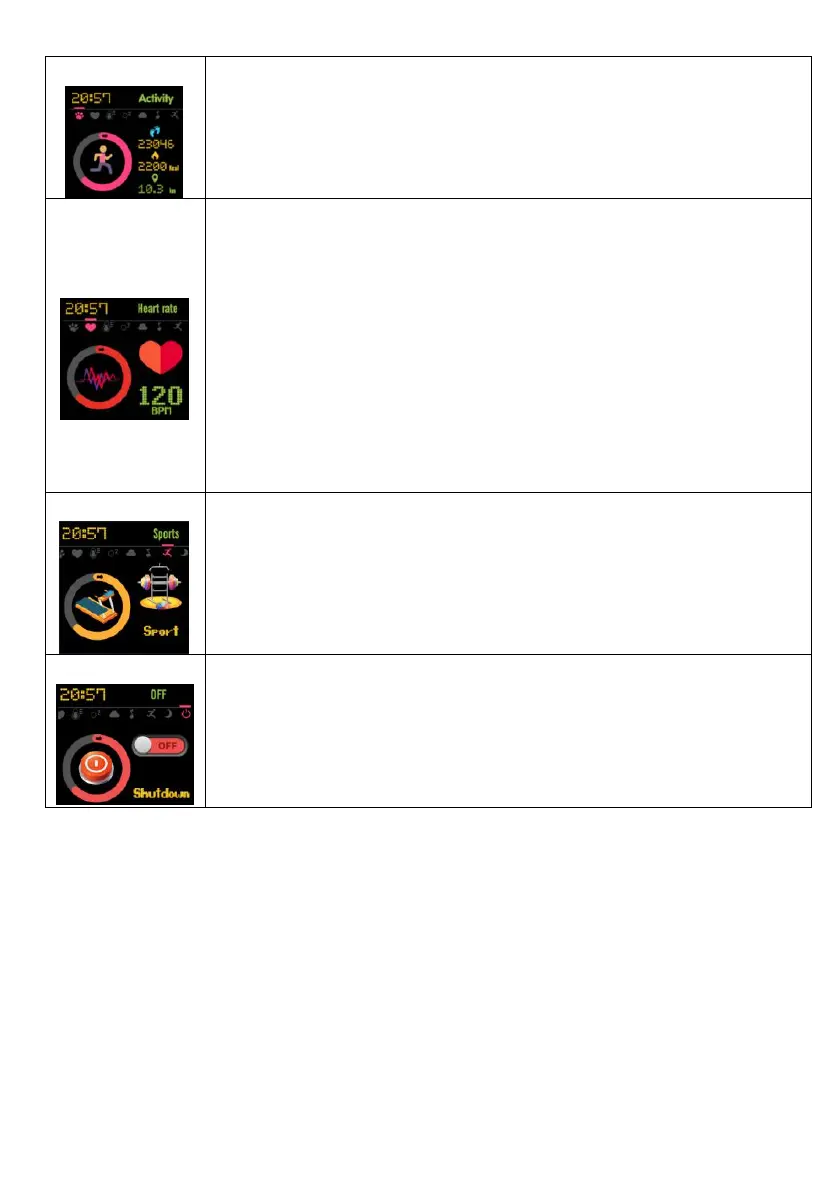
It displays the total number of steps, calorie and distance of
the day. The activity date can also be viewed in the app
after connecting the watch.
1. To measure heart rate, press and hold the touch button
for 5 seconds, the icon will change dynamically and the light
on the back of the watch will start flashing, indicating that
the heart rate measurement begins;
2. After measuring for about 15 seconds, the real-time
heart rate data will be shown in the screen. After measuring
for about 40 seconds, the device will stop the measurement
automatically. The device will return to the home watch
face automatically.
Sport function supports walking, running, climbing, riding
and swimming.


 To Next Page