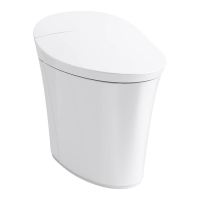
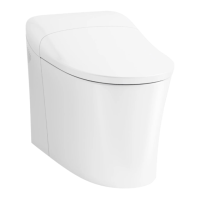
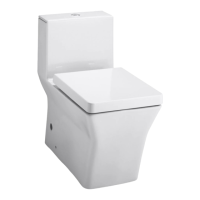
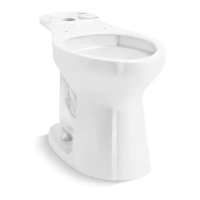
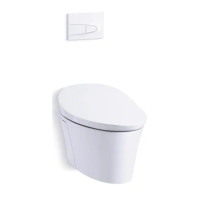
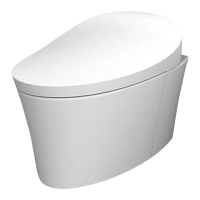
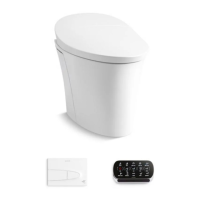
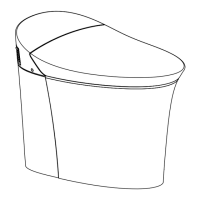
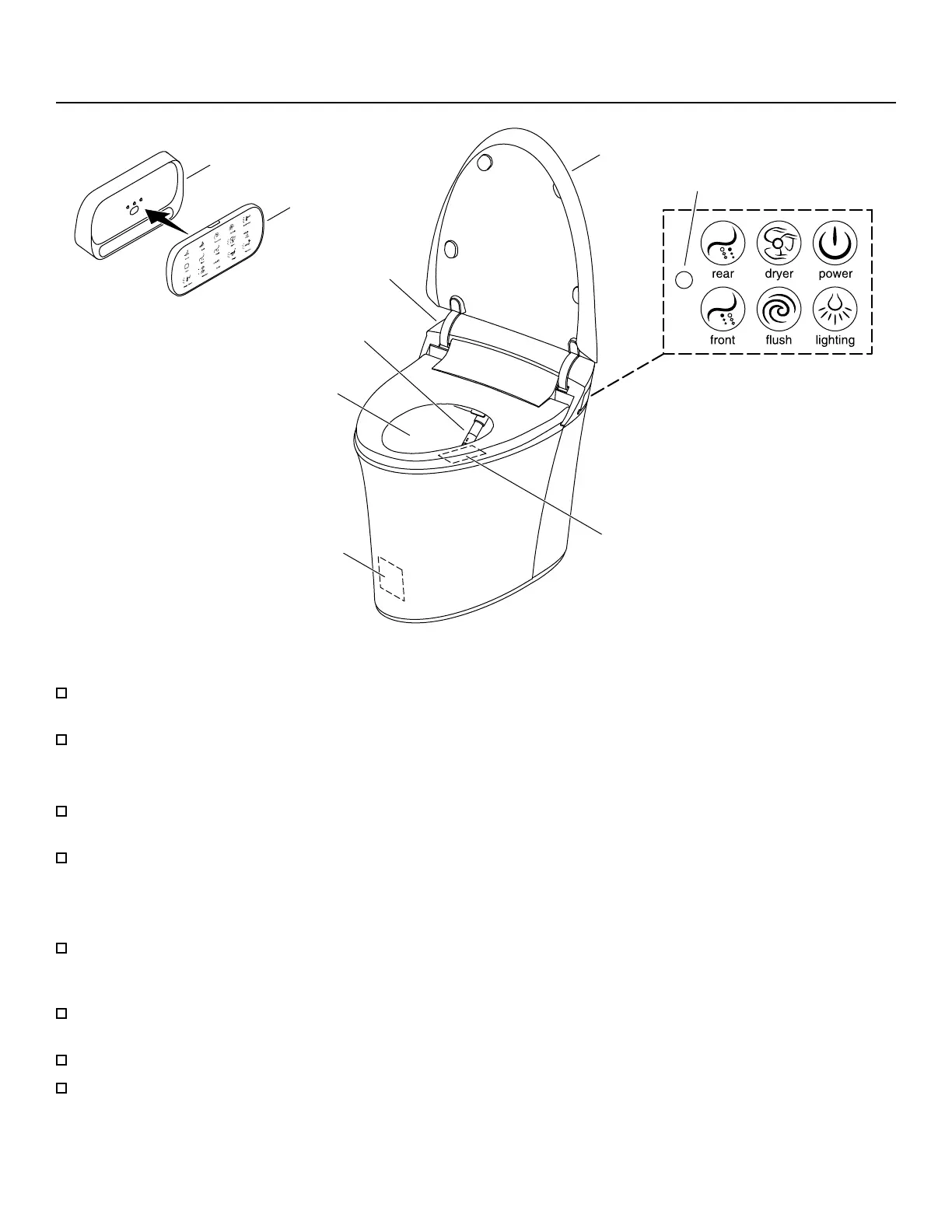
Features
Occupancy Sensor
Remote Control
Docking Station
Light Sensor
Bowl Light
Cover
Spray Wand
Control Panel
Cover Sensor
Deodorizer
Operation Options
Remote Control - When paired with the toilet, the remote control operates the toilet features. Refer to the “Remote
Control Setup” section for more information.
Control Panel - Located on the side of the toilet, the control panel allows easy access to primary toilet features.
Flush Options
Users may choose eco ush that uses 0.8 gal (3 L) of water per ush or full ush that uses 1.19 gal (4.5 L) of water per
ush.
Automatic Flush - When enabled, this feature automatically ushes the toilet after the user stands up, lowers the
cover, or approximately 60 seconds after the front of the toilet last senses motion.
Seat and Cover
Cover Sensor - When the cover auto open/close feature is enabled, a motion sensor on the front of the toilet
automatically opens the cover. The motion sensor range can be set to near, medium, or far. Sensor range may vary
depending on your bathroom layout.
Occupancy Sensor - The sensor area is located on the front right side of the seat, and detects a seated user. The
cleansing features will not function without a seated user.
Heated Seat - When activated, the seat features an adjustable heating option that will keep the seat warm.
Energy Save - When enabled, the toilet conserves energy by reducing the heated seat temperature when the toilet is
not in use.
Kohler Co. 5
1385274-5-D


 To Next Page
 Loading...