Remote Control Setup
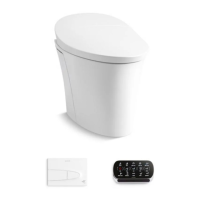
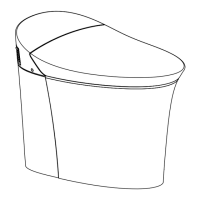
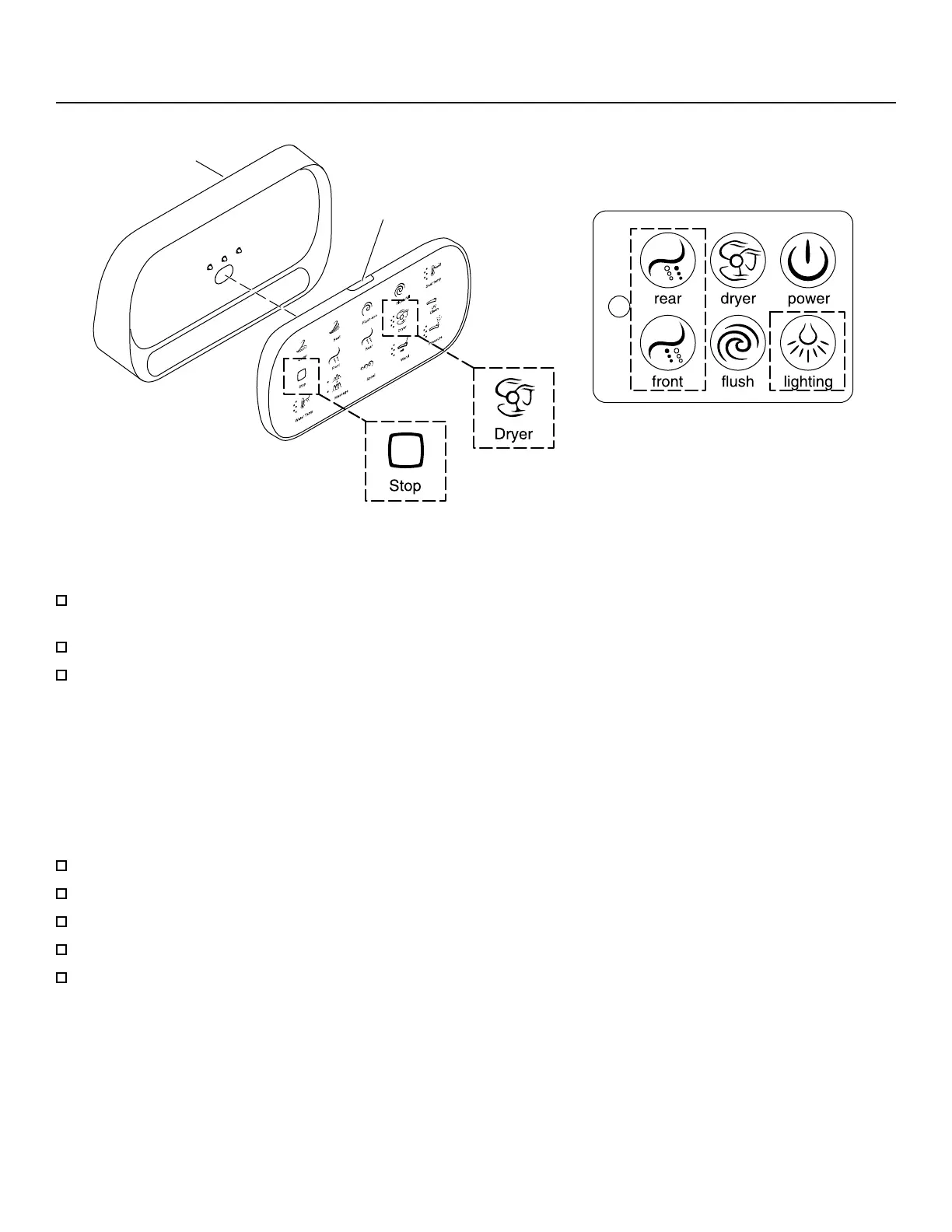
Control Panel
Power Button
Docking Station
NOTE: The remote control must be charged to operate. The “Stop” icon will blink when the remote control needs to be
charged.
Verify that four AA baeries are installed correctly in the docking station. Refer to the “Replacing the Baeries”
section.
Place the remote control on the docking station.
When the “Stop” icon on the remote control stops blinking, the remote control has been adequately charged.
Pairing to the Toilet
NOTE: The icons on the boom row of the remote control will blink when the remote is not paired or is out of range of
the toilet.
NOTE: Only one remote control can be paired with the toilet seat at a time.
NOTE: The remote control cannot be paired while the toilet seat is occupied.
Press the power buon to turn on the remote control.
Move the remote control near the toilet. The boom row of icons should be ashing.
Press and hold the “Dryer” icon on the remote control until all the icons blink twice.
Simultaneously press and hold the “Front” and “Rear” icons on the toilet control panel until a beep is heard.
When the icons on the remote control stop blinking, the remote control has been paired.
Kohler Co. 7
1385274-5-D


 To Next Page
 Loading...