3.1 Value Mode
3.2 Pass/Fail Mode
9
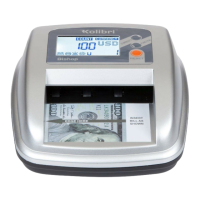
After turning the KCD-2000 on, it will default to Value mode. In this mode the unit
displays:
- The value of the scanned bill in green in the middle of the screen if and the
bill is recognized
- The error message in red in the middle of the screen if the bill is NOT recognized
To return to Value mode from another mode, press the MENU button and select
VALUE as a mode.
To clear the total value display on the screen, press the CLEAR button.
Note that the KCD-2000 will keep in memory the last mode used.
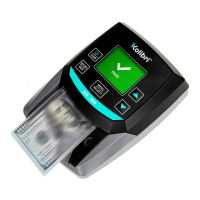
Pass/Fail mode is used to only display if the bill is recognized or not with a clear PASS
and FAIL message on the screen.
To use Pass/Fail mode, press the MENU button and select PASS/FAIL as a mode.
OPERATING MODES
3.
PASS FAIL
Bill Recognized Bill NOT Recognized


 To Next Page