6
GETTING STARTED
2.
2.1 Powering Up
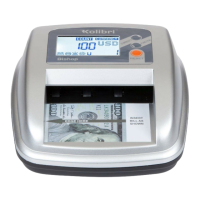
Ensure the lid is properly closed. Connect the AC/DC adapter to the KCD-2000 and
plug the adapter plug into the power outlet. Turn the KCD-2000 on by pressing the
POWER button. The unit will start loading the system after a couple of seconds and
conduct a short self-test. The screen will display the home screen, indicating it is
ready to operate.
2.2 Checking a Bill’s Condition
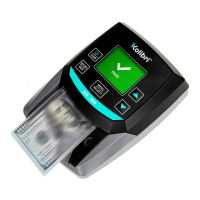
Avoid inserting bills that are torn, heavily worn or crumpled. Do not insert bills that
have staples attached or bills that are covered by adhesive tape. Do not insert wet
or heavily stained bills


 To Next Page