Vers. 120723 19
ATTENTION: Output signals are protected from an appropriate circuit. Overload of the available
signals (> 450 mA) or short circuit will result in the stop of the unit. To re-activate signals, it is necessary
to switch off the unit for 5-6 seconds, check connections and output loads then switch the unit on.
• CN3 CONNECTOR (9 pin serial connector – female)
Common pin for any input. Signals must be taken between this pin (GND)
and the other pins of this connector depending on the signal you want to be
printed.
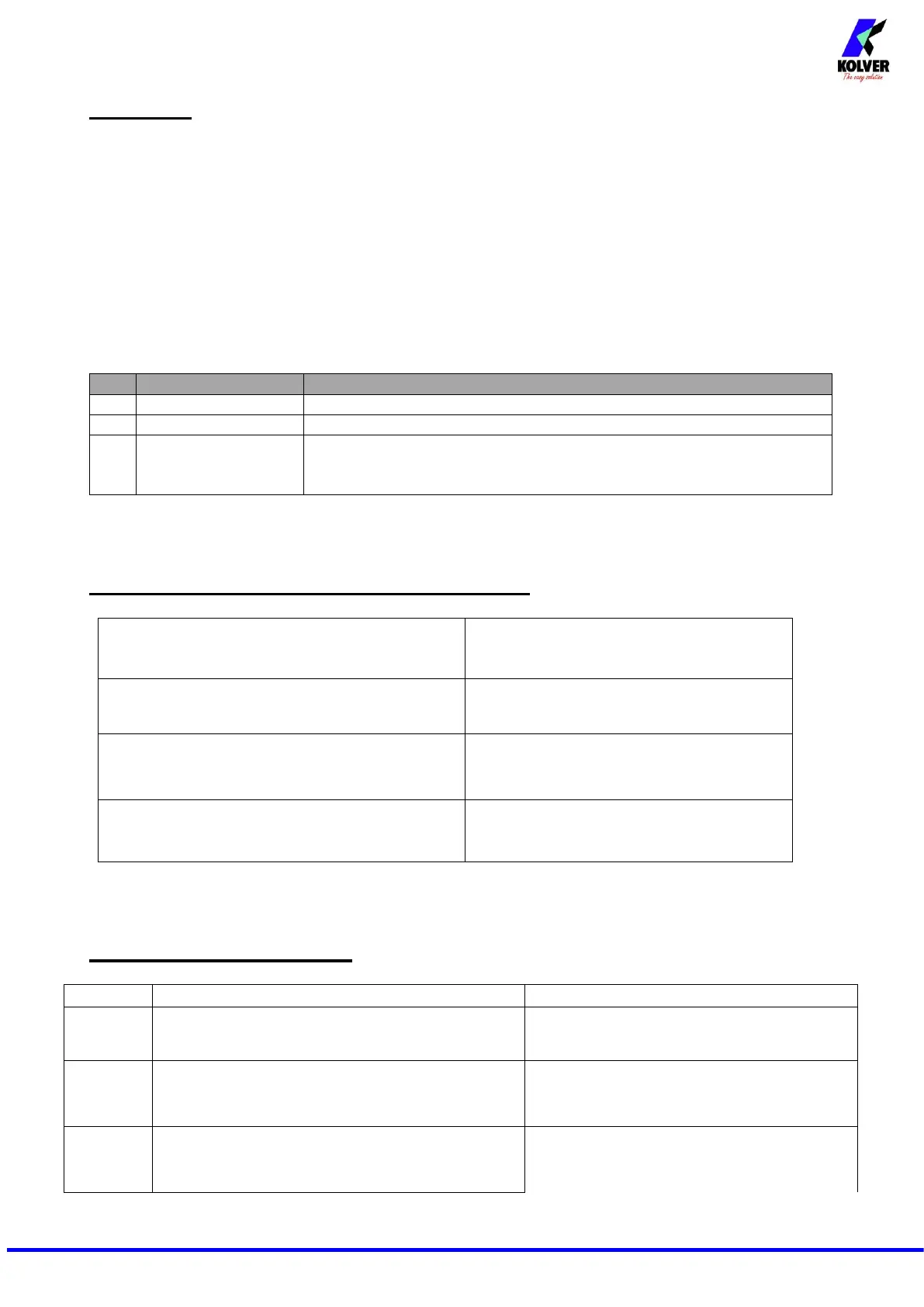
CORRECT SCREWS ON STATUS BAR
“Screw OK” is displayed on the status bar.
The tool has performed a correct screwing,
that is when all the settings have been
fulfilled.
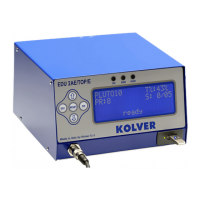
On the status bar it will display “Angle OK”.
A correct screwing has been performed,
reaching the pre-set angle.
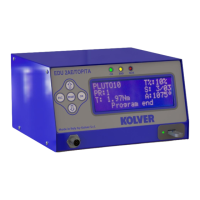
“Run Time OK” is displayed on the status bar.
The tool has performed a correct screwing,
that is when all the settings have been
fulfilled.
“Rev. Torque OK” is displayed on the status bar.
The tool has performed a correct screwing,
that is when all the settings have been
fulfilled.
“Waiting connection” doesn’t turn into “system
ready” after it’s been switched on.
Contact your nearest Kolver dealer.
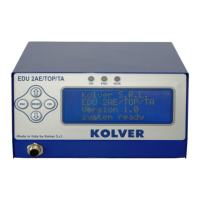
“Error Torque Control” is displayed on the status
bar
Make a new screw. If the error persists, change
the torque and speed settings.
“Error fast speed” is displayed on the status bar (the
torque signal is displayed during the fast speed).
If Press ESC function is ON, press ESC for a
new screw; if it’s OFF it automatically resets
next time you screw.


 To Next Page