9) Model Detect: this function allows you to enable or disable automatic screwdriver recognition. If set to
Auto, the unit recognizes and sets the screwdriver autonomously. In case of the screwdriver is not connected,
the unit shows the warning "Connect screwdriver". When you connect a screwdriver different from the
previous one or after formatting the unit (or on first use), the warning "Change model?" and the user can select
"No" or "Yes". At the same time, the scrolling notice "All program settings will be reset" will be displayed to
underline the fact that if "Yes" is selected, the torque, speed, etc. settings will be displayed. related to the
previously connected screwdriver model will be lost. In the latter case, the new connected screwdriver will be
set and the relative default values for torque and speed will be loaded. If the user selects "No" and leaves the
screwdriver connected, the warning "Connect right model" which is the one set in the "Model" function of the
relevant program, tightening is not allowed. In this mode it is not possible to manually set a screwdriver
model. If there is no screwdriver connected to the unit, the display shows ---- instead of the model and torque.
In case of an unrecognizable screwdriver is connected, the unit will not show any model and tightening will
not be allowed.
If this function is set in manual, automatic model recognition is disabled and the user will select the desired
screwdriver model through the Program menu). After formatting the unit or its first use with the Model
Detection setting in Manual, the warning "Select Model" will appear on the display.
In both operating modes (Auto and Manual), if in field 3) of the Program menu you are in the “Model: ----“
status, it is not possible to change the values relating to the torque and speed in tightening (unscrewing).
ATTENTION: with the model detection set to Auto in case of recognition malfunctions caused for example
by external interferences, set the model detection in Manual and select the desired screwdriver.
IMPORTANT: the “Model Detection” function is active only in the inline and ANG models.
TORQUE CALIBRATION
The torque calibration function allows to view the torque value in Nm or in.lbs or kgf.cm directly on the
display of the control unit.
IMPORTANT: You need a torque tester to proceed, either with static transducer (model minik or K)
or with rotary transducer (model minik-e).
CALIBRATION PROCESS:
1. Select Calibration at point 20 of the menu and press OK.
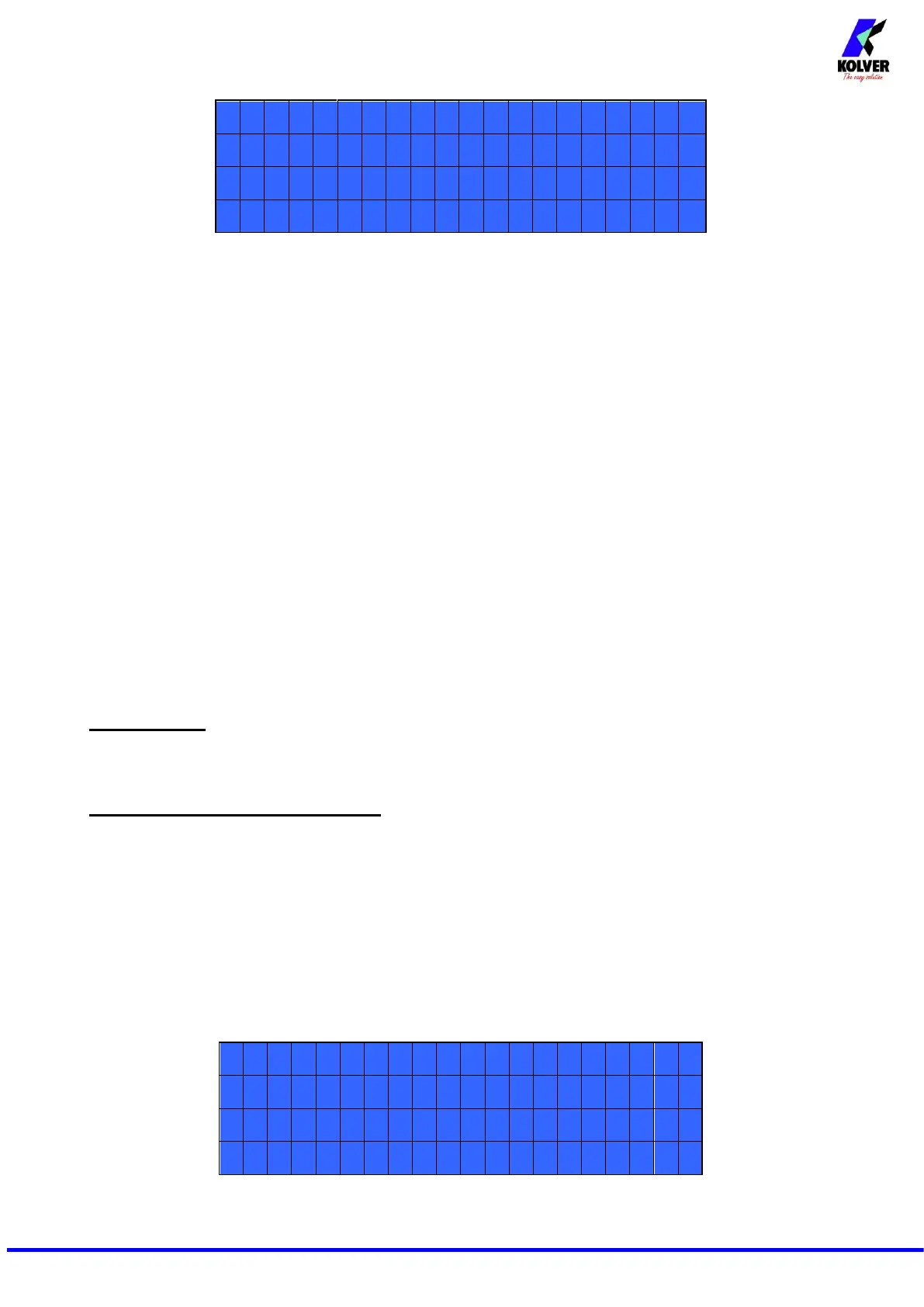
2. The following screen will appear on the display:


 To Next Page
 Loading...