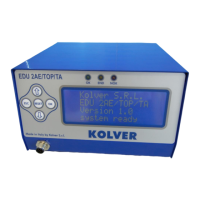
Program setting: It indicates the menu section where you can set or modify the fastening parameters.
Unit Options: It indicates the menu section where you can set the language, check the versions of the boards,
the cycles done, set the password, set the unit of measure, the buttons and the screwdriver detect mode.
Program setting
1) Screws number: EDU2AE/HPRP/TA can act as screw counter. You can set the number of screws from 1
to 99. To disable the function select OFF by pressing as many times as needed.
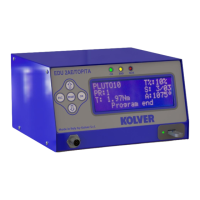
If the number of correct screws is equal to the number of set screws “Program end” will appear on the status
bar and the yellow led will light up. If the OK/ESC function is disabled (see points 7 and 8 of Unit Options
Menu), “Program end” will automatically disappear at next screwing or when you enter the menu. Otherwise,
press OK at the end of each program.
2) Model: you can select the screwdriver to be used. Your choice will automatically change the default
settings. It’s important to select the correct model you’re going to use since many parameters regarding the
motor software are specific for every single model.
Also in the # mode, if the Model Detect is set on auto and no screwdriver is connected, it won’t be possible
to set any torque value or speed.
3) Ramp: You can select the slow start time (acceleration) from 0.2 to 3.0 sec. This option is only available
for the screwing phase, while during the unscrewing phase the ramp time is always 0.2 sec. We suggest using
this option with self-tapping screws.
ATTENTION: Reaching the torque while the ramp is still on could give as result a different torque level from
the one that results when the ramp is over. This is due to the motor acceleration.
Reaching the torque while the ramp is still on will activate the “screw OK” signal anyway (this option is
useful if you need to tighten screws that are already tightened, the so called “double hit”).


 To Next Page
 Loading...