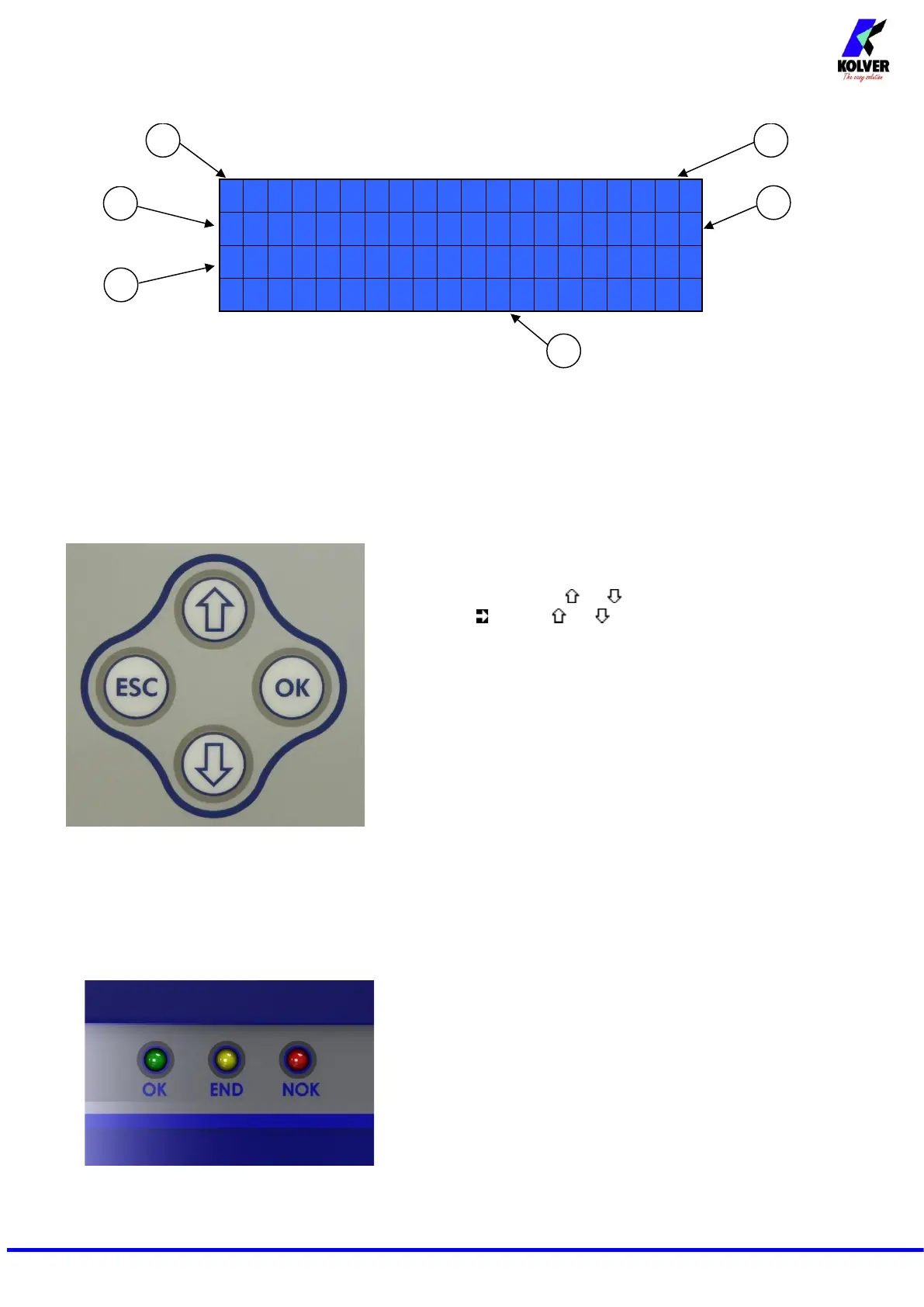
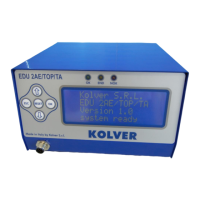
1- Screwdriver model
2- Pre-set torque level (percentage)
3- Selected speed
4- Screw count: fastened screws/total screws
5- Reached torque level Sin Nm, in.lbs or kgf.cm.
6- Status bar (waiting, screwing, errors, etc…)
To enter the menu press ESC for 2 seconds.
Select the line by pressing or then press OK (the symbol
will turn into ). Press or to select the required value and
then confirm through OK (or ESC if you don’t want to save the
value).
The selected value will be immediately operational, even if you are
still in the menu screen. Repeat these operations for all the
parameters you wish to set and then push ESC to return to the main
screen.
FRONT PANEL LED:
GREE LED: Screw OK.
YELLOW LED: Program End
RED LED: error.


 To Next Page