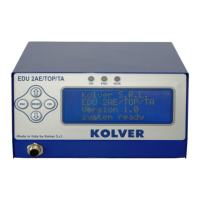
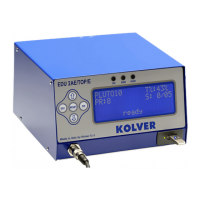
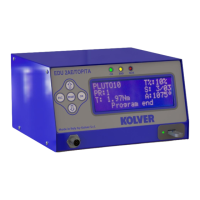
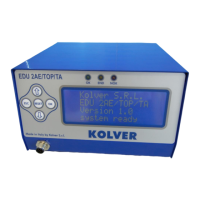
Vers. 120723 2
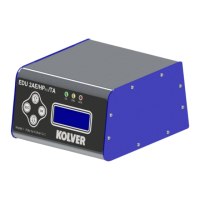
EDU 2AE/HPRO/TA power supply and control units is an innovative system for controlling the torque of any
current control MITO and PLUTO electric screwdrivers: MITO15, PLUTO 3, PLUTO 6, PLUTO 10, PLUTO
15, PLUTO 20, PLUTO 30, PLUTO 45, PLUTO 50 and PLUTO 70, either inline, pistol, for automation and
with angle head (only PLUTO).
EDU 2AE/HPRO/TA delivers all the advantages of precision torque control electric tools at a fraction of the
price of transdurized tools.
The state-of-the-art electronic control circuit cuts the power supply to the motor calculating the correct torque
in response to 3 parameters; voltage, frequency and current, according to the selected options.
The AC 90÷260V - 50÷60Hz power supply is converted into 40VDC required by the PLUTO series
screwdrivers through a switching board.
IMPORTANT: EDU 2AE/HPRO/TA are highly accurate units but it is critically important to select the
correct options to ensure that proper torque is being applied. Read the menu description carefully and
in case of doubt please contact Kolver for support information.
Turn the unit on through the on/off switch on the back panel. The unit will carry a general system check and
“waiting connection” will appear on the last line of the display. If the connection with the motor control board
is successful the following screen will be displayed:


 To Next Page