METHOD FOR REGISTERING PRESET
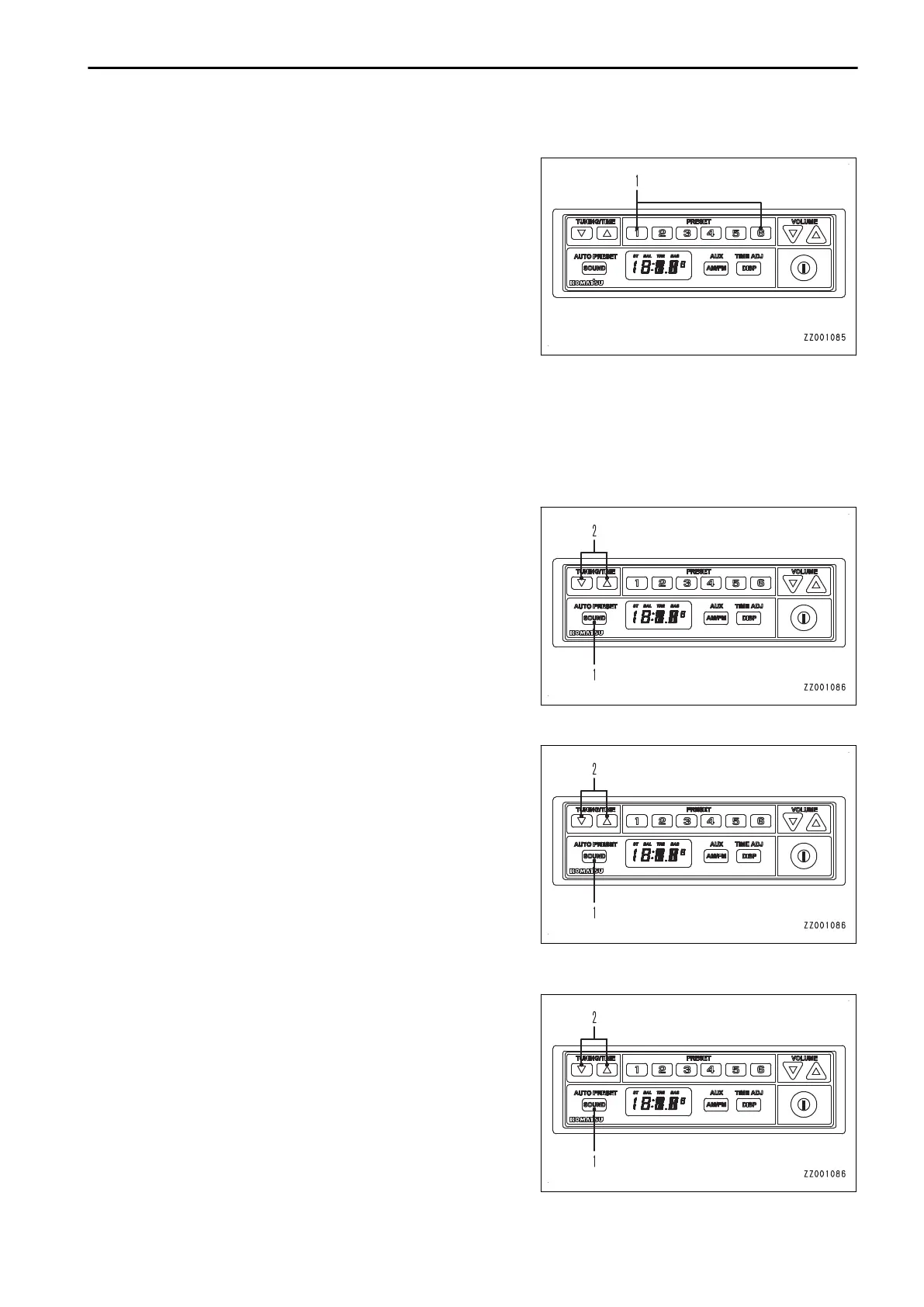
Hold down one of 1 to 6 of preset button (1) while listening to
the radio.
The currently received frequency is registered to the preset number corresponding to the pressed button.
“Example”
While a frequency is displayed, keep pressing button 1 of preset button (1), and the preset number “P-1” is dis-
played.
After the preset number flashes 3 times, the frequency is displayed and then registered to preset number “P-1”.
METHOD FOR ADJUSTING SOUND BALANCE
1.
Press sound control button (1) to light up “BAL” on the dis-
play.
You can adjust the sound (balance).
2.
Press tuning/time adjustment button (2) to adjust the
sound (balance).
• Press the △ button, and the speaker output on the R
side increases by 1. (R1 to R7)
• Press the ▽ button, and the speaker output on the L
side increases by 1. (L1 to L7)
METHOD FOR ADJUSTING HIGH REGISTER RANGE (TREBLE)
1.
Press sound control button (1) to light up “TRE” on the dis-
play.
You can adjust the high register range (treble) of the
sound.
2.
Press tuning/time adjustment button (2) to adjust the high
register range (treble).
• Press the △ button, and the high register range (tre-
ble) level increases by 1. (Maximum + 7)
• Press the ▽ button, and the high register range (tre-
ble) level decreases by 1. (Minimum - 7)
METHOD FOR ADJUSTING LOW REGISTER RANGE (BASS)
1.
Press sound control button (1) to light up “BAS” on the dis-
play.
You can adjust the low register range (bass) of the sound.
2.
Press tuning/time adjustment button (2) to adjust the low
register range (bass).
• Press the △ button, and the low register range (bass)
level increases by 1. (Maximum + 7)
• Press the ▽ button, and the low register range (bass)
level decreases by 1. (Minimum - 7)
OPERATION HANDLING RADIO
3-265









 To Next Page