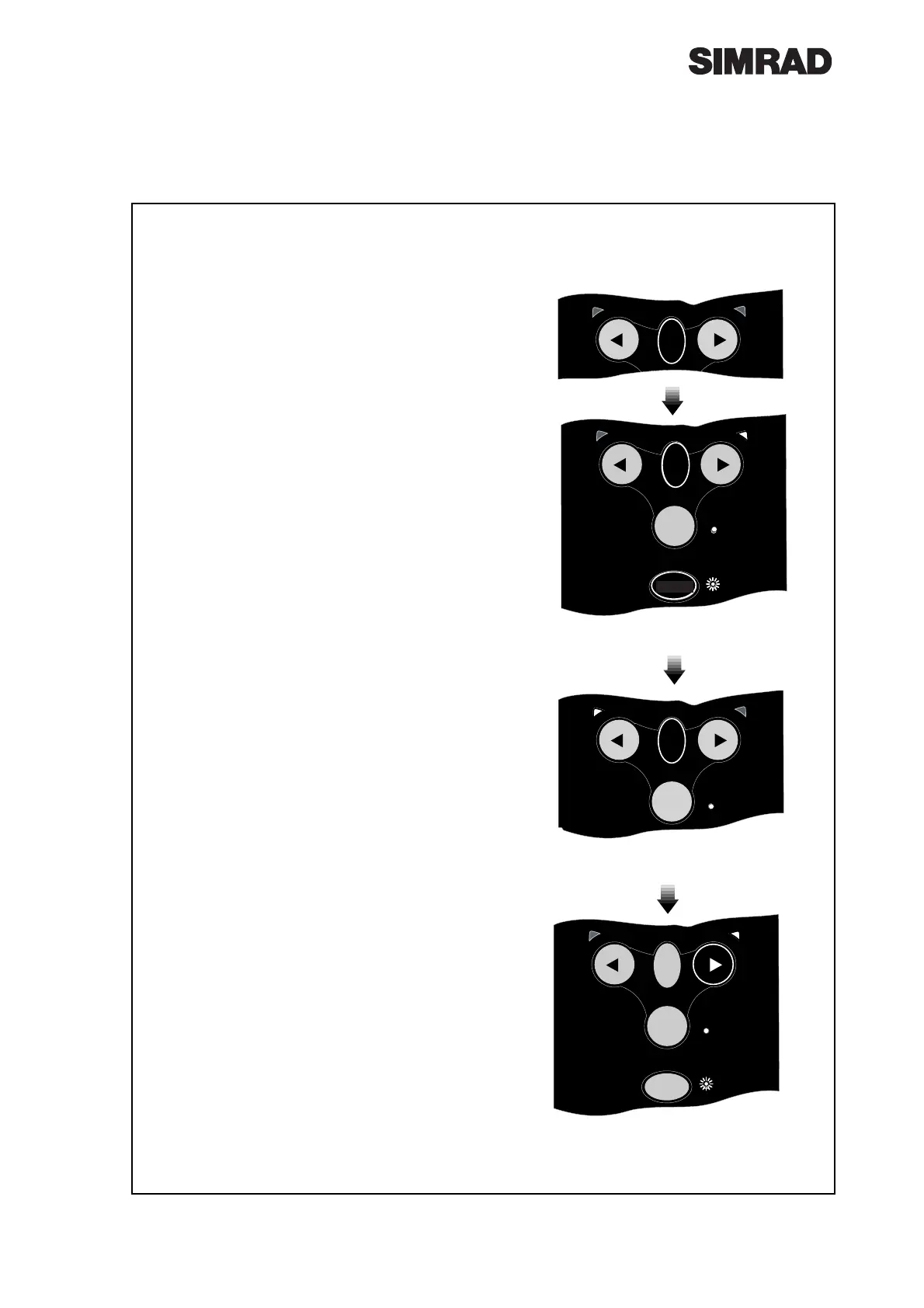
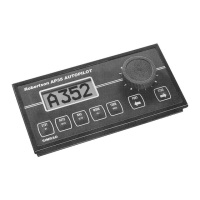
Fig 3.2 - Entering Calibration Mode
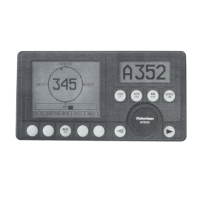
Fig 3.4 - Increasing Gain level
3.2 Calibration Mode
To adjust the Gain and Seastate settings of the
Wheelpilot it is necessary to enter Calibration Mode,
which can be done whilst the Wheelpilot is in either
Standby or Autopilot Mode.
Press and hold the TACK key, followed by the CAL
key (Fig 3.2). The Starboard LED will illuminate to
indicate that the pilot is in Gain Mode. To toggle
between Gain and Seastate Mode, press the TACK
key (Fig 3.3). The Port LED will illuminate to indi-
cate Seastate Mode.
3.3 Adjusting Gain
When Gain Mode is selected (indicated by the
Starboard LED illuminated), the Cal LED will flash
and a repeated sequence of beeps will be heard. The
number of flashes and beeps in the sequence indi-
cates the level of the Gain setting.
To increase the Gain press the Starboard key the
required number of times, to a maximum level of 9
(Fig 3.4). To decrease the Gain press the Port key the
required number of times, to a minimum level of 1.
For example, if the Gain was set at 4 (indicated by a
sequence of four flashes of the Cal LED and four
beeps), and the Gain needed to be increased to 7,
pressing the Starboard key three times would adjust
the Gain accordingly. The Cal LED would then flash
seven times and seven beeps would be heard.
3.4 Adjusting Seastate
When adjusting Seastate (indicated by the Port LED
illuminated), the Seastate level is indicated by the
number of audible beeps and flashes of the Cal LED.
No beeps or flashes of the Cal LED indicates that the
Wheelpilot is set to automatic seastate (see section
2.7).
To switch from Auto to Manual Seastate and
increase the Seastate level, press the Starboard
key the required number of times to a maximum
level of 9. To decrease the Seastate press the Port
key the required number of times, to a minimum
level of 0 - which will switch the Wheelpilot back
to Auto Seastate.
To confirm Gain/Seastate settings and return to
normal operation, press the CAL key.



 To Next Page