EasyManua.ls Logo

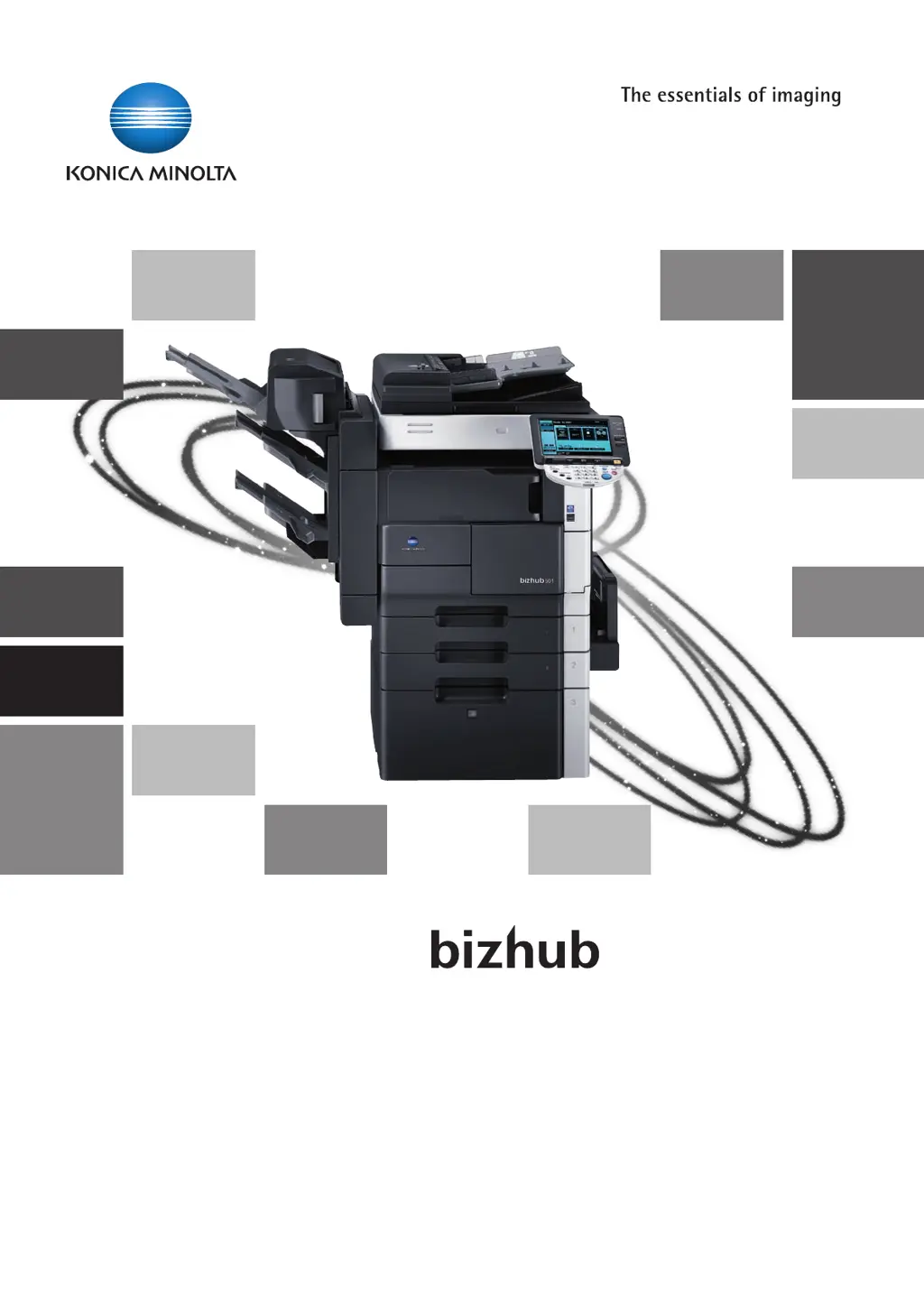
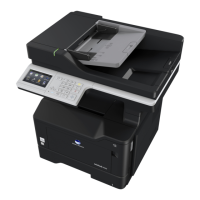
Konica Minolta bizhub 421 - User Manual

Konica Minolta bizhub 421
604 pages
Print Icon
To Next Page IconTo Next Page
Loading...
Copy Operations
501/421/361

Table of Contents

Other manuals for Konica Minolta bizhub 421

Questions and Answers

  • R
    Rhonda Adams MDAug 6, 2025
    How to clear an error code on Konica Minolta bizhub 421?
    • J
      Jennifer WhiteAug 6, 2025
      If an error code appears on your Konica Minolta All in One Printer, attempt to clear the error by following the instructions displayed on the screen. If the error persists, contact your service representative and provide them with the error code.
  • H
    hbryantAug 11, 2025
    What to do if an error code appears on Konica Minolta All in One Printer?
    • J
      Joseph MoralesAug 11, 2025
      When an error code appears on your Konica Minolta All in One Printer, clear the error by following the on-screen instructions. If the error persists and cannot be cleared, contact your service representative and provide them with the specific error code.
  • D
    Diane SmithAug 16, 2025
    What to do if Konica Minolta All in One Printer says 'misfeed detected'?
    • M
      Michael PorterAug 16, 2025
      If the message "misfeed detected" appears on your Konica Minolta All in One Printer, remove the paper according to the guide or illustration displayed. Printing cannot continue until the misfeed is adequately cleared.
  • S
    stevencannonAug 21, 2025
    Why is my Konica Minolta All in One Printer failing to send faxes to certain numbers?
    • S
      shannonrussellAug 21, 2025
      If you're having trouble sending faxes, make sure the recipient's fax number and address are correct. Also, verify that any one-touch or program addresses are registered accurately. Incorrectly registered addresses can cause issues. You can print an address book list to check the registered numbers.
  • A
    Ashley TorresAug 26, 2025
    What to do if my Konica Minolta bizhub 421 can't send faxes and I suspect a problem on the recipient's end?
    • C
      Colleen CarlsonAug 26, 2025
      Check if the recipient's fax machine is experiencing any issues, such as being powered off or having an empty paper tray. Contact the recipient to confirm.
  • H
    hgonzalezAug 31, 2025
    How to fix paper misfeed indications on Konica Minolta All in One Printer?
    • F
      fwallsAug 31, 2025
      To address paper misfeed indications on your Konica Minolta All in One Printer: * Pull the right-side door release lever, and then open the right-side door. * Carefully remove any misfed paper. * Close the right-side door. * Pull out tray 1, then reload paper. * Close the tray.

Konica Minolta bizhub 421 Specifications

General IconGeneral
FunctionsPrint, Copy, Scan, Fax
Print Speed (Black/A4)42 ppm
Print Resolution1200 x 1200 dpi
Copy Speed (A4)42 cpm
Copy Resolution600 x 600 dpi
Scan Resolution600 x 600 dpi
Fax Transmission Speed33.6 kbps
Monthly Duty Cycle150, 000 pages
Paper Capacity1, 150 sheets
Maximum Paper SizeA3
Duplex PrintingYes
ConnectivityUSB, Ethernet
Hard DriveOptional
Operating System CompatibilityWindows, Mac, Linux

Related product manuals