EN-61
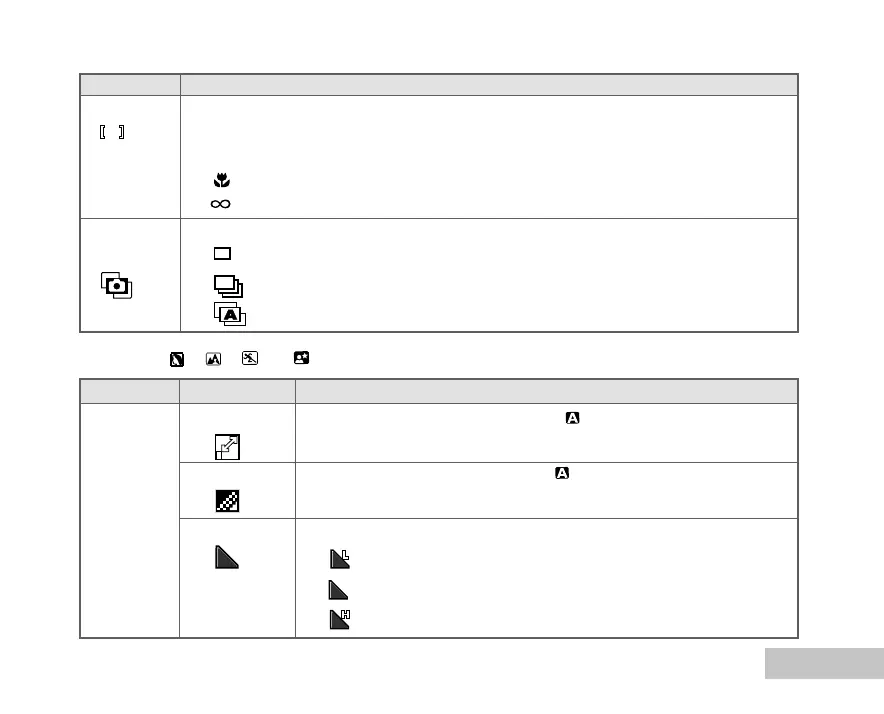
PICTURE Item Functional Description
IMAGE SIZE Refer to the “Camera Menu - In the (Auto) Mode” in list of menu
options.
QUALITY Refer to the “Camera Menu - In the (Auto) Mode” in list of menu
options.
SHARPNESS Sets the level of image sharpness.
* LOW
* MEDIUM
* HIGH
Item Functional Description
FOCUS You can take images with the distance to the subject set by auto focus, macro or
infinity.
* AUTO
* MACRO
* INFINITY
CAPTURE Sets the recording method at the time of taking pictures.
MODE *
X1
SINGLE
* BURST
* AEB
Q
In the P , , , or Mode















 To Next Page