Stop recording:
Press “Stop” and the recorder will ask for the password (if password is
enabled)
Playback:
Press Play, the recorder will playback the last recorded data that
hasn’t been playback yet.
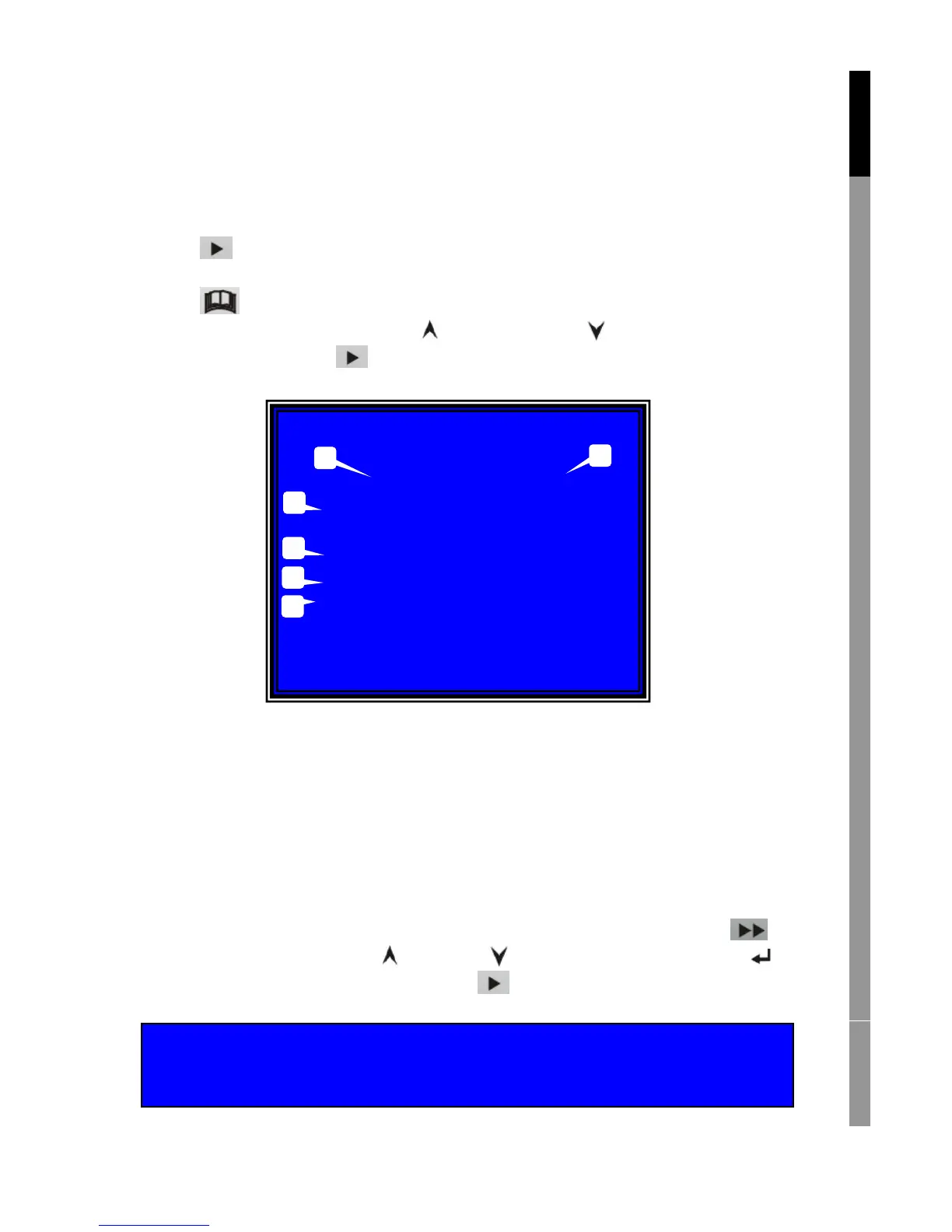
Press Menu, the recorder will list all recorded files. Last recorded file
will be at top of the list, press “ Move Up” and “ Move Down” to select
start time and press “ Play” again to start playing the file.
1. Start time
2. End time
3. Time: continued recording
4. Motion: recording by motion detection
5. Force: force record
6. * file not played yet
Another way to search video is directly input time period. Press “
Forward” and then press “ Up” and “ Down” the cursor. Press “
Select” to edit time value and press “ Play” to play video.
English Deutsch Français Nederlands
SEARCH TIME
07/01/10 15:30:20 -07/01/10 15:30:25
01 TIME
02 TIME
03 MOTION
04 MOTION
05 MOTION
06 FORCE
07 FORCE
(UP,DOWN) MOVE (PLAY)PLAY (MENU) EXIT
(FF) SELECT MODE (SELECT) CHANGE
2007/01/10 15:30:20
1
2
3



 To Next Page