Sub menu/password change:
System default password: press six times “ CH1” button.
All keys can be used as password key except “ Menu” key, which is
used for confirming and exit.
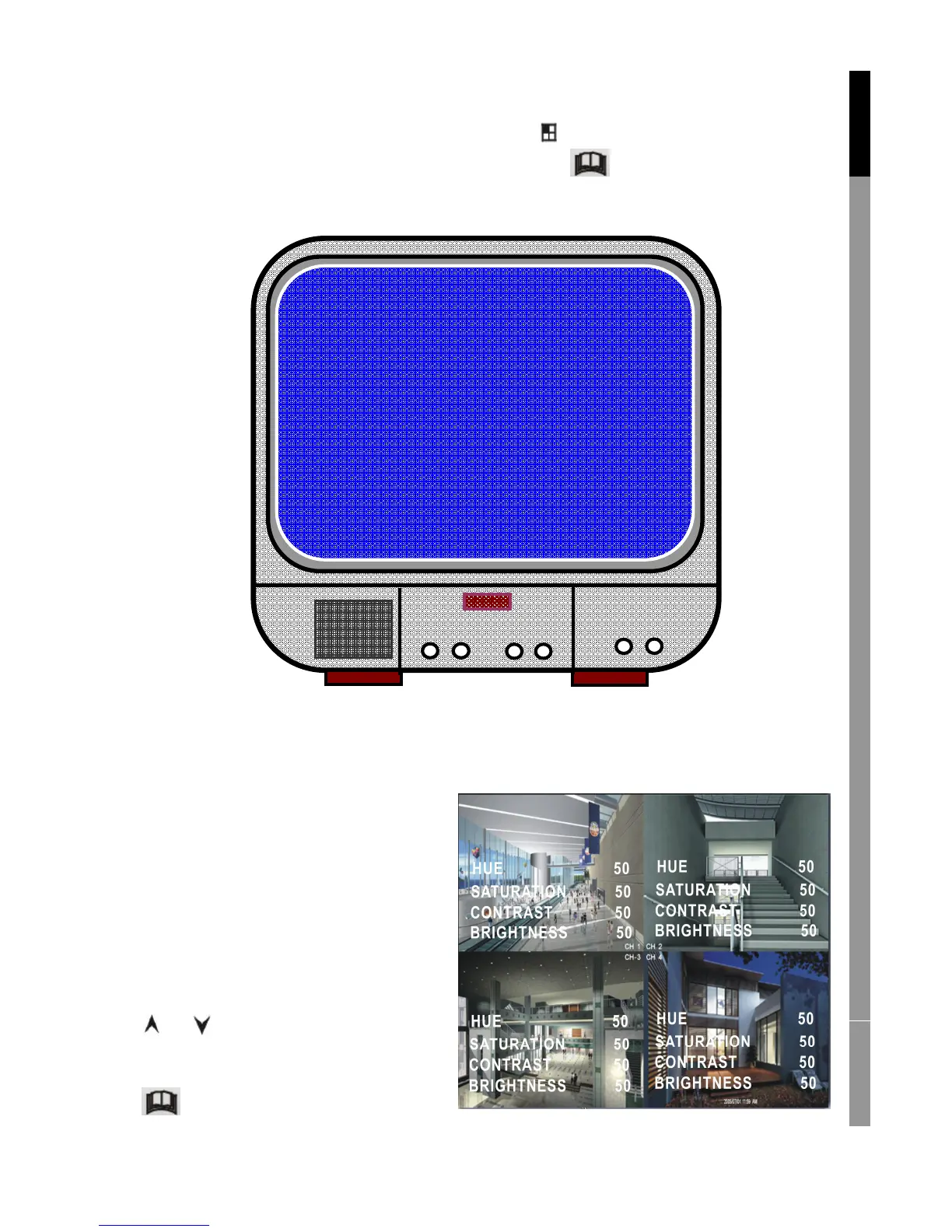
Sub menu/picture setup:
Set every channel with the
desired settings
HUE: 0-99
SATURATION: 0-99
CONTRAST: 0-99
BRIGHTNESS: 0-99
Button function:
Up/ Down: move the cursor
FWD: reduce value
CH1-CH4, QUAD: select channel
Menu: exit
English Deutsch Français Nederlands



 To Next Page