Overview menu:
Camera Select
Record Select
Record Mode
Record Frame Rate
Video Quality
Record Schedule
Sub Menu
Hard Drive Setup
Motion Setup
Restore Factory Default
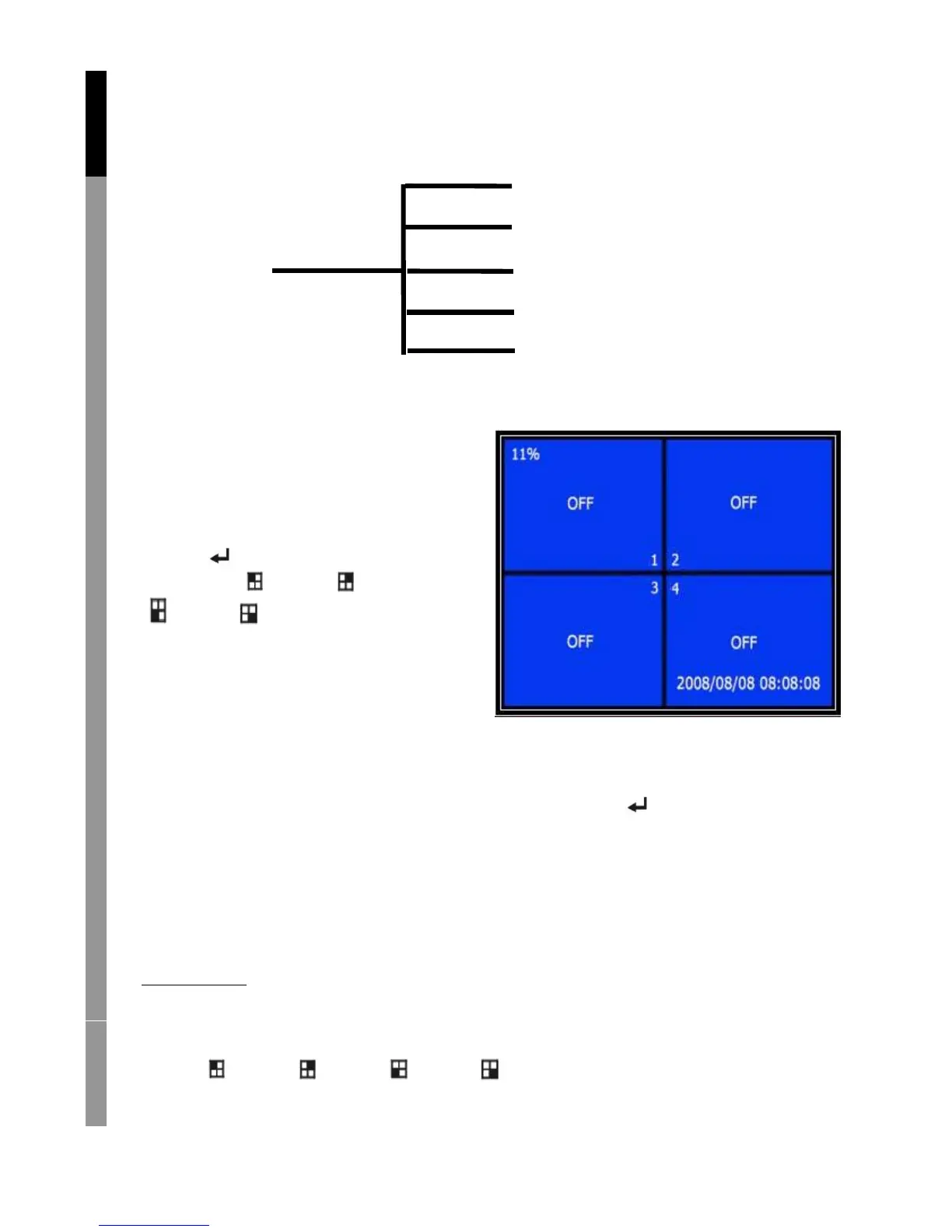
Camera select:
The recorder can display 4 cameras
in one picture (Quad Mode).
Configure which camera to display:
Press “ Select” to modify setting
and press “ CH1”, “ CH2”,
“ CH3”, “ CH4” to set each
channel separately. If no channel
is open, the recorder will
display “OFF”.
Record select:
Select which camera(s) need to be recorded. Press “ Select” until
desired selection is established.
Record mode:
There are two methods of recording
Each Mode
Record each channel separately, therefore it’s possible to enlarge single
channel to full screen display. For example, turn off record function of
CH-1 and CH-2 and then the recorder only record CH3 and CH4.
Press “ CH1”, “ CH2”, “ CH3”, “ CH4” to choose channel to
display when playback after recording.
English Deutsch Français Nederlands



 To Next Page