Connections:
1. Connect the video output of the recorder to the input of a monitor or
TV.
2. Connect the cameras to the video input of the recorder.
3. Connect the AC/DC adapter to the 12V connection of the recorder.
Operation:
1. After connecting the AC/DC
adapter the recorder turns on
automatically. The recorder will
boot-up and detect installed
harddisk. Monitor will show Master
and Slave harddisk information.
Refer to harddisk manual for
configuration of harddisk.
(Master or Slave)
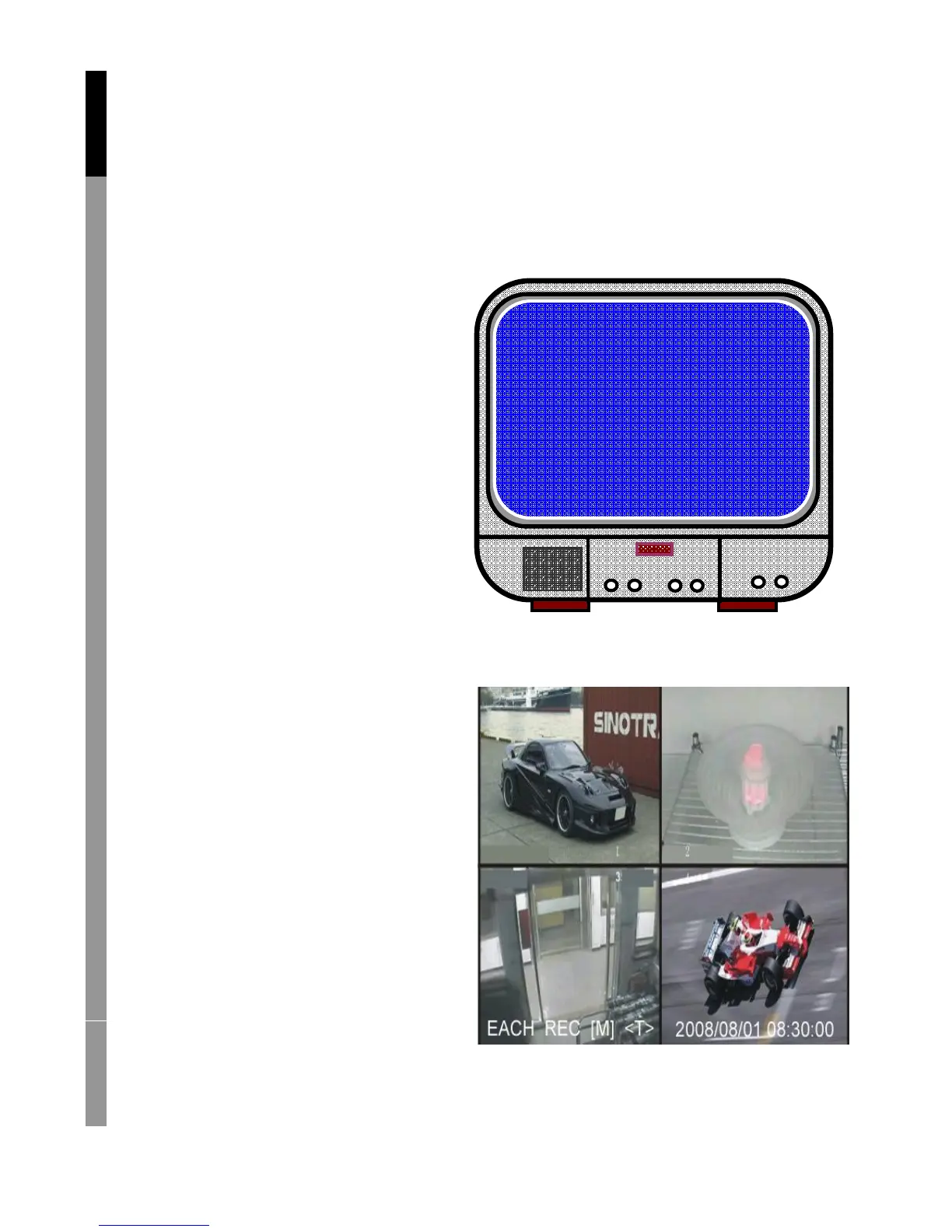
2. After HDD checking the following
screen appears.
System information:
Upper left ratio of harddisk space used.
Middle channel name
(CH1~CH4)
Bottom right function status,
date and time
English Deutsch Français Nederlands



 To Next Page