Understanding Koobrick Boxi
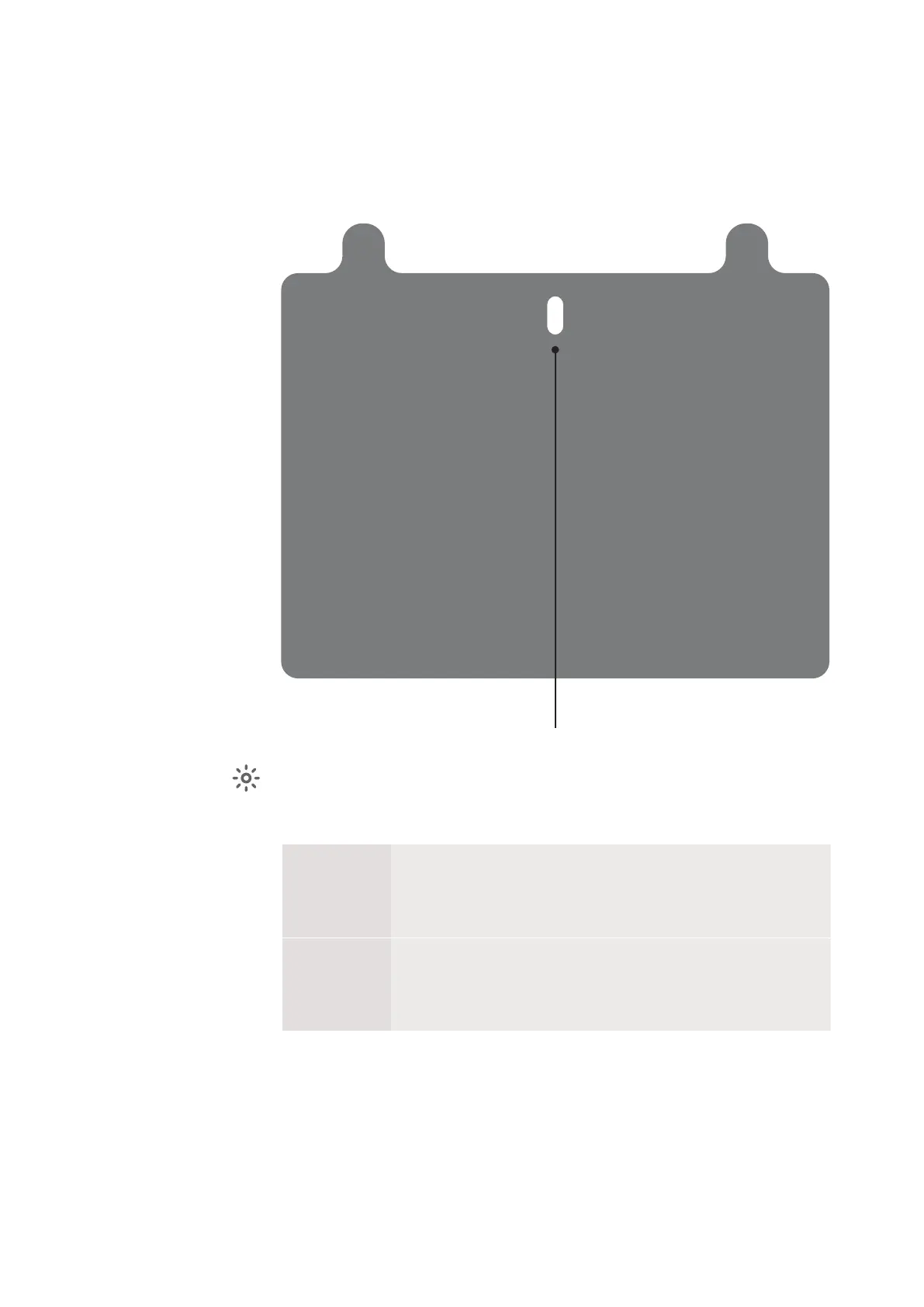
Indicator Button
On the Koobrick Boxi front panel there is a indicator button, when you press the button
it will show the status of your Koobrick Boxi. Below are possible options:
BLUE
When the button blinks blue the Boxi is operating correctly with an
active internet connection
RED
When the button is blinking red the Boxi has an error. Please restart
the router and access the control panel in your browser by typing
http://boxi.koobrick
This is the name of the Document
Boxi User Manual
Version 1.0
Page 2
1
2
Ethernet
Port
Reset
Power On/Off
USB Ethernet
Port
Indicator Button
Front
WE CAN HAVE TEXT
here. About Boxi
color options etc...



 To Next Page