17
Front Panel Description
See Figure 1 on page 15
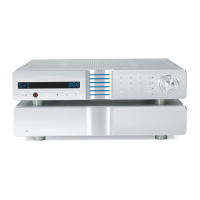
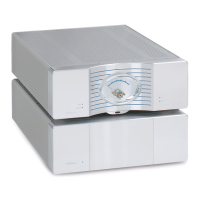
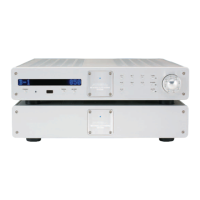
Each Evolution Two Monaural Preamplifier channel is comprised of two chas-
sis, the preamplifier chassis and the power supply chassis. Front panel func-
tions and their descriptions follow.
Chassis
1 Preamplifier Chassis
The preamplifier chassis front panel provides power on, input and zone selec-
tion, level control, menu functions, and status display.
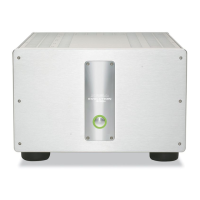
2 Power Supply Chassis
Powerful transformers, high quality regulators, and extensive electrical and
magnetic shielding are housed in a separate power supply for each preampli-
fier channel.
Power
3 Power Button or Key
Use this button or key to switch the Evolution Two between the stand-by and
operational modes.
4 Stand-by LED
The red stand-by LEDs on the preamplifier and the power supply illuminate
when the Evolution Two is plugged into a standard AC wall receptacle, indicat-
ing that the Evolution Two is ready to be switched to the operational mode.
The stand-by LEDs flash when r
emote control signals are received.
5 Power Backlight
The blue power backlight illuminates when the Evolution Two is in the opera-
tional mode.
Remote Functions on the Front Panel
6 Infrared Sensor
The infrar
ed sensor r
eceives commands fr
om the Evolution T
wo remote con-
trol. For proper remote control operation, make sure the infrared sensor is not
covered or obstructed.
7
Infrar
ed T
ransmitter LED
The stand-by LED (4) on the pr
eamplifier chassis (1) flashes when the Evolution
Two sends signals via the infrared transmitter LED to a programmable remote
contr
ol, such as the Universal Kr
ell T
ouch Scr
een Remote.
See IR Out
Control,
on page 40.
continue
d










 To Next Page