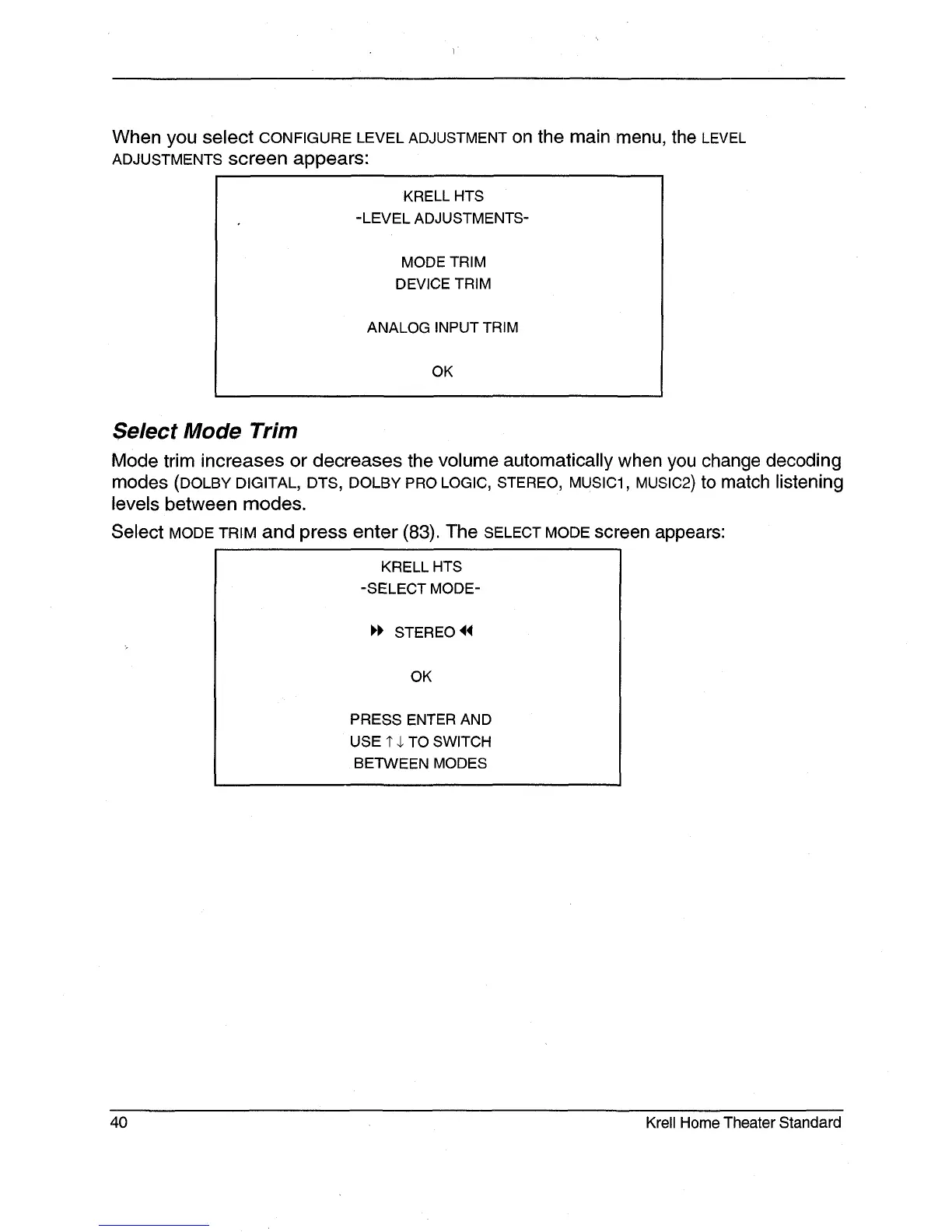
When you select CONFIGURE LEVEL ADJUSTMENT on the main menu, the LEVEL
ADJUSTMENTS screen appears:
KRELL HTS
-LEVEL ADJUSTMENTS-
MODE TRIM
DEVICE TRIM
ANALOG INPUT TRIM
OK
Select Mode Trim
Mode trim increases or decreases the volume automatically when you change decoding
modes (DOLBY DIGITAL, DTS, DOLBY PRO LOGIC, STEREO, MUSIC1, MUSIC2) to match listening
levels between modes.
Select MODE TRIM and press enter (83). The SELECT MODE screen appears:
KRELL HTS
-SELECT MODE-
STEREO
OK
PRESS ENTER AND
USE 1" ,1. TO SWITCH
BETWEEN MODES
40 Krell Home Theater Standard







 To Next Page