6. OPERATION
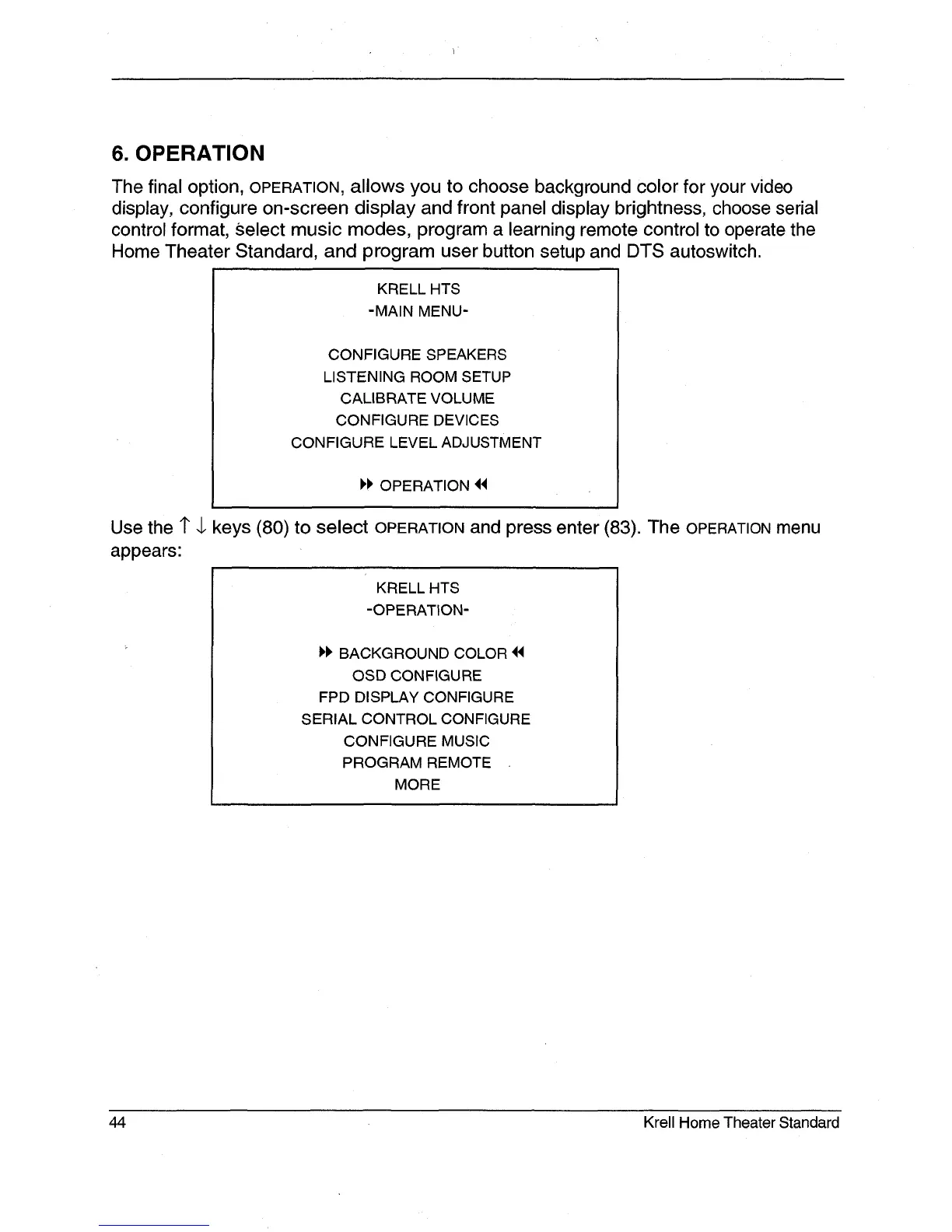
The final option, OPERATION, allows you to choose background color for your video
display, configure on-screen display and front panel display brightness, choose serial
control format, ~elect music modes, program a learning remote control to operate the
Home Theater Standard, and program user button setup and DTS autoswitch.
KRELL HTS
-MAIN MENU-
CONFIGURE SPEAKERS
LISTENING ROOM SETUP
CALIBRATE VOLUME
CONFIGURE DEVICES
CONFIGURE LEVEL ADJUSTMENT
OPERATION
Use the 1" 4, keys (80) to select OPERATION and press enter (83). The OPERATION
appears:
KRELL HTS
-OPERATION-
1,I~ BACKGROUND COLOR ~
OSD CONFIGURE
FPD DISPLAY CONFIGURE
SERIAL CONTROL CONFIGURE
CONFIGURE MUSIC
PROGRAM REMOTE
MORE
44 Krell Home Theater Standard







 To Next Page