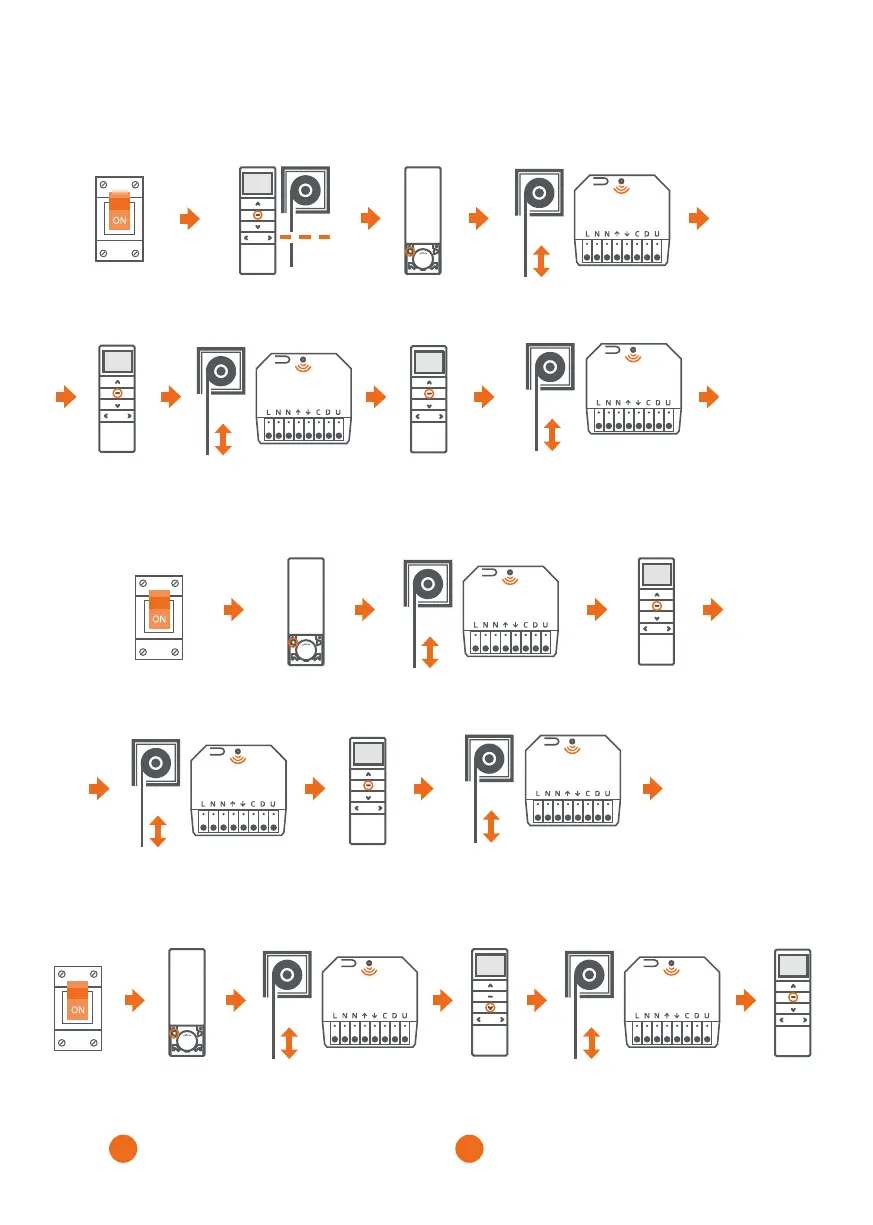
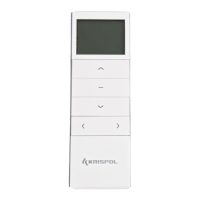
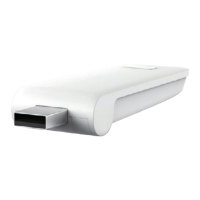
Press the
STOP button.
Press the
STOP button.
Press the
STOP button.
7. PROGRAMMING THE COMFORT POSITION
8. DELETING THE COMFORT POSITION
9. CONTROL WITH PERCENTAGE FUNCTION
1. After setting the up and down end positions, it is possible to set a third (favourite) position in between.
2. Holding the STOP button for 3 seconds sets the roller shutter in the third end position.
Set the roller shutter to
the third end position.
Press the P2
programming button.
Press the P2
programming button.
e roller shutter makes short up/down
movements. e LED will flash once.
e roller shutter makes short
up/down movements. e LED
will flash once.
e roller shutter makes two short
up/down movements. e LED will flash
three times.
e roller shutter makes short up/down
movements. e LED will flash once.
x3
e Comfort
position has
been programmed.
e Comfort
position has
been deleted
Press the
STOP button.
e roller shutter makes short
up/down movements.
e LED will flash once.
Press the
STOP button.
e roller shutter makes short
up/down movements.
e LED will flash once.
Turn off the power
and turn it on again.
Turn off the power
and turn it on again.
Press the P2
programming button.
e roller shutter makes
short up/down movements.
e LED will flash once.
e roller shutter makes short
up/down movements.
e LED will flash once.
Turn off the
power and turn
it on again.
Press the
DOWN button.
If the roller shutter performs two sequences
of short up / down movements, the LED flashes
three times; it means that the percentage control
has been turned on.
If the roller shutter performs one sequence
of short up/down movements and the LED
is permanently on, it means the percentage
control has been turned off.
BA


 To Next Page