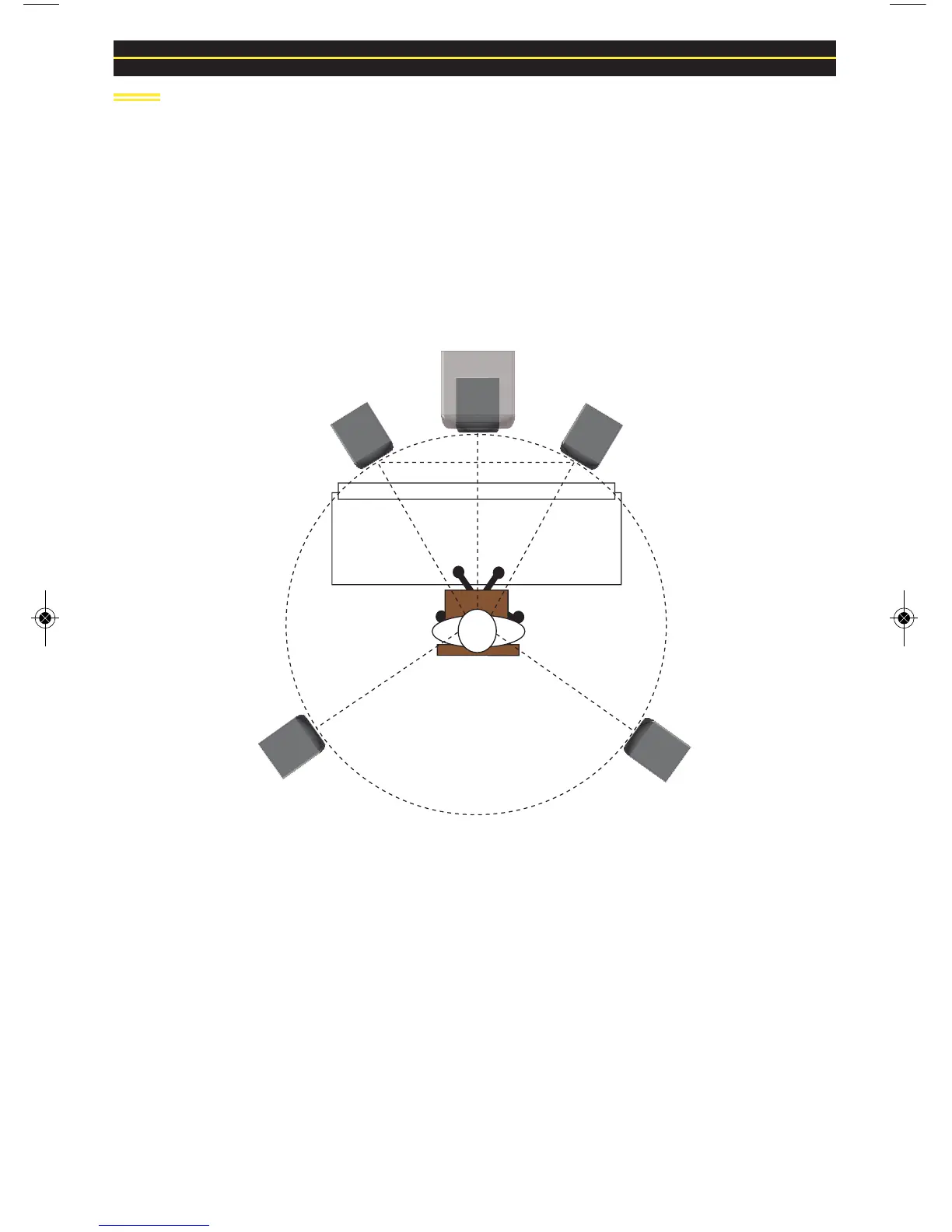
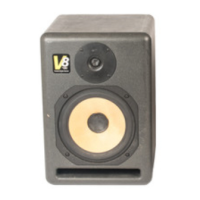
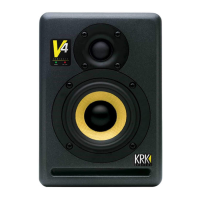
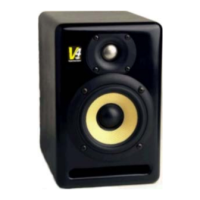
5.1 Channel Surround Sound Configuration
Begin by placing the Left and Right front channels 30° from the Center channel and
equidistant to the listening position. The Left Surround (rear) and Right Surround (rear)
channels should be placed 110° from the Center channel. Their location should also be
equidistant from the listening position. The subwoofer is most effective when situated
directly below the Center channel. If this is not possible, place the subwoofer just to the right
or left side and below the Center channel. Ensure that the woofers in your
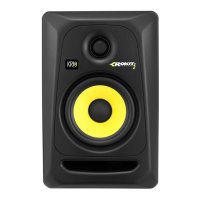
RoKit G2 monitors are above the height of the console and/or control surfaces
(refer to Figure 4 for set up).


 To Next Page