KRONE ISOBUS-Terminal CCI 100
VI - 10
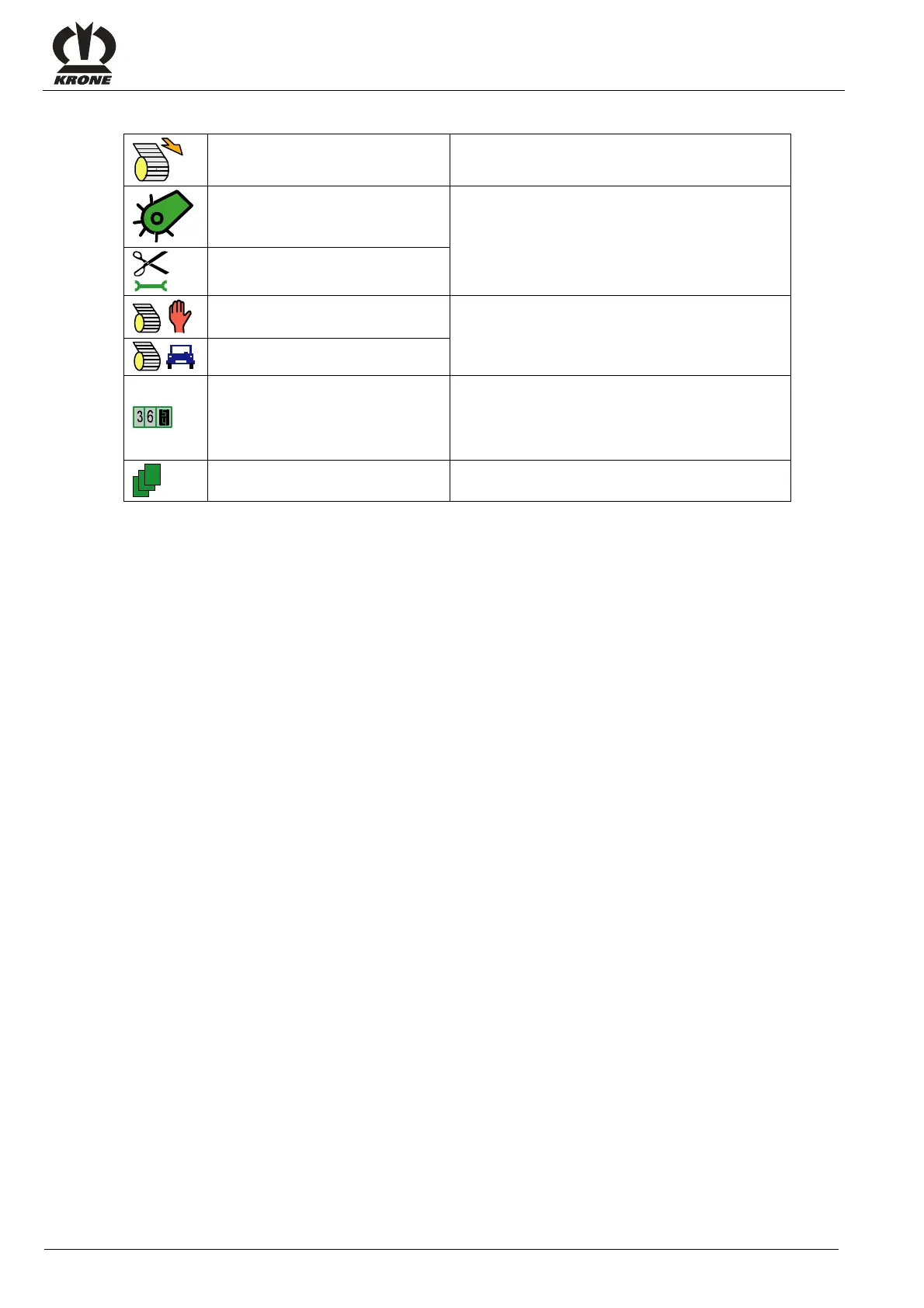
Description of the symbols (II) for the function keys (F1 to F6)
Net feeding manual mode Net is fed when actuating the function key
Pre-select Pick-up valve
The activated setting is shown
Pre-select valve cutter base
adjustment
Pre-select manual mode
The activated mode is shown
Pre-select automatic mode
Setting the customer counter
The menu 2-1 "Customer counter" is displayed
(for settings see menu 2-1 "Customer counter”)
when actuating the function key.
Menu level of the machine
By actuating the function key the menu level of
the machine will be called.








 To Next Page