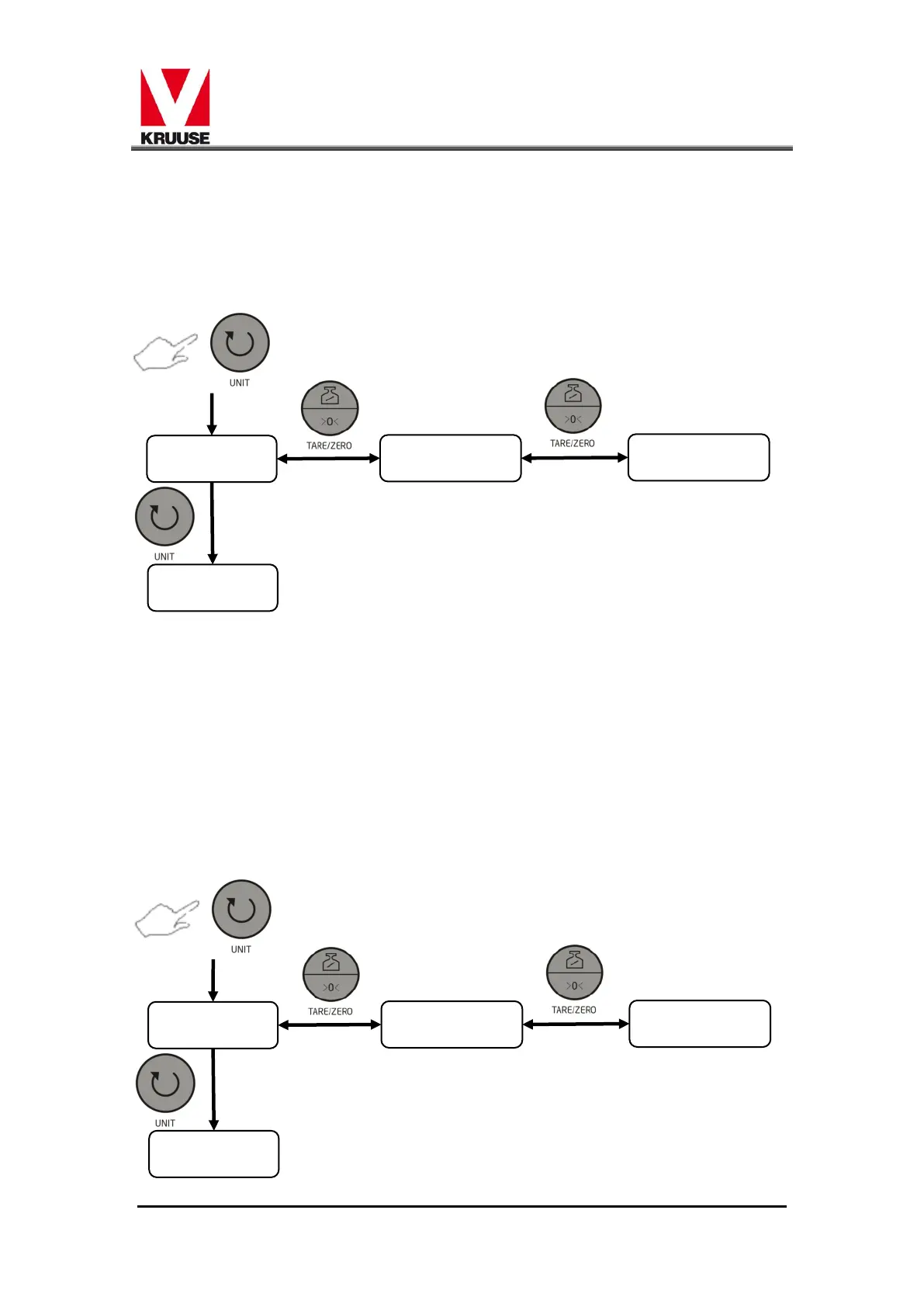
The display would show "PAR Number"。The number has 3 different
modes:"1" means no verify for 8 digit;“ 2”means Even verify for
7 digit;“3”means Odd verify for 7 digit. You could press
[TARE/ZERO] button to choose. After that, you could press [UNIT]
button to move across to Transportation function.
3.7 Transportation
This function is used to select the transportation with the host
computer or serial print, combined with the “Hold” function to
use。
The display shows "TRN Number". The number has 3 different
modes, you could find in appendix 1. After that, you could press
[UNIT] button to move across to"HOLD"function.



 To Next Page