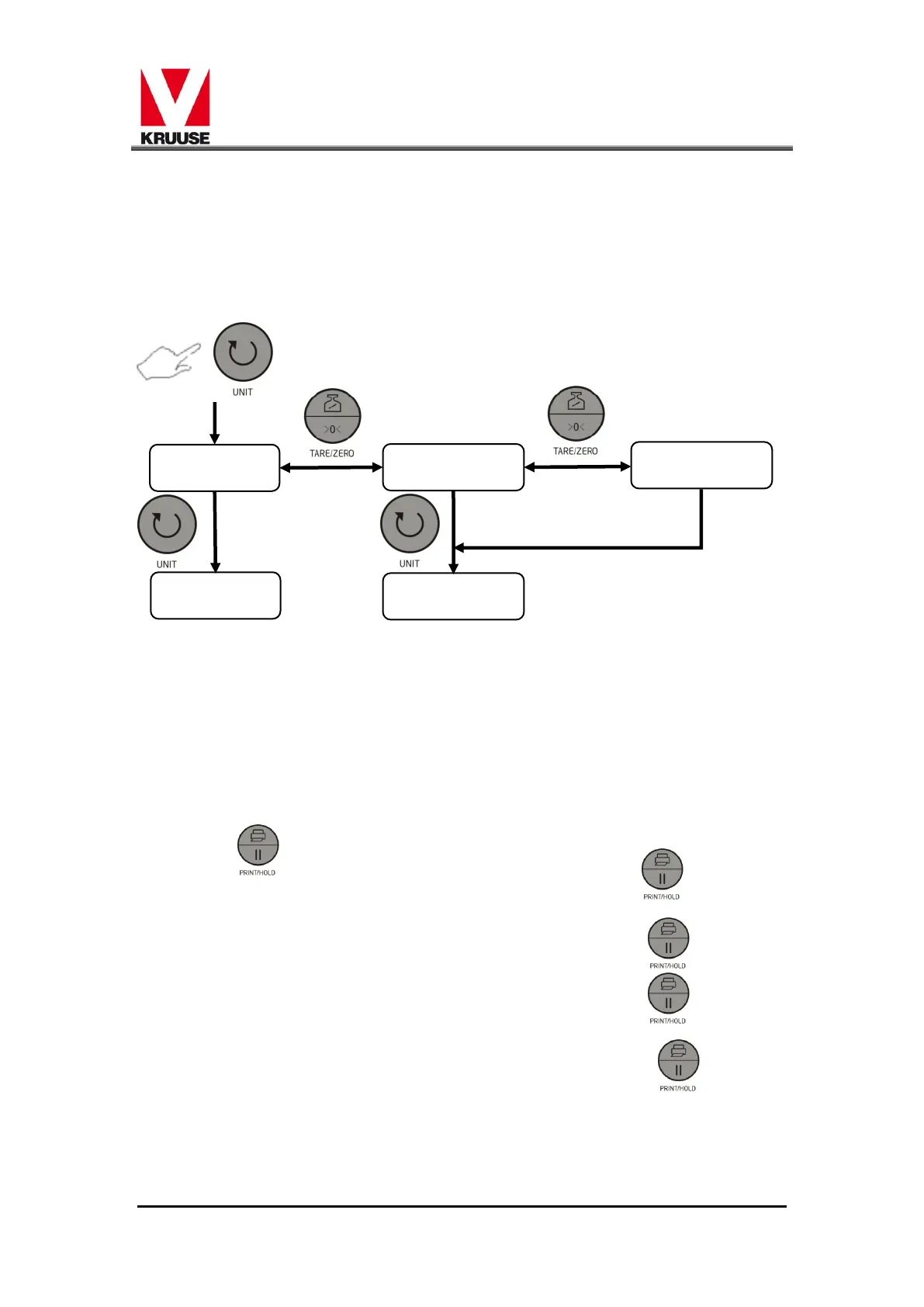
3.8 Hold
The display shows "Hod Number"。The number has 3
different modes ,you could press [TARE/ZERO] button to choose.
You could find the detail information in appendix 1. After that, you
could press [UNIT] button to move across to"Hit"function
3.9 Hit
The display would show "Hit,Number".The number has 4
different modes ,you could press [TARE/ZERO] button to choose.
"0"----The scale would keep the Hold status until you press
to cancel.
"1"----The time for Hold status is 10 sec,or press to
cancel;.
"2" ----The time for Hold status is 20 sec,or press to
cancel;
"3"---- The time for Hold status is 30 sec,or press to
cancel;
"4 "---- The time for Hold status is 40 sec,or press to
cancel;
When you confirm the choice, and then press [UNIT] button to


 To Next Page