PS250 User Instructions
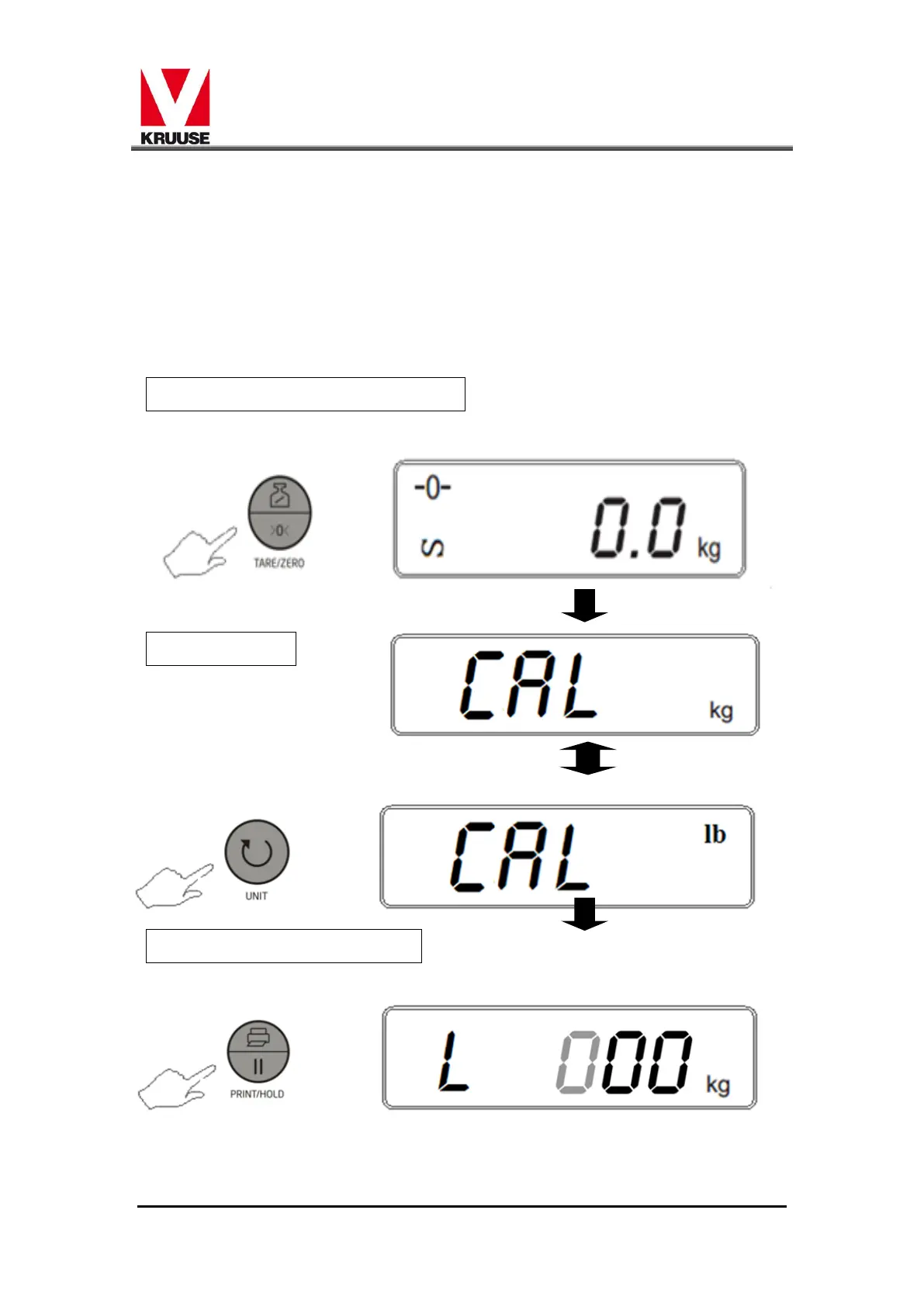
7. Put the counterweight on the scale to calibrate.
8. When stable,press [UNIT] to start the automatic calibration
9. Calibration completed,the sacle return to the weighing status automatic.
Note : The deviation between the technical calibration value and
Weighing calibration value could not be more than ±20%.Otherwise,the calibration
is failure,the dispaly should show "CALEr"


 To Next Page