english
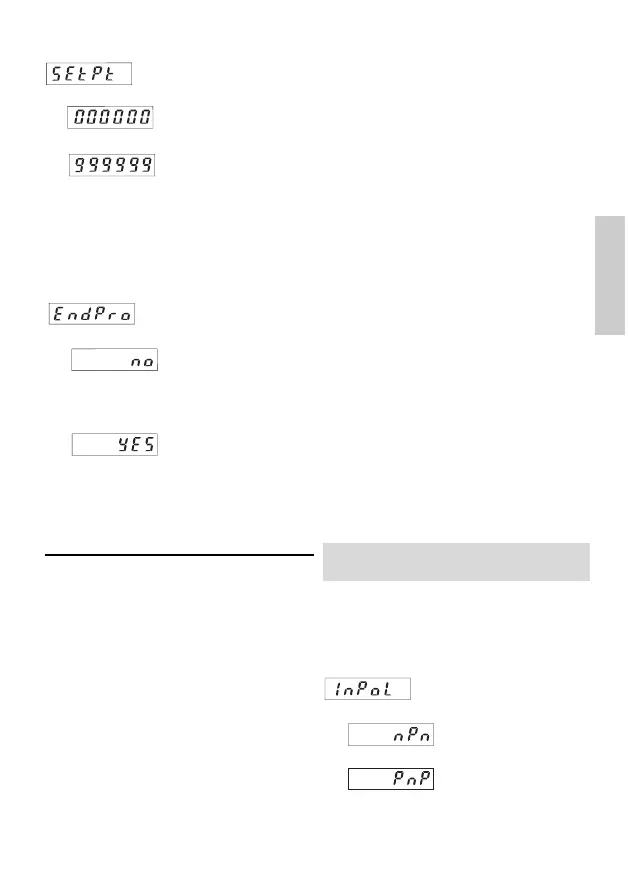
4.9 End of programming
The programming routine
is repeated once more.
The values set until now
can be checked and mod-
ified.
The programming routine
wil be left and all values
set will be stored as new
parameters.
Afterwards the device is
ready for operation.
4.8 SET value
The device will be set to
the set point by pressing
the red SET/RESET key
or activating the
SET/RESET input.
SET value -199999...
999999 (number of deci-
mal places depends on
the decimal point option)
Tachometer/Frequency meter
CCOODDIIXX 552222
(CODIX 524: Operating mode frequency
meter)
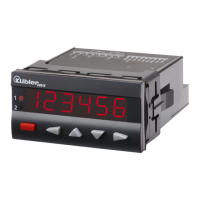
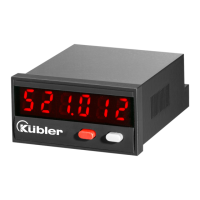
1. Description
• 6 digit frequency meter
• Red LED display, character height 8 mm
• Display range from 0 to 999 999
• Leading zeros suppression.
• Programming via two setting keys on the front
side
• During programming, the display guides the
user with text prompts
• Value conversion and display in 1/s or 1/min
• Optional optocoupler output
2. Inputs
INP A
Dynamic count input.
3. Optocoupler output (optional)
Active at f=0. Can be used e.g. to activate a „No
operation“ lamp.
4. Programming routine
The programmable parameters of the device are
described below, in the order in which they can
be set. The device is fully programmed after one
pass of the routine.
The first values stated correspond to the factory
settings
4.1 Polarity of the inputs
npn: switching for 0 V
pnp: switching for +U
B
For programming the decimal point see 4.6
4


 To Next Page