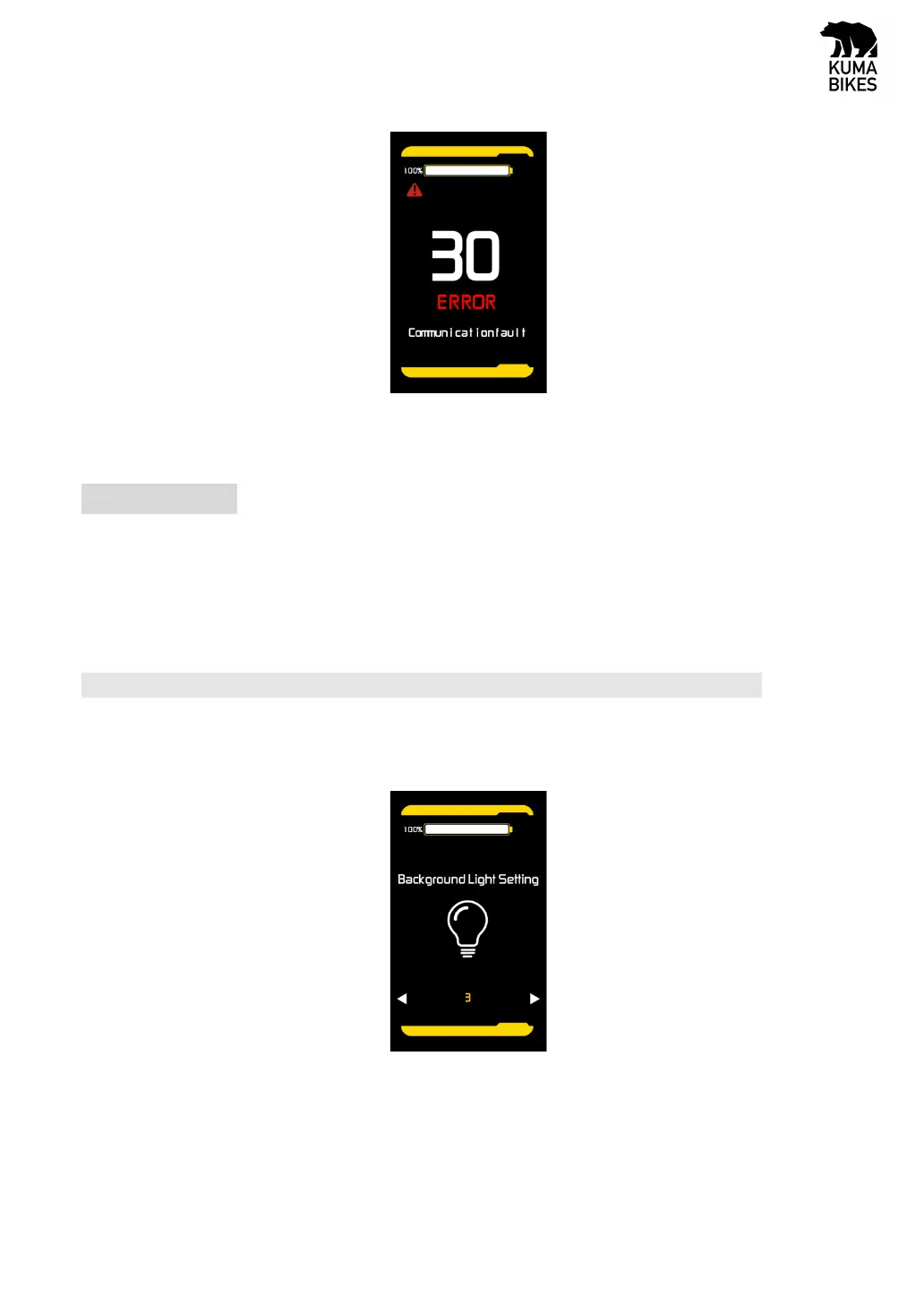
Error interface
5.User Settings
When there is no speed in the power on state, press and hold the “UP” and “DOWN” button at the
same time for 2 seconds, and the display will enter the setting interface. Press “MODE” button to select
display settings. Long press “MODE” button to save and exit the setting interface.
5.1 Backlight brightness
Through “UP” and “DOWN” button, the backlight brightness parameters can be changed. Short press
or long press “M” to exit and save the settings.
Back light setting interface


 To Next Page