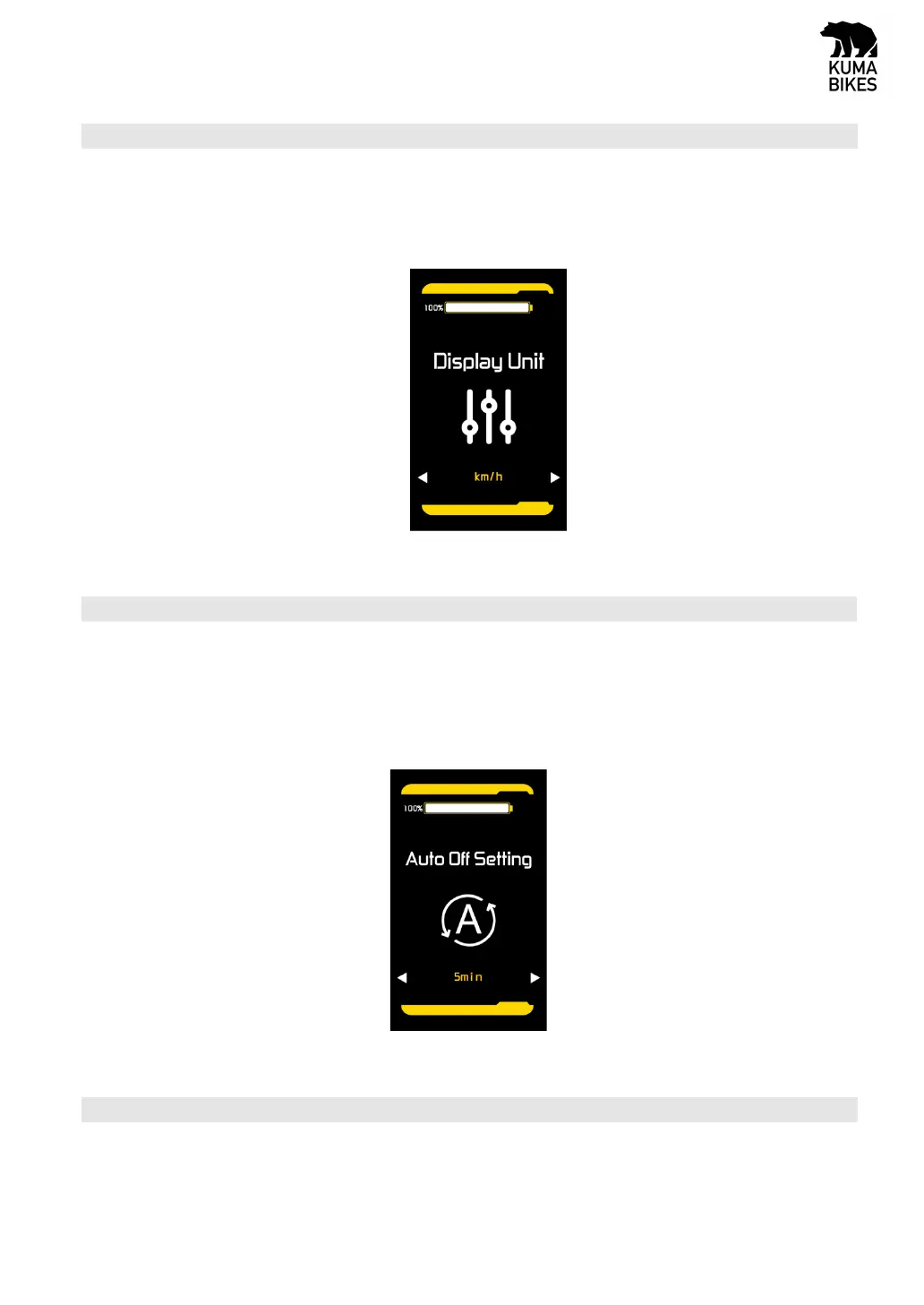
5.4 Display Unit Setting (Metric / Imperial)
The setting parameters are Metric and Imperial. Km/h or Mile/h can be selected by pressing “UP” and
“DOWN” button. Km/h means the unit is metric system, and Mile/h means the unit is Imperial
system. The default unit is metric. Short press “MODE” button to switch to next setting option
Indication unit setting interace
5.5 Auto shut down time setting
The setting range of the auto shut down time setting is 5min to 60min, the default value is 5min. It
can be set by pressing “UP” and “DOWN” button. Short press “MODE” button to confirm and switch
to next setting option
Auto shut down time setting interface
5.6 Password setting information interface
This setting interface includes two setting items: whether to turn on the POWER ON password
option and change the password. You can change the presence or absence of the boot password


 To Next Page