SECTION III
Adjustments
P 3.6
086A 08 08
8. Disconnect the cam switch electrical leads.
9. Remove the three mounting screws from the
slotted holes in the motor mounting plate. Refer
to part J this section for readjustment.
10. Remove the motor assembly through the top of
the closer frame.
11. To reinstall the motor assembly reverse these
steps.
K. PICK / CLOSURE LOCATION:
The pick advances the closure strip and locates the
leading closure in the bag closing position. To verify
whether the pick stops in the correct position, check
and adjust as follows:
1. Remove any closures from the closure track.
2. Verify that the pick is at the end of its travel. To
do this plug in the closer. turn the rocker switch
to “RUN” and then to “STOP”. The motor will
stop with the cam and pick in their proper
“parked” positions.
3. With the motor stopped, disconnect the power
cord.
4. Determine the correct inspection hole for the
model for your closer (Figure 3.8). The tip of
the pick should be visible in half of the
inspection hole as shown. Reposition the pick if
needed as follows:
BE SURE THE POWER IS DISCONNECTED.
5. Remove the side access cover.
6. Loosen the four button head screws mounted in
the slots of the motor mounting plate.
7. Slide the motor assembly until the pick is in the
proper position when viewed through the
inspection hole (Figure 3.8).
8. Tighten the mounting screws and again check
the pick position. Reattach the access cover.
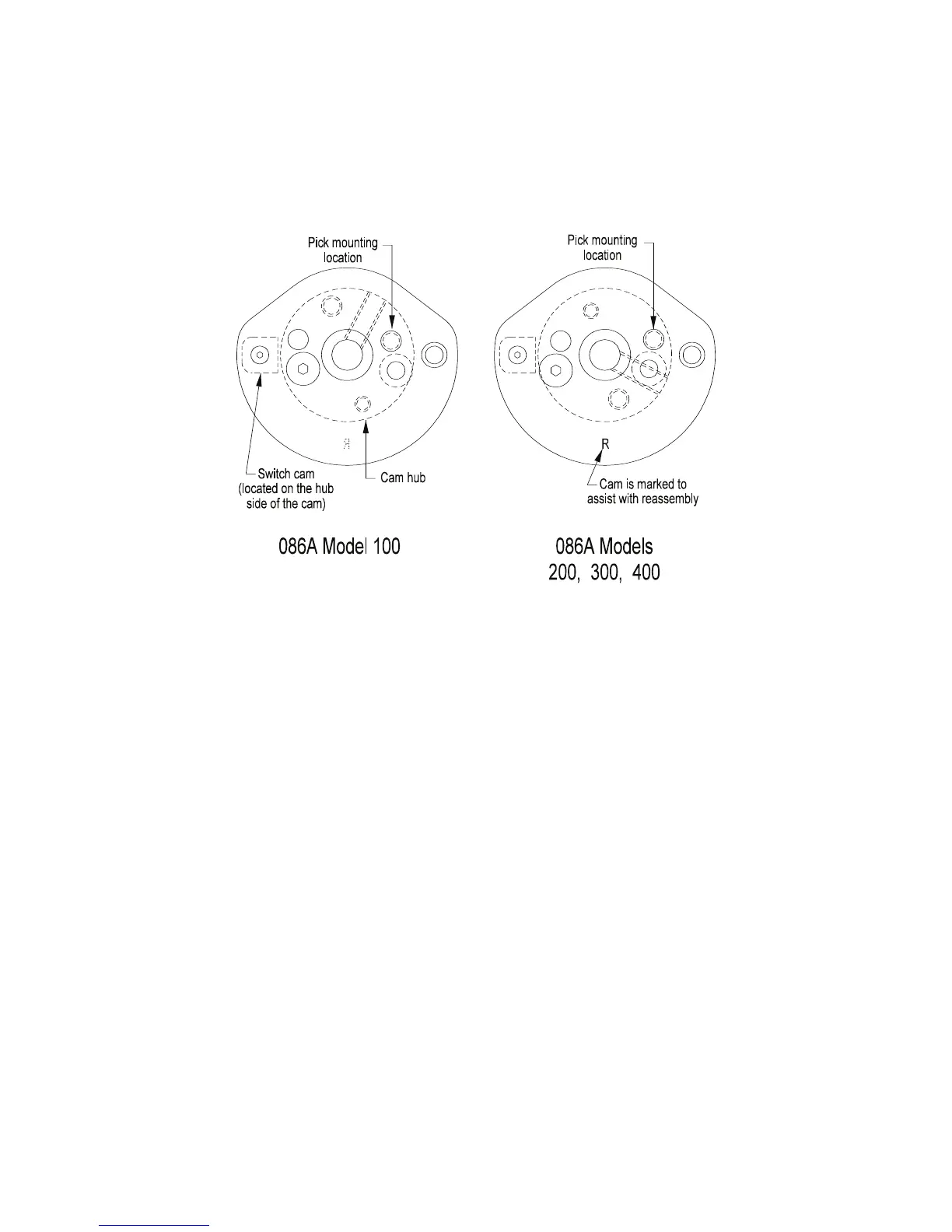
Figure 3.11


 To Next Page
 Loading...