9
8
Major Components
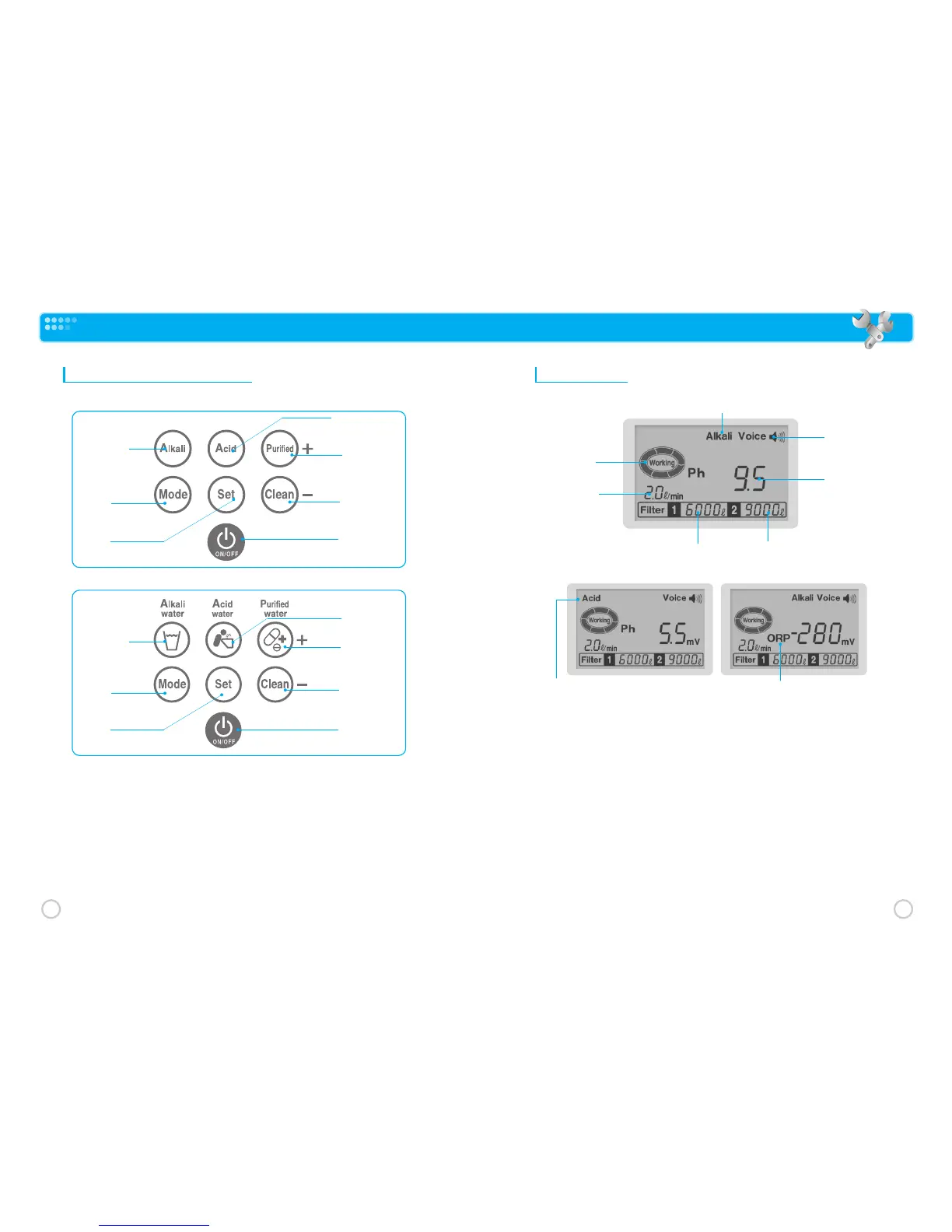
Touch Sensor Control Panel
❶
Alkali Water : Alkaline water pH level select
❷
Acid Water : Acid water pH level select
❸
Purified Water : Filtered water only select
❹
Mode : Used for Product programming
❺
Set : pH/ORP select/programming exit
❻
Clean : Product cleaning function select
❼
ON/OFF : Product activation/standby mode select
LCD Display
❶
Alkali : Alkaline water is being produced
❷
Working : Ionized water being produced
❸
Flow Rate : Ionized water production in Liters/Minute
❹
Voice : Voice prompt (on/off), Voice level
❺
pH Level : pH level (display toggled between pH using SET Touch Sensor)
❻
Filter 1 : Filter life remaining for 1
st
filter (in liters)
❼
Filter 2 : Filter life remaining for 2
nd
filter (in liters)
❽
Acid Level: Acid water is being produced
❾
ORP Level: ORP level (display toggled between ORP using SET Touch Sensor)
❹
Voice
❺
pH Level
❸
Flow rate
❷
Working
❶
Alkali
❻
Filter 1
❼
Filter 2
❾
ORP Level
❽
Acid Level
~Alkaline water display₩
~Acidic water display₩~ORP level display₩
❻
Clean
❸
Purified Water
❷
Acidic water
❼
ON/OFF
❶
Alkali Water
❹
Mode
❺
Set
❻
Clean
❸
Purified Water
❷
Acidic water
❼
ON/OFF
❶
Alkali Water
❹
Mode
❺
Set
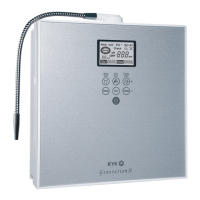
KYK25000, 30000, 33000
GenerationⅡ



 To Next Page