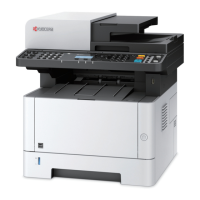
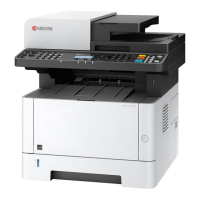
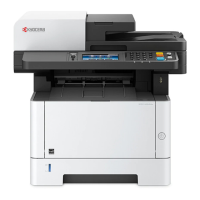
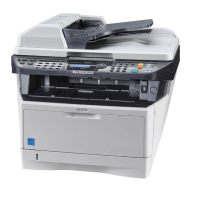
Quick Guide M2735dw - Page 2
Visit us at vox.co.za
This guide only provides basic advice to get you up and running as quickly as possible. A detailed operation guide is available on
our website.
For your convenience, Vox oers a remote or onsite installation option should you need further assistance with the setup of
your printer. A Vox engineer will either assist you remotely or at your premises, depending on the option you select.
Please email printsupport@voxtelecom.co.za should you be interested in remote or onsite support. Please note this is a billable
engagement.
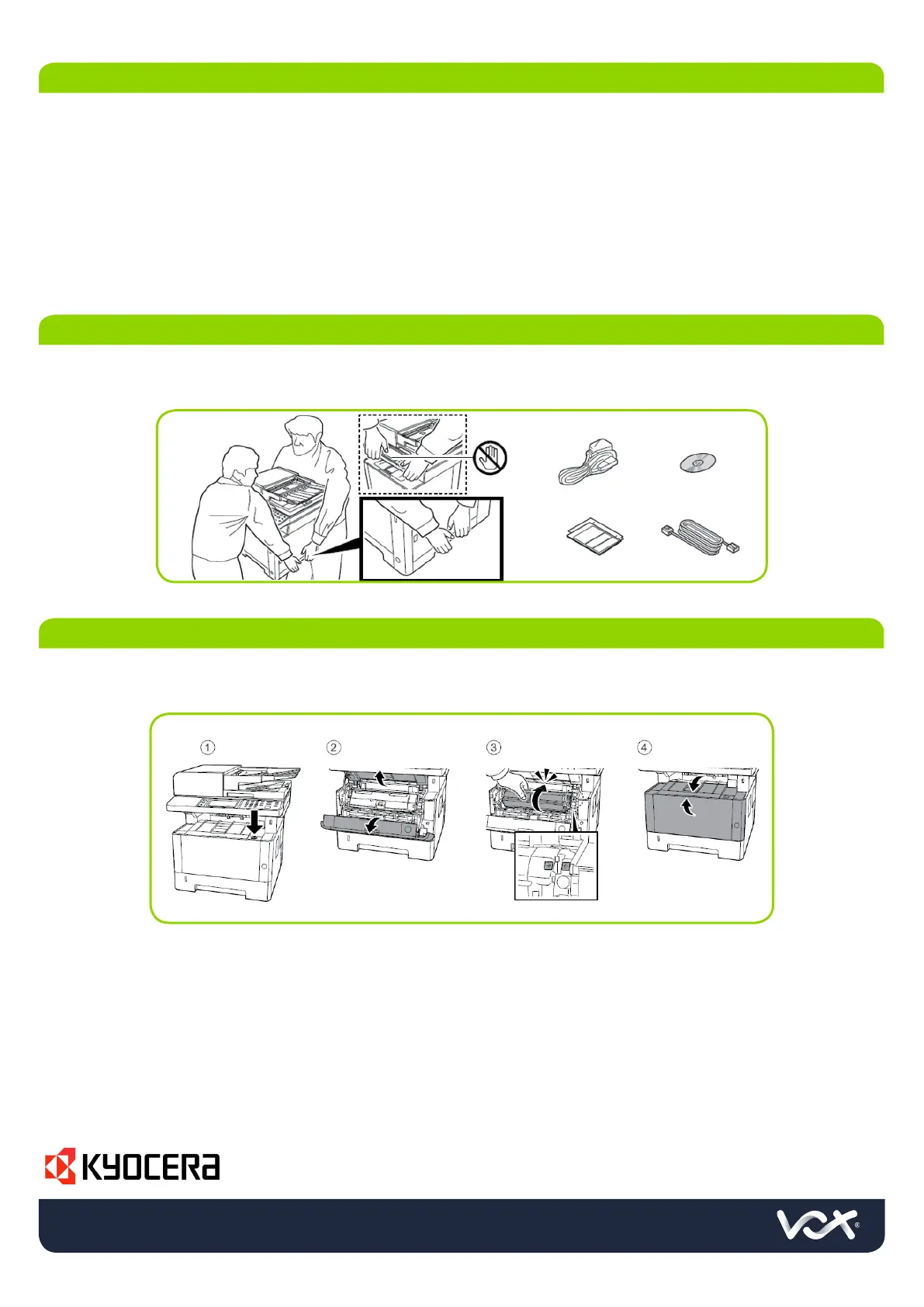
Please make sure that all the orange strips are removed from the printer in order to ensure proper operation
Please make sure that all the orange strips are removed from the printer in order to ensure proper operation
1. PREFACE
2. UNBOXING YOUR PRINTER
3. SETTING UP THE TONER



 To Next Page
 Loading...