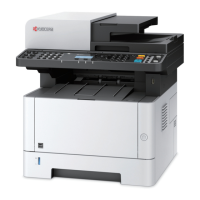
Quick Guide M2735dw - Page 3
Visit us at vox.co.za
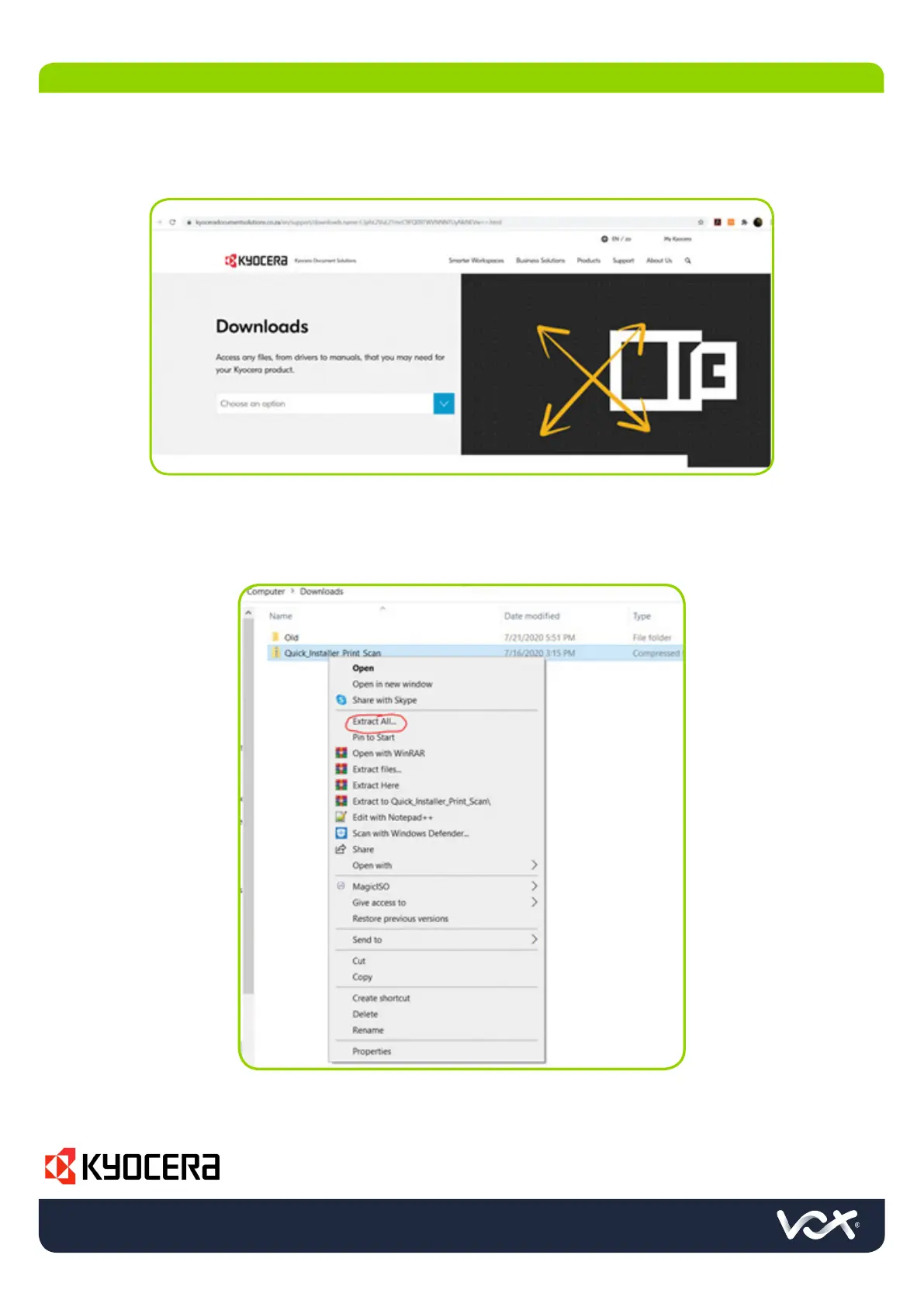
1. Download the printer drivers from Kyocera’s website.
• URL: https://www.kyoceradocumentsolutions.co.za/en/support/downloads.html
2. Select your model
3. Select the relevant driver based on the client’s operating system and click on download, use the
KX driver where possible.
4. Find the ZIP file in your downloads folder, right click and select Extract all
4. WORKSTATION DRIVER & UTILITIES INSTALLATION



 To Next Page
 Loading...