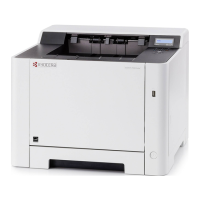
2PG/2PH
1-3-13
[REPLACE MAINTE-
NANCE KIT] message
sheet
Description
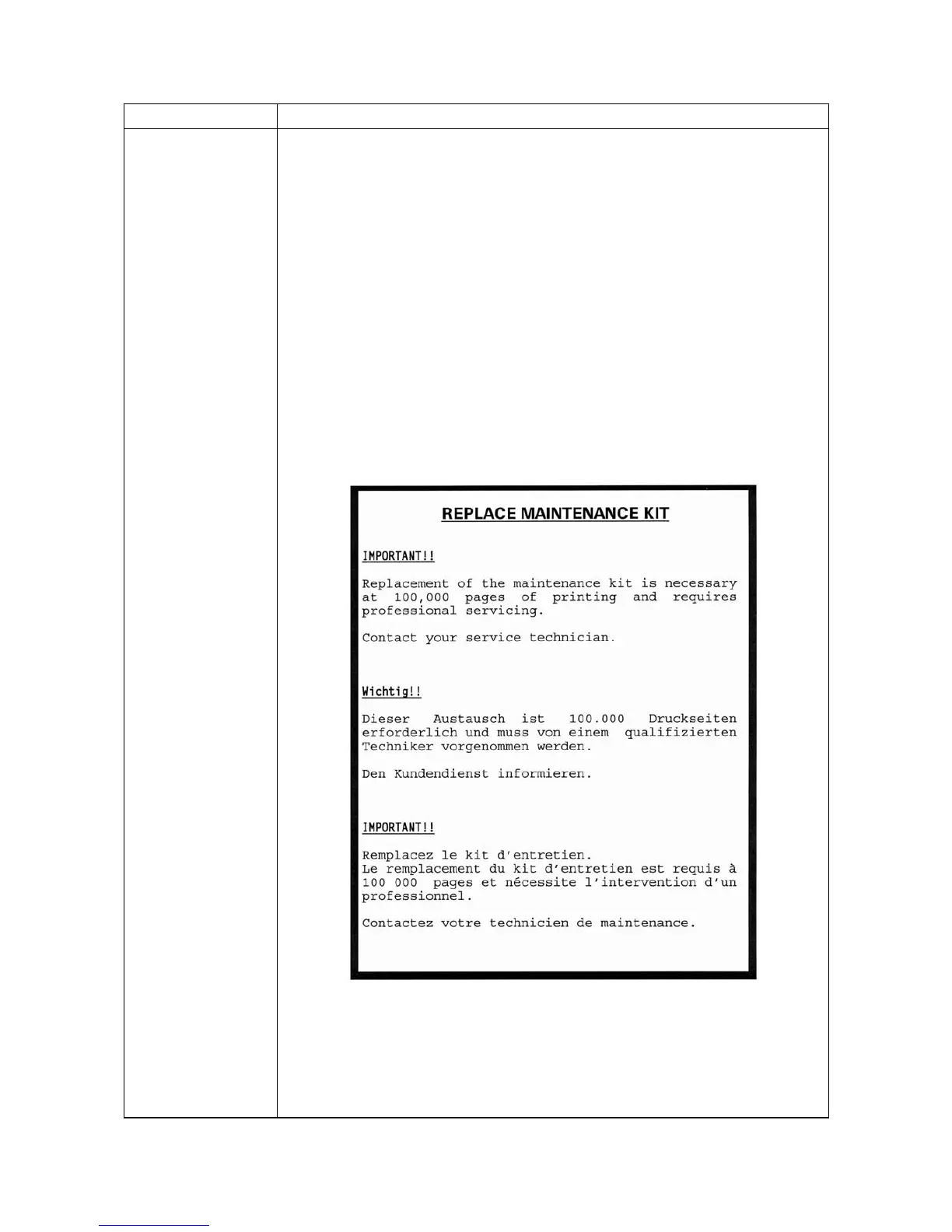
[REPLACE MAINTENANCE KIT] message sheet is printed at the 1st power-up after the
page count exceeding 100,000 pages.
Procedure
Replace the maintenance kit.
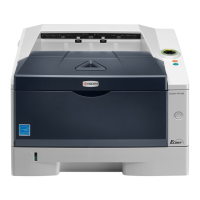
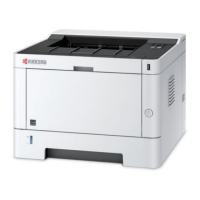
Low model
Maintenance kit MK-182 (for 120 V specifications)
Maintenance kit MK-180 (for 230 V specifications)
Maintenance kit MK-184 (for 240 V specifications)
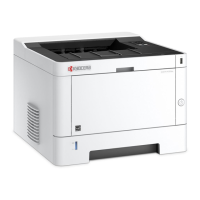
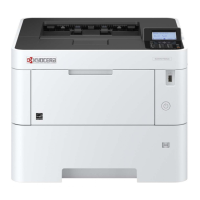
High model
Maintenance kit MK-172 (for 120 V specifications)
Maintenance kit MK-170 (for 230 V specifications)
Maintenance kit MK-174 (for 240 V specifications)
Procedure for replacing
Drum unit (See page 1-5-12)
Developing unit (See page 1-5-11)
Figure 1-3-5 [REPLACE MAINTENANCE KIT] message sheet
Service items Description



 To Next Page
 Loading...