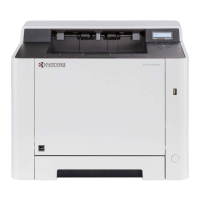
My P5026cdw has poor image quality.
To maintain quality, be sure to use genuine Kyocera toner.
The use of non-genuine toner containers may cause failure. A label is affixed to our
genuine supplies, as shown below.
1.
Replace the paper with new paper.
2.
Shake the toner container from side to side several times.
3.
Disable Eco Print mode.
4.
Make sure the paper type setting is correct for the paper being used.
5.
Select the Menu key > Adjust/Maintenance > Service > Drum > OK > OK.
6.
Select the Menu key > Adjust/Maintenance > Service > LSU > OK > OK.
7.
Select the Menu key > Adjust/Maintenance > Service > DEV-CLN > OK > OK.
8.
Select the Menu key > Adjust/Maintenance > Service > Drum > OK > OK.











 To Next Page