NOTE
+ Enter an ID consisting of between 1 and 16 numbers.
+ Select the [▲] or [▼] key to enter a number.
+ Select the [◄] or [►] key to move the cursor left or right.
+ The factory default settings for the administrator ID is set as shown below.
Wireless Connection setup by Using Wi-Fi Direct.
Enabling Wi-Fi Direct
When the wireless network function is available on the machine, setting Wi-Fi Direct enables you
to print from the Wi-Fi Direct environment. The configuration methods are as follows:
1. Press the Menu key.. 2. Press arrow down to [Wi-Fi Direct Set]
3.
Press right arrow key. 4. Press the administrator ID (2600) and select the [OK] key.
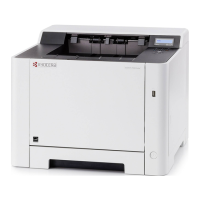
ECOSYS P5021cdn/ECOSYS P5021cdw
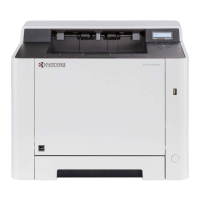
ECOSYS P5026cdn/ECOSYS P5026cdw


 To Next Page
 Loading...