3-39
Enhancement device setup procedure > Optional device installation
[CONFIDENTIAL]
3 - 3 Optional devices installation
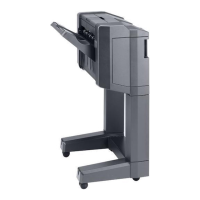
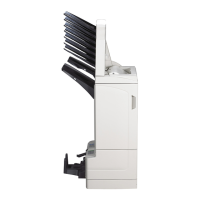
(1) Feed enhancement
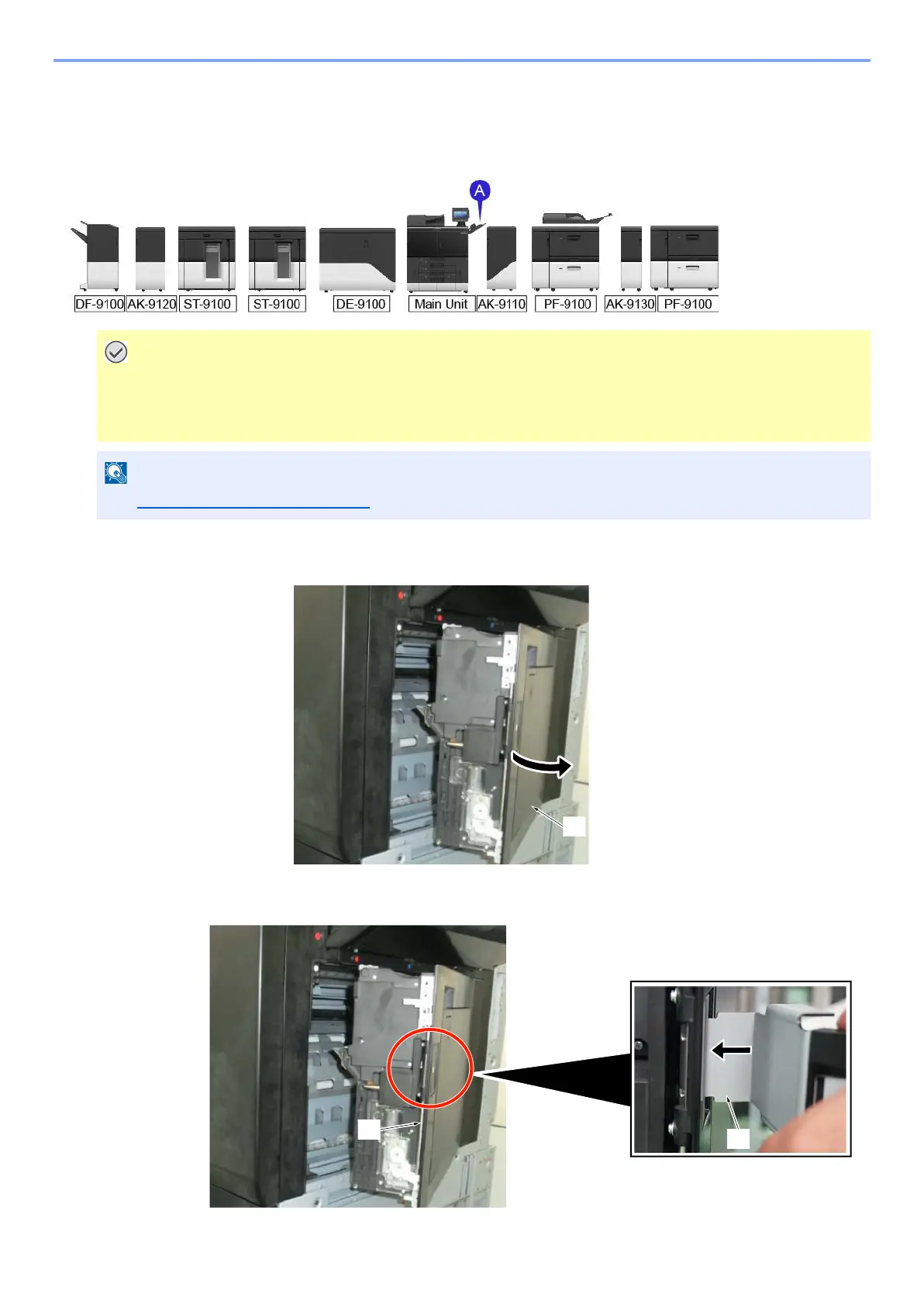
<A> Bridge Kit for Main Unit (AK-9110)
1
Open the right cover [A].
2
Insert the handle lever [A] into the handle fulcrum [C] on the right cover.
• All tapes and packing materials on the accessories parts have to be removed.
• Main power switch of main unit has to be turned off and power cable has to be unplugged before install AK-
9110.
See Bridge Kit for Main Unit (AK-9110) for unpacking



 To Next Page