5-5
Corrective action when service call occur > C2120
[CONFIDENTIAL]
10
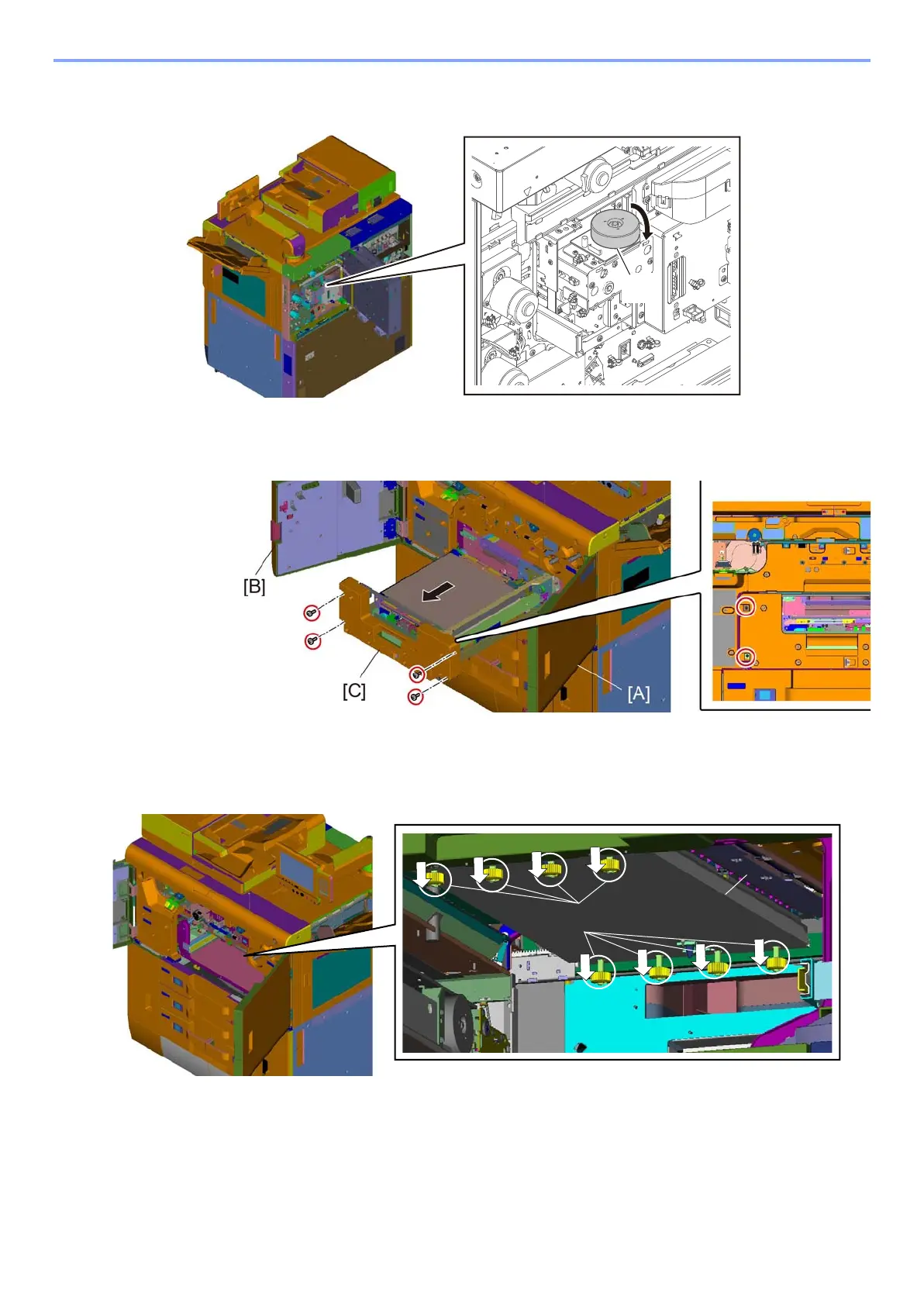
Turn the image conveying lift motor [A] to the right and lift up the image conveying
unit to the pulling out position.
11
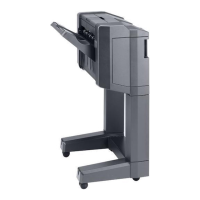
Open the front right upper cover [A] and the front left upper [B] covers.
12
Pull out the image conveying unit [C]. (Screw x4)
13
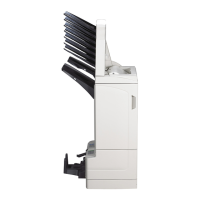
Loosen the thumb screw [B] of the head protective cap for transportation [A].
(The screws never drop because of stopper.)



 To Next Page