6 Getting Started
Performing basic functions
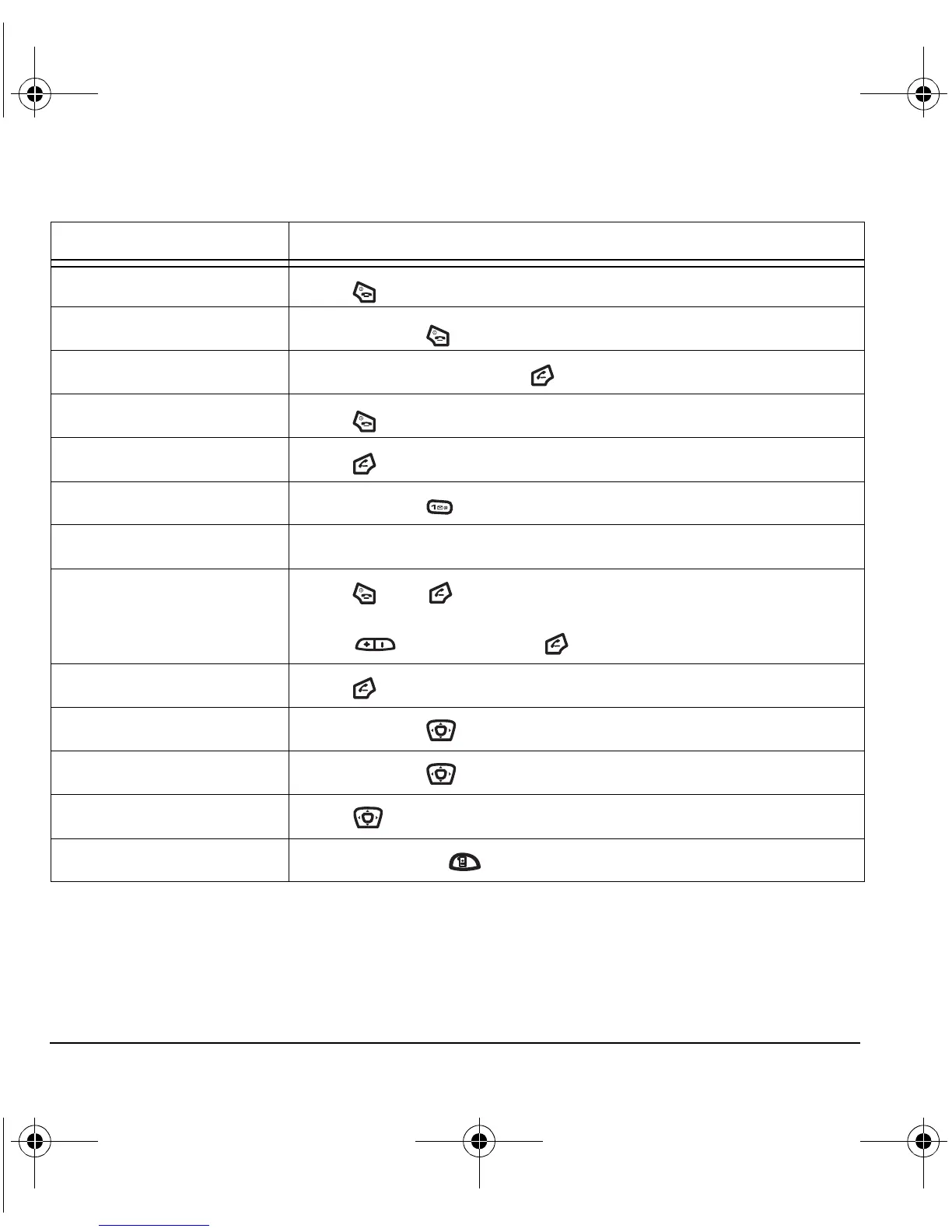
To... From the home screen...
Turn the phone on
Press and wait until the phone chimes.
Turn the phone off
Press and hold until the phone beeps.
Make a call
Enter the number, and press .
End a call
Press .
Answer a call
Press .
Access voicemail
Press and hold and follow the system prompts.
Verify your phone number
Select Menu → Phone Info.
Silence the ringer on an
incoming call
Press , then to answer.
-or-
Press up or down, then to answer.
Activate voice dialing
Press once and follow the prompts (see page 30).
Launch the browser
Press and hold left.
Record a voice memo
Press and hold right.
Access recent calls list
Press down.
Take a picture
Press camera key .
82-N8671-1EN.book Page 6 Tuesday, October 4, 2005 3:49 PM










 To Next Page